
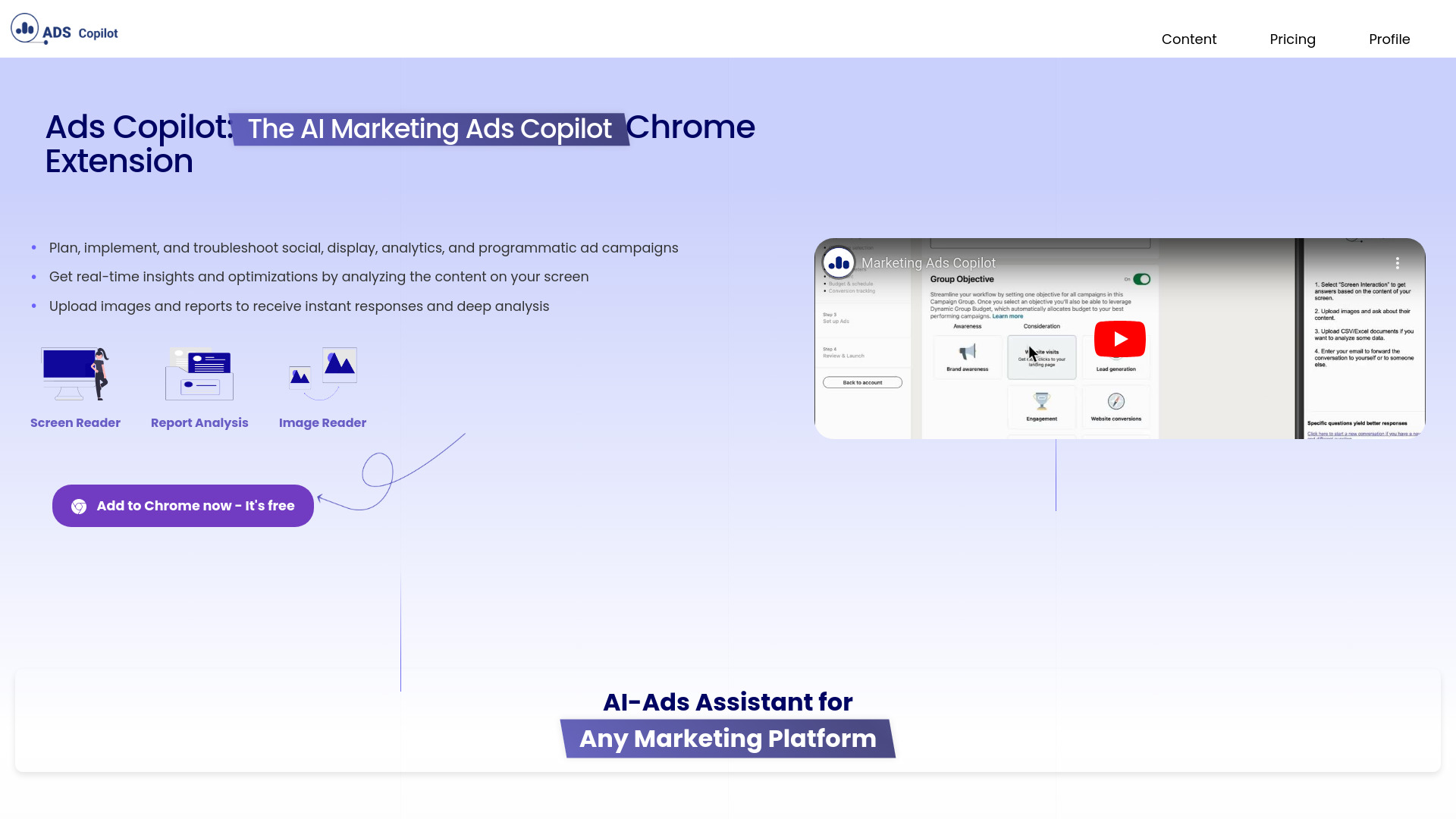
What is Ads Copilot?
Ads Copilot is a comprehensive Chrome extension designed to revolutionize your ad campaign management experience. This powerful tool integrates seamlessly with your browser to provide real-time insights, streamline campaign planning, and troubleshoot issues efficiently. Whether you're a seasoned digital marketer or just starting out, Ads Copilot offers a complete suite of features to enhance your advertising efforts. With its intuitive interface and advanced analytics, you can optimize campaigns, target audiences more effectively, and achieve higher ROI. From crafting compelling ad copy to monitoring performance, Ads Copilot serves as your all-in-one solution for digital advertising success.
How to use Ads Copilot?
Using Ads Copilot is straightforward and intuitive. First, install the Chrome extension from the web store. Once installed, the extension icon appears in your browser toolbar. Click the icon to access the dashboard where you can create new campaigns or manage existing ones. Use the campaign builder to define objectives, set budgets, and establish timelines. The tool provides real-time suggestions as you craft ad copy and select targeting options. Monitor performance metrics directly within the extension and make adjustments on the fly. For troubleshooting, access the diagnostic tools to identify and resolve issues quickly, ensuring your campaigns run smoothly.
Core features of Ads Copilot?
- Real-Time Analytics Dashboard: Gain instant insights into campaign performance with comprehensive metrics including click-through rates, conversion rates, and engagement data.
- Intelligent Ad Copy Generator: Receive AI-powered suggestions to optimize your ad content for better engagement and higher conversion rates.
- Advanced Audience Targeting: Utilize sophisticated targeting options to reach your ideal customers based on demographics, interests, and behavior patterns.
- Campaign Optimization Recommendations: Get data-driven suggestions to improve campaign performance and maximize your advertising budget.
- Issue Detection and Resolution: Identify potential problems before they impact performance with automated troubleshooting tools.
























