
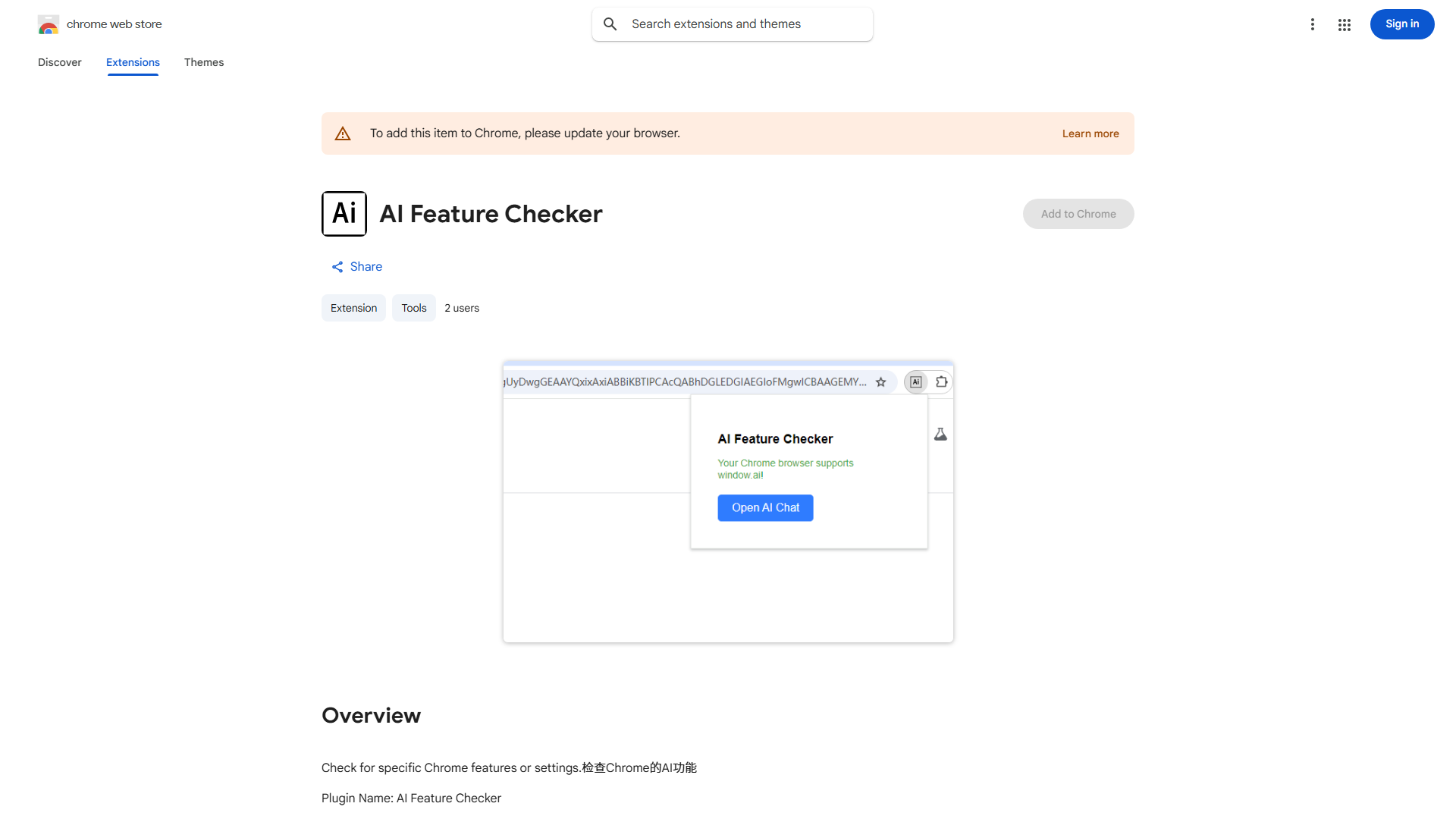
AI Feature Checker: Unlock the Full Potential of Your Browser's AI Capabilities
What is AI Feature Checker?
AI Feature Checker is a revolutionary Chrome extension that serves as your personal gateway to the hidden world of artificial intelligence within your browser. This powerful tool is designed to detect, verify, and enable AI features that are often disabled by default or buried deep within browser settings and web applications. The extension acts as a comprehensive AI discovery platform, scanning your browsing environment to identify AI-powered functionalities across different websites and services. With AI Feature Checker, users gain unprecedented access to experimental AI features, beta functionalities, and advanced AI tools that would otherwise remain inaccessible to the average user. The value proposition is clear: democratize access to AI technologies and empower users to fully leverage the artificial intelligence capabilities embedded in their digital ecosystem. Whether you're a developer seeking to test AI implementations, a researcher exploring cutting-edge technologies, or simply a tech enthusiast curious about the latest AI innovations, this extension bridges the gap between available AI features and your ability to use them effectively.
How to use AI Feature Checker?
Getting started with AI Feature Checker is remarkably simple and intuitive. First, install the extension from the Chrome Web Store and pin it to your browser toolbar for easy access. Once installed, the AI Feature Checker icon will automatically scan the websites you visit, indicating when AI features are detected through a subtle notification badge. Click on the extension icon to view a comprehensive list of available AI features on the current page, with detailed descriptions of each functionality. To enable a specific AI feature, simply toggle the switch next to its name – the extension will handle all the technical configurations in the background. The dashboard provides a centralized location where you can manage all activated AI features, customize their settings, and monitor their performance. For advanced users, the extension offers additional options to configure AI model preferences, set feature activation rules for specific websites, and receive notifications when new AI features become available. The entire process is designed to be seamless, requiring no technical expertise while providing powerful customization options for those who want fine-grained control over their AI experience.
Core features of AI Feature Checker?
AI Feature Checker comes packed with a robust set of functionalities designed to enhance your AI browsing experience. The extension's primary feature is its intelligent AI detection system, which continuously scans websites and browser settings to identify hidden or disabled AI features. The one-click activation mechanism allows users to enable these features without navigating through complex settings or technical configurations. The compatibility checker ensures that your browser and system meet the requirements for each AI feature, preventing crashes or performance issues. The real-time notification system alerts you when new AI features are rolled out or when experimental features become available for testing. The extension also includes a comprehensive dashboard where you can manage all activated AI features, customize their behavior, and monitor their resource usage. For privacy-conscious users, AI Feature Checker includes granular permission controls, allowing you to decide which features can access your data. The extension maintains a detailed activity log, tracking which AI features you've used and their impact on your browsing experience. Finally, the automatic update system ensures that your AI feature library stays current with the latest developments in artificial intelligence technology, keeping you at the forefront of AI innovation without requiring manual updates or installations.