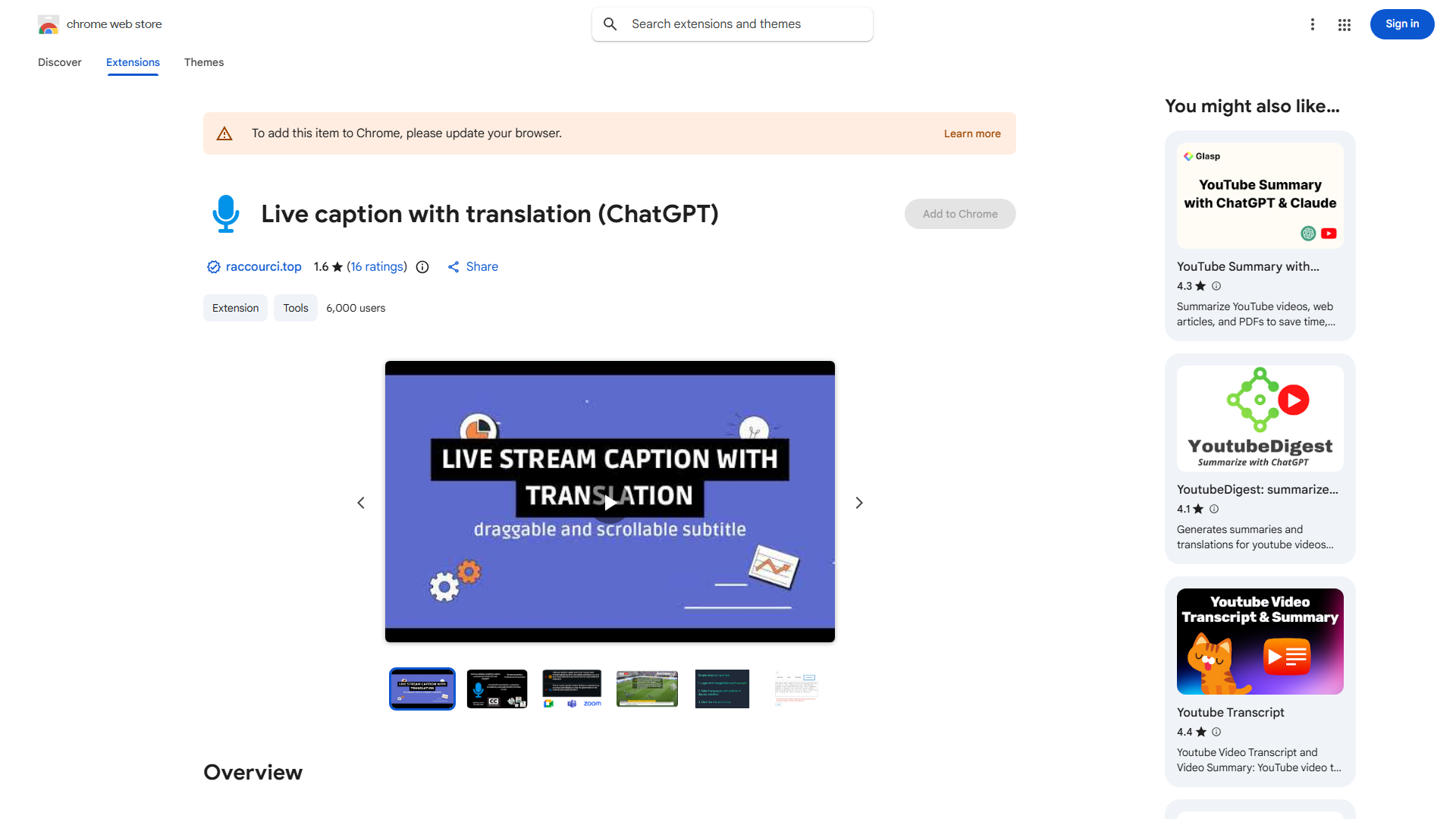
What is Subtitle Chrome Extension?
Subtitle Chrome Extension enhances online video experience with live subtitles and instant translation. It seamlessly integrates with Chrome, providing real-time transcription for any video, making content accessible to users who are deaf or hard of hearing or prefer reading subtitles. It breaks language barriers, allowing effortless understanding of content in different languages.
How to use Subtitle Chrome Extension?
Install the extension from Chrome Web Store. Click the extension icon in your toolbar while watching videos. The extension automatically generates real-time subtitles. Customize appearance through settings by adjusting font size, color, and position. For translation, select your preferred language from the extension menu.
Core features of Subtitle Chrome Extension?
- Live Subtitles: Automatic real-time transcription for any online video
- Instant Translation: Translate content into multiple languages seamlessly
- Customization Options: Personalize subtitle appearance with adjustable settings
- Accessibility Support: Makes online content inclusive for hearing-impaired users
- Cross-Platform Compatibility: Works across various video streaming platforms