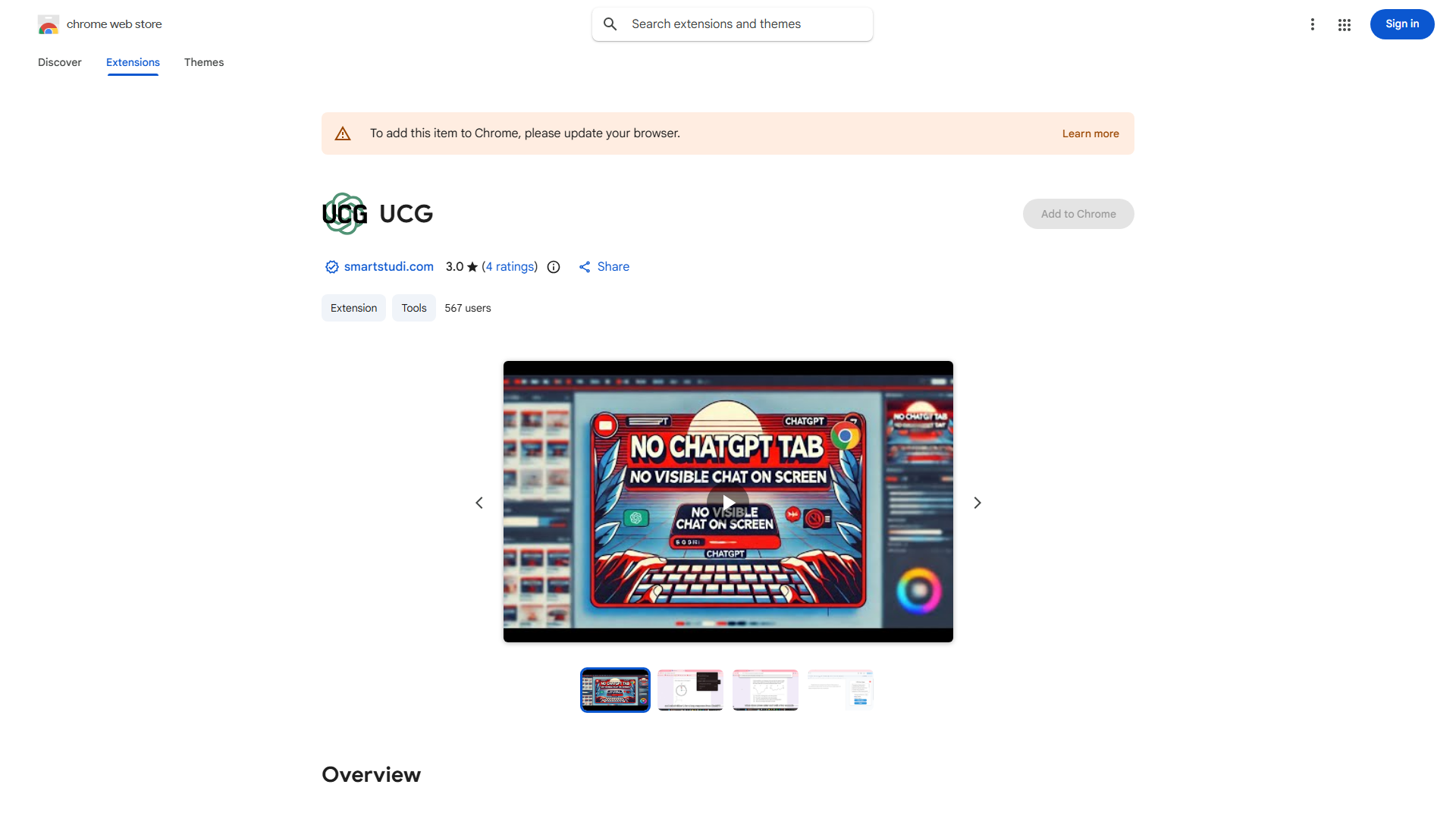
What is Undetectable ChatGPT Chrome (UCG) Extension?
The Undetectable ChatGPT Chrome (UCG) Extension is a sophisticated browser tool that seamlessly integrates ChatGPT's AI capabilities directly into your Chrome browsing experience. Designed for professionals, writers, and researchers, this extension provides discreet access to AI-generated content without requiring tab switching or compromising privacy. It operates as a background service, allowing users to maintain their current workflow while receiving real-time AI assistance for various tasks including email drafting, content creation, and idea generation.
How to use Undetectable ChatGPT Chrome (UCG) Extension?
To use the UCG Extension, first install it from the Chrome Web Store. After installation, a small icon will appear in your Chrome toolbar. Click this icon to open a sidebar interface where you can interact with ChatGPT. Simply type your queries or prompts into the text field, and the AI will generate responses in real-time. The extension maintains your current webpage view, allowing you to reference information while receiving AI assistance. You can close the sidebar at any time to continue browsing normally.
Core features of Undetectable ChatGPT Chrome (UCG) Extension?
- Seamless Integration: Operates within Chrome without disrupting your current browsing activity
- Real-time AI Assistance: Provides instant content generation for emails, articles, and creative tasks
- Privacy Protection: Ensures all interactions remain confidential and undetectable by website tracking
- User-friendly Interface: Features an intuitive sidebar design for easy access and operation
- Multi-purpose Functionality: Supports various use cases from research to content creation and problem-solving