
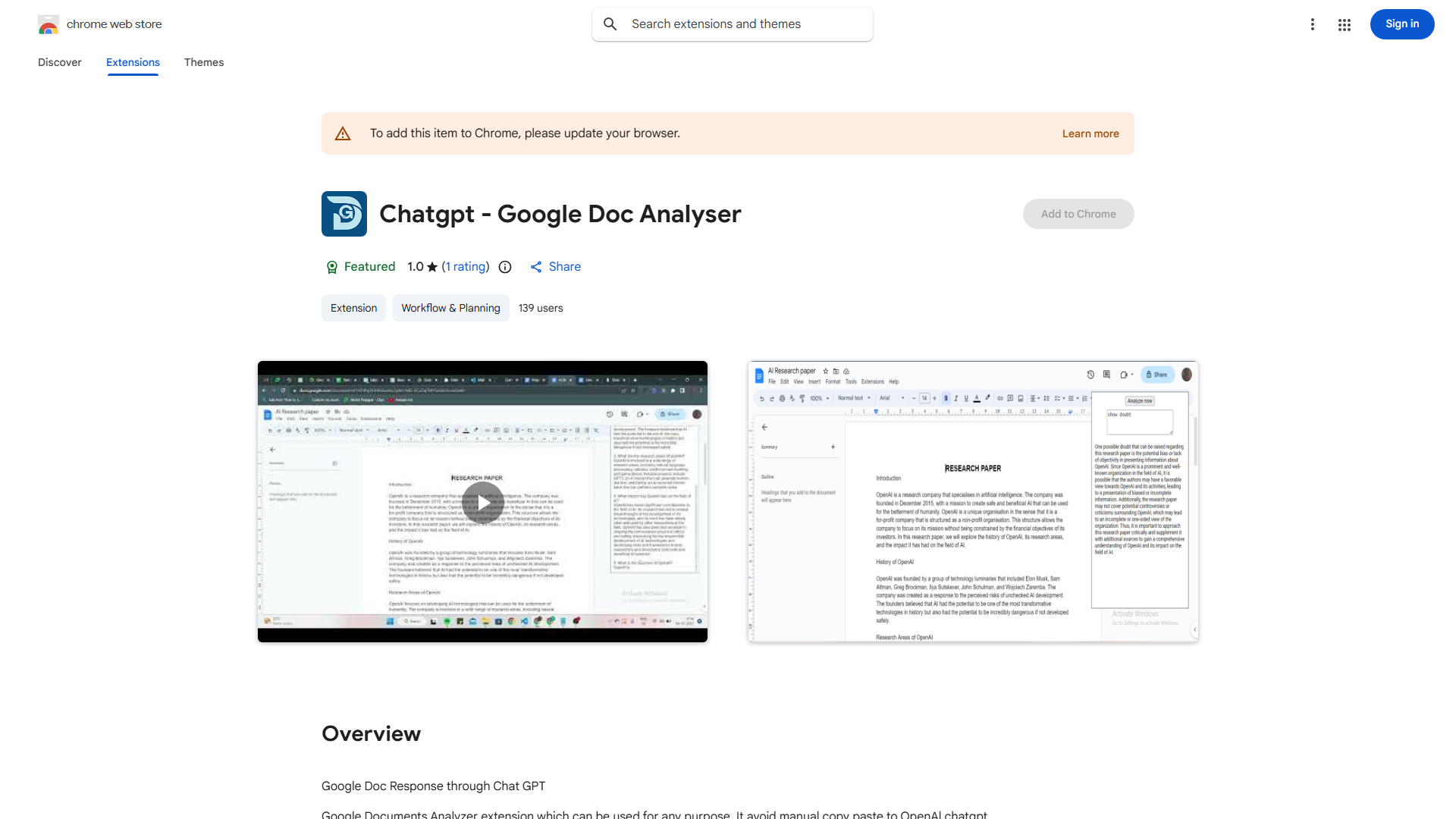
What is Google Documents Analyzer Extension?
The Google Documents Analyzer Extension is a powerful AI tool integrated directly into Google Docs that provides instant insights and summaries without leaving your document. Designed to streamline your workflow, this extension eliminates the need for copying and pasting text into separate analysis tools. It serves as your productivity companion for document analysis, helping you gain valuable insights with just a few clicks. Whether you're a student, professional, or researcher, this extension enhances your Google Docs experience by automating the process of extracting meaningful information from your documents.
How to use Google Documents Analyzer Extension?
Using the extension is straightforward and efficient. After installation, simply highlight any text within your Google Doc that you want to analyze. Right-click to access the extension menu, then select the analysis type you need. The extension will automatically process your selected text and display results in a sidebar or pop-up window. You can choose from different analysis modes including summary generation, keyword extraction, or readability assessment. The results appear instantly, allowing you to make informed decisions about your document content without interrupting your workflow.
Core features of Google Documents Analyzer Extension?
The extension offers several powerful features that transform how you work with documents:
- Automatic Text Analysis: Instantly analyzes selected text to provide comprehensive insights
- Summary Generation: Creates concise summaries that capture the main points of your content
- Keyword Extraction: Identifies and highlights the most relevant keywords to improve focus and SEO
- Readability Assessment: Evaluates your text's complexity and suggests improvements for better audience engagement
- Real-time Processing: Delivers analysis results immediately as you work on your document