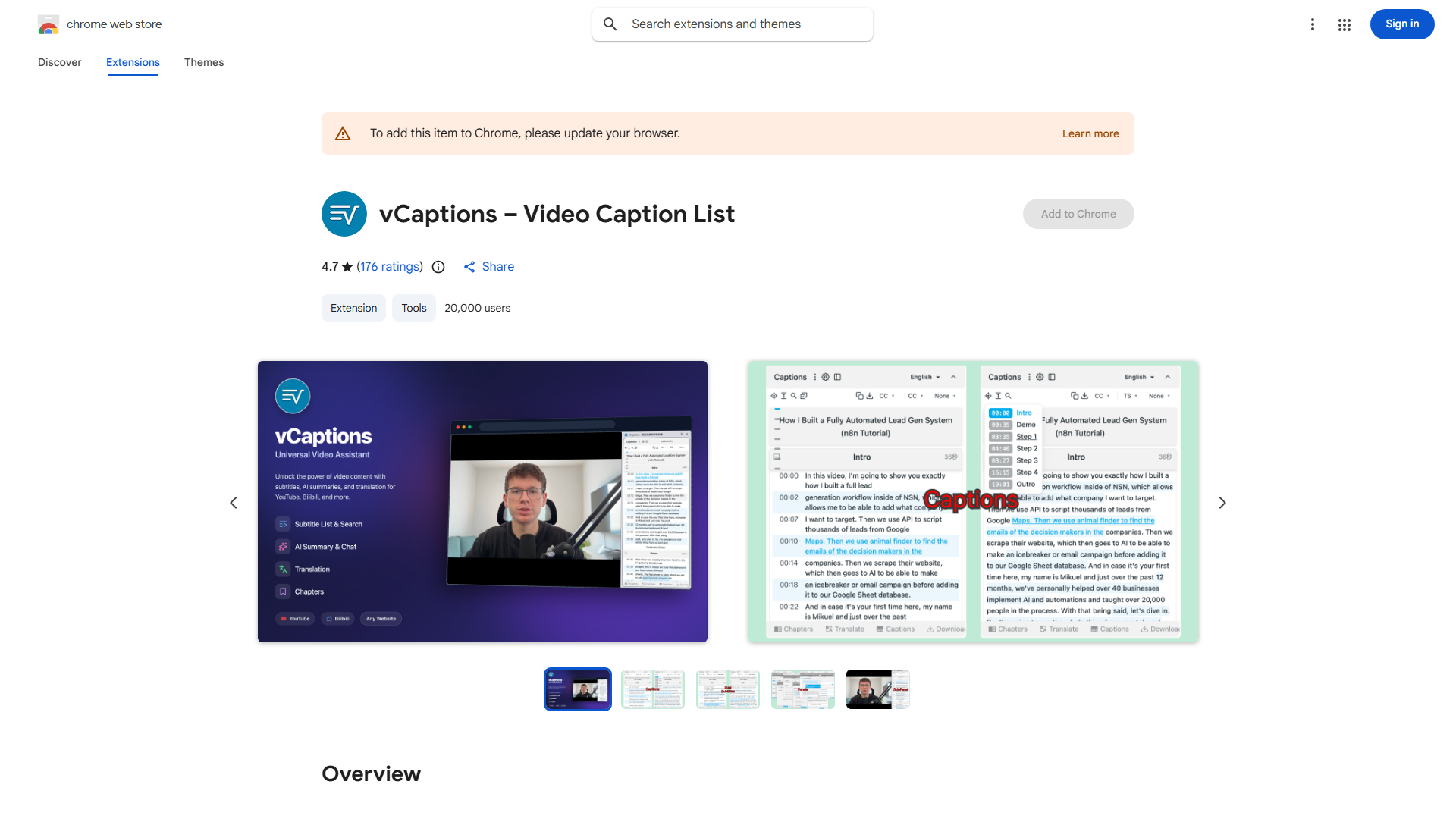
What is Bilibili Subtitle Extension?
Bilibili Subtitle Extension is a browser add-on that enhances your video viewing experience on Bilibili by providing advanced subtitle management directly within the video player. This tool bridges content and subtitles, making videos more accessible for language learners, content creators, and international viewers. It offers seamless subtitle display, customization options, and navigation features that transform how you engage with video content on the platform.
How to use Bilibili Subtitle Extension?
First, install the extension from your browser's add-on store. Once installed, visit Bilibili and play any video with available subtitles. Click the subtitle icon in the player controls to access the extension's menu. From there, you can toggle subtitles on/off, switch between multiple language tracks, adjust subtitle size, color, and positioning in real-time. Use the search function to find specific words or phrases within subtitles. For offline access, click the download button to save subtitles to your device.
Core features of Bilibili Subtitle Extension?
- Real-time subtitle synchronization that automatically adjusts to video playback speed
- Customizable subtitle styles including font size, color, background opacity, and positioning
- Multi-language subtitle support with instant switching between original and translated tracks
- Advanced search functionality allowing users to find and highlight specific words within subtitles
- One-click subtitle download for offline viewing and language learning purposes
- Seamless integration with Bilibili's video player interface for intuitive user experience