What is Contexa?
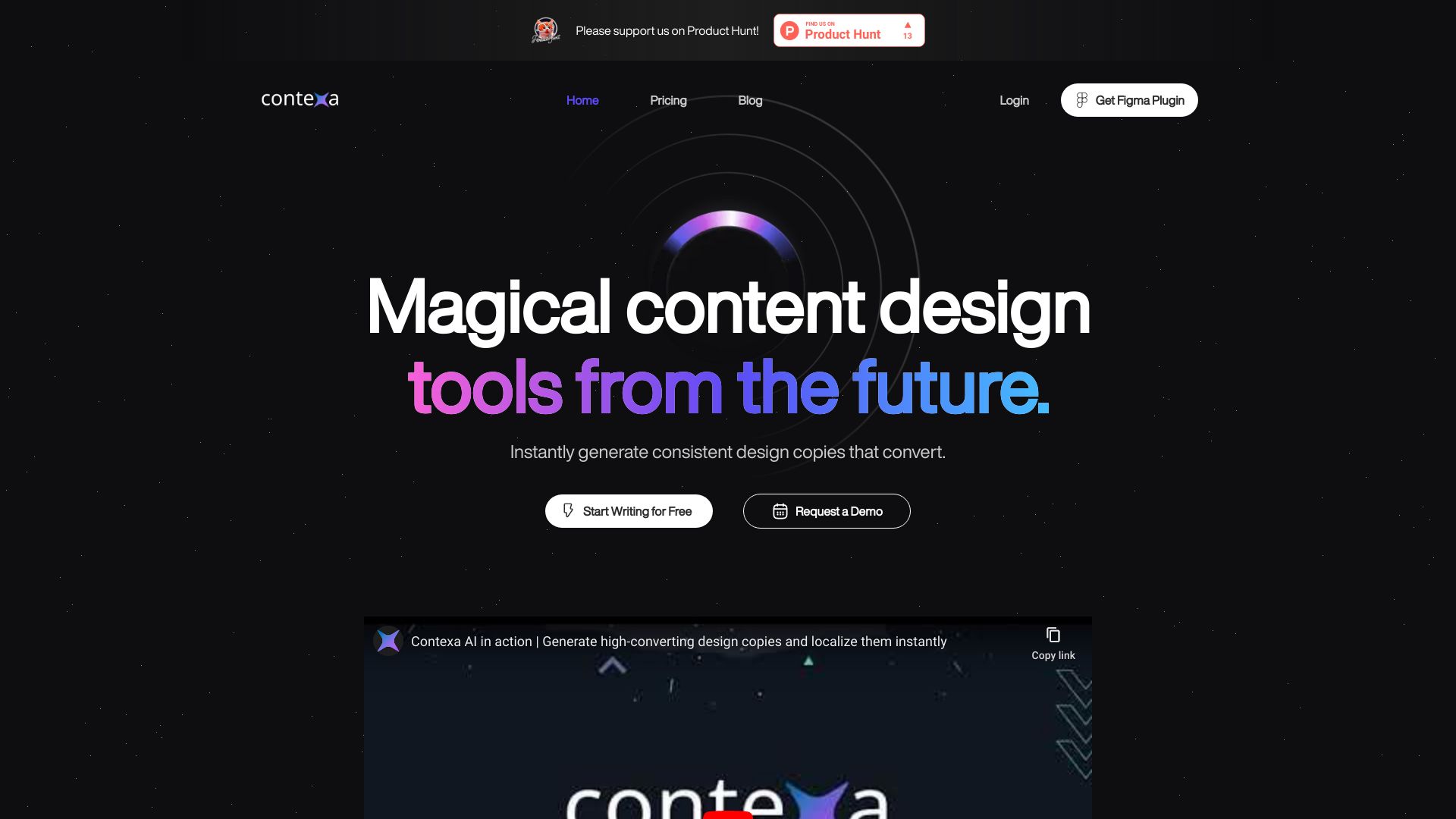
Contexa is an AI-powered design tool seamlessly integrated within Figma, specifically designed to streamline the process of generating and localizing design copies. This innovative solution empowers designers and teams to create localized content effortlessly, saving valuable time while enhancing collaboration. With Contexa, users can generate text variations for different regions and languages, ensuring brand consistency across global designs. Whether working on international marketing campaigns or product launches, Contexa serves as the essential solution for efficient and effective design localization.
How to use Contexa?
Using Contexa is straightforward and intuitive. After installing the plugin in your Figma workspace, simply select any text layer or element you wish to localize. Click the Contexa button in the right sidebar, choose your target language or region, and the AI will instantly generate multiple appropriate text variations. You can preview each option in real-time within your design canvas, select the best fit, and apply it with a single click. The tool maintains your design's original formatting and layout while replacing the text content seamlessly.
Core features of Contexa?
Contexa offers several powerful features that transform the design localization process:
-
AI-Driven Copy Generation: Leverage advanced artificial intelligence to create contextually appropriate text variations with a single click, understanding the tone and intent of your original copy.
-
Real-Time Localization Preview: Instantly see how your text will appear in different languages and regions without leaving your Figma workspace, with automatic consideration of character length and cultural nuances.
-
Smart Integration: Seamlessly integrates with Figma's interface, appearing as a native plugin with familiar controls and workflows that designers already know.
-
Multi-Language Support: Supports over 100 languages with automatic detection of appropriate regional variations and cultural adaptations.
-
Team Collaboration: Share localized designs with team members and stakeholders, with version history and comment features built directly into the Figma interface.