
What is Hide ChatGPT Sidebar?
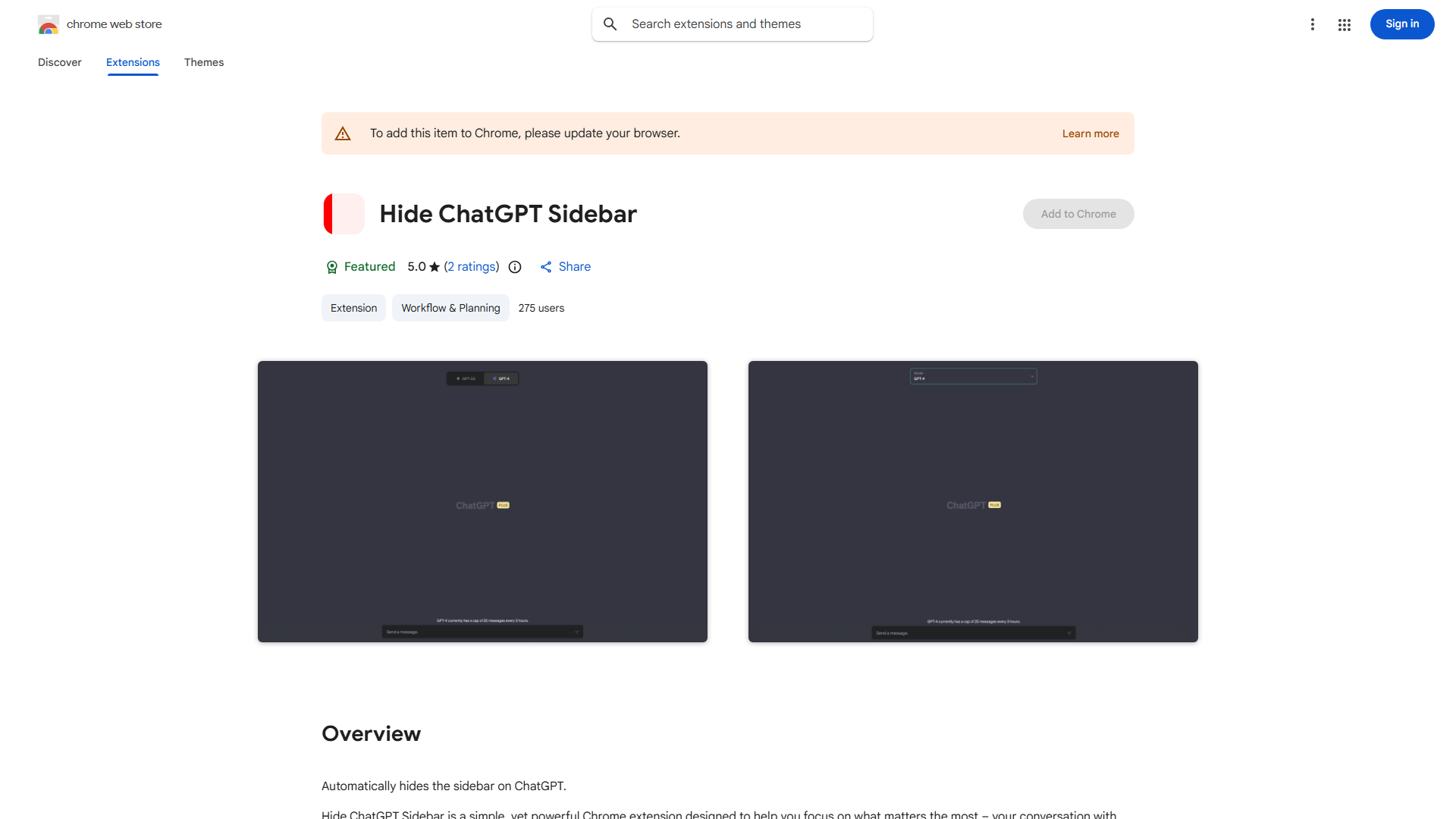
Hide ChatGPT Sidebar is a Chrome extension designed to enhance your ChatGPT experience by hiding the sidebar. It creates a clean, focused workspace for professionals, students, and anyone seeking a distraction-free environment, boosting productivity and readability.
How to use Hide ChatGPT Sidebar?
Install the extension from the Chrome Web Store. Visit ChatGPT and click the extension icon in your browser toolbar to hide the sidebar. Click again to restore it. The process is instant and seamless, requiring just one click for a focused interface.
Core features of Hide ChatGPT Sidebar?
- One-Click Toggle: Easily hide or show the sidebar with a single click.
- Focused Interface: Eliminates clutter for maximum productivity and readability.
- Seamless Compatibility: Works perfectly with all native ChatGPT functions and updates.
- Minimalist Design: No settings required; it's ready to use immediately after installation.