
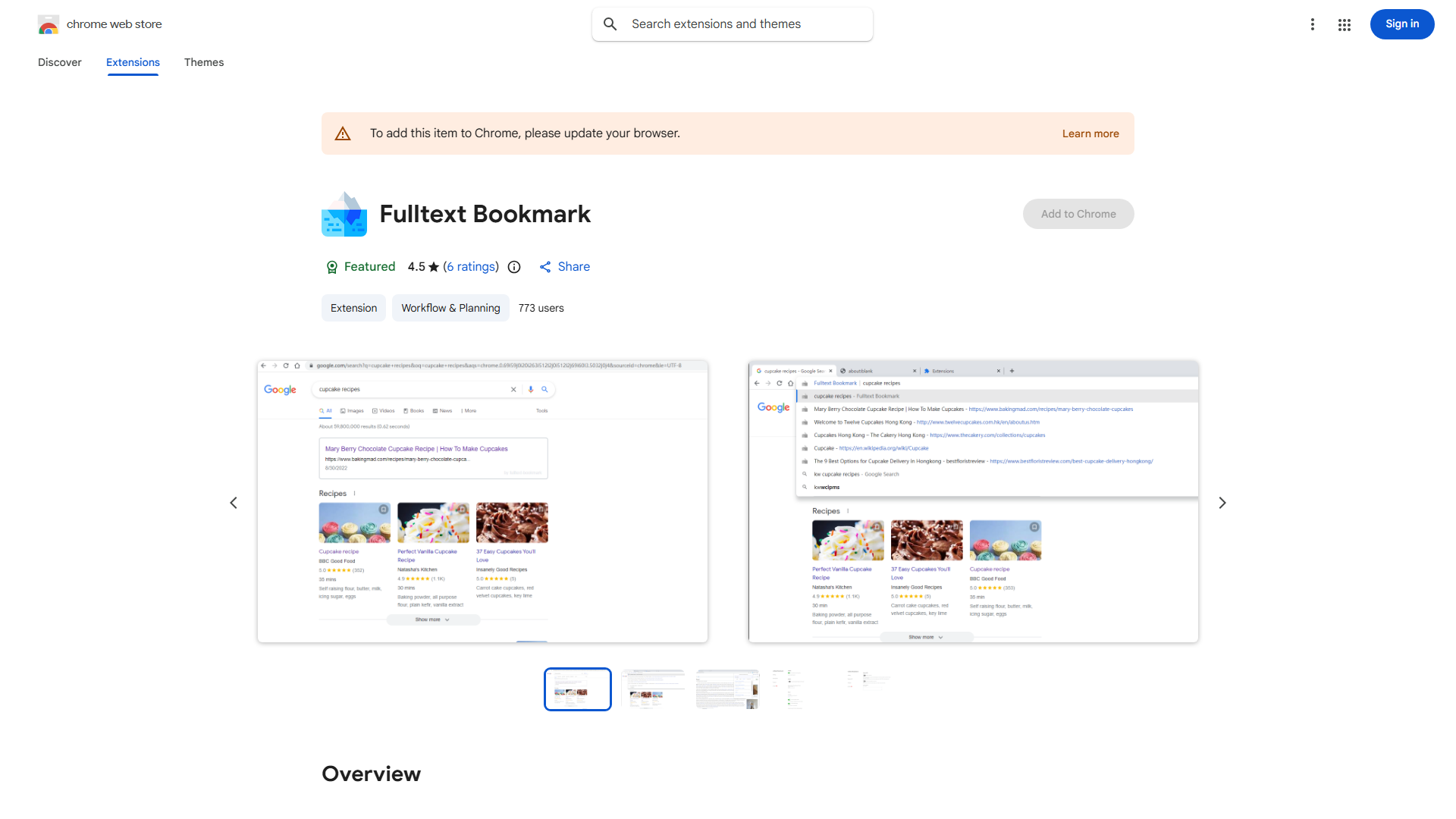
What is Keyword Search Extension?
The Keyword Search Extension is a powerful Chrome browser tool designed to revolutionize how you search and archive your browsing history. This innovative extension provides seamless access to past searches, bookmarks, and favorite websites through advanced search capabilities. It eliminates the hassle of scrolling through endless pages by allowing users to quickly find information they need. With its intuitive interface and robust features, it serves as an essential productivity tool for researchers, content creators, and anyone seeking organized digital management.
How to use Keyword Search Extension?
Using the Keyword Search Extension is straightforward. After installation, the extension appears in your browser toolbar. Click the extension icon to open the search interface. Type your keywords into the search bar, and the extension will instantly display relevant results from your browsing history. You can click any result to open the corresponding page. The extension also offers advanced filtering options where you can refine searches by date range, specific domains, or content keywords. For archiving, simply click the save button on any result to preserve important pages for future access.
Core features of Keyword Search Extension?
- Smart Search Algorithm: Utilizes advanced algorithms to deliver fast, accurate results from your browsing history with minimal typing
- Multi-criteria Filtering: Filter results by date, domain, page content, or bookmark status to find exactly what you need
- One-click Archiving: Save important web pages directly to your personal archive with a single click
- Real-time Suggestions: Get instant search suggestions as you type based on your browsing patterns
- Cross-device Sync: Access your search history and archives across multiple devices with automatic synchronization