What is Language Learning Chrome Extension?
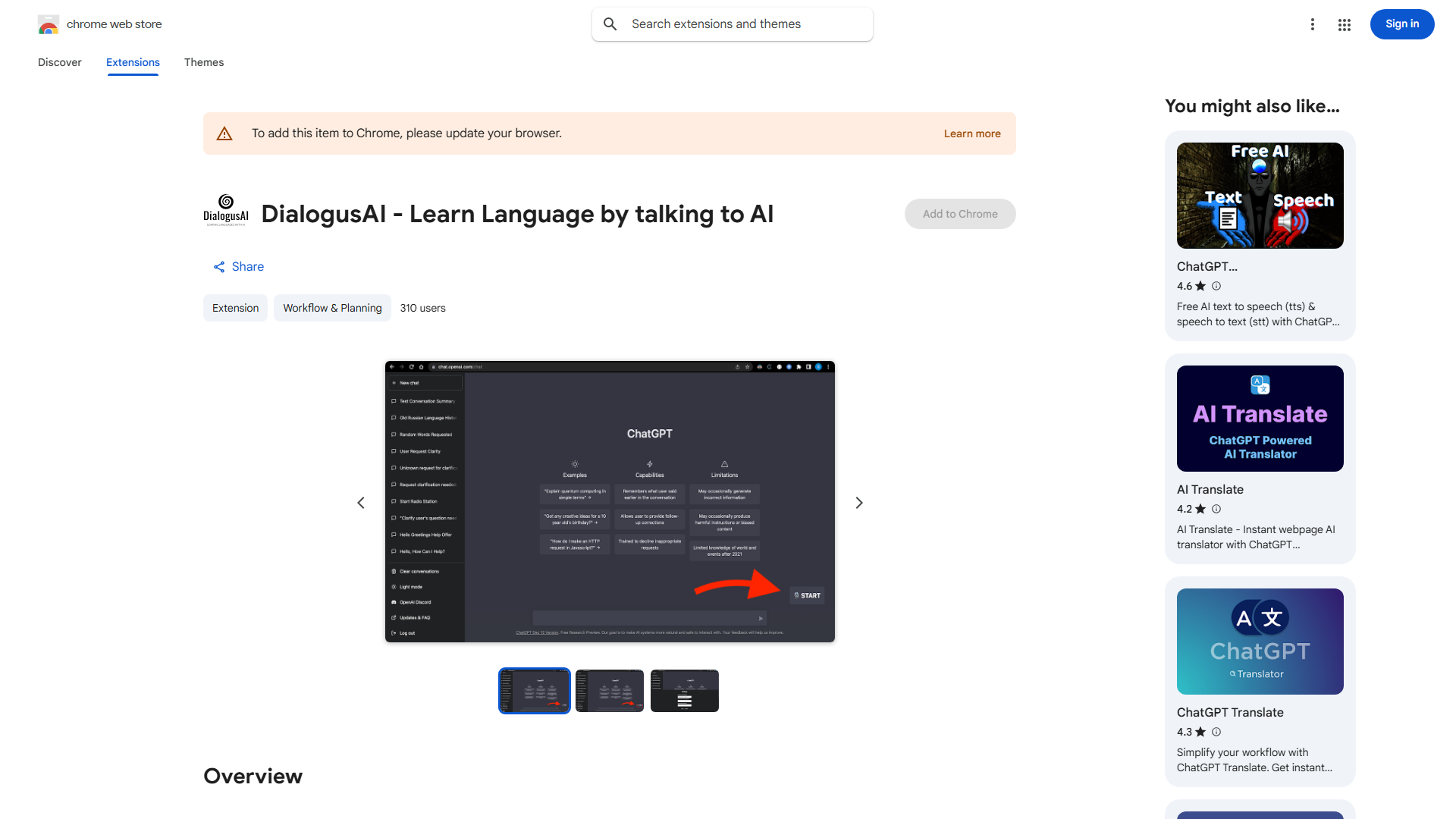
A Chrome extension that enhances language learning through voice-to-text and text-to-speech conversion, making language acquisition accessible for all skill levels from beginners to advanced learners.
How to use Language Learning Chrome Extension?
Install from Chrome Web Store. Click the extension icon while browsing to activate translation features. Use the microphone button for pronunciation practice and the speaker button to hear text pronounced in the target language.
Core features of Language Learning Chrome Extension?
- Voice-to-text conversion for pronunciation practice
- Text-to-speech functionality for listening comprehension
- Real-time translation of web content
- Customizable learning settings for personalized experience
- Progress tracking to monitor improvement