What is Nexa SDK?
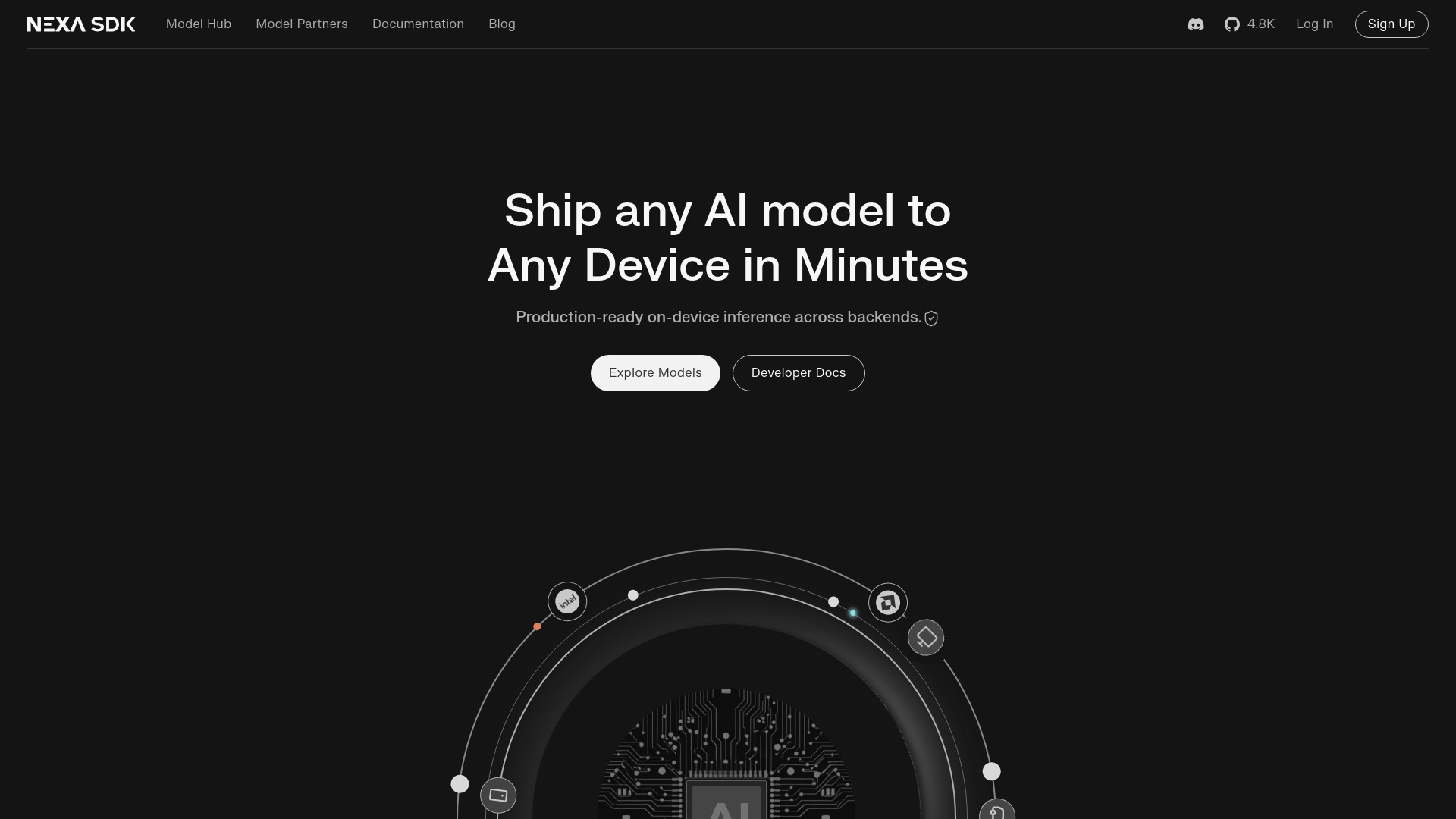
Nexa SDK is a comprehensive local AI development toolkit designed for developers and researchers to run AI models directly on their devices. This powerful SDK enables seamless integration of advanced AI capabilities including text processing, speech recognition, vision understanding, and image generation without requiring cloud connectivity. It provides an all-in-one solution for building AI-powered applications with maximum flexibility and efficiency, allowing users to experiment with various AI models while maintaining data privacy and reducing latency.
How to use Nexa SDK?
Begin by downloading the SDK package from the official website and installing it on your local machine. After installation, import the SDK into your development environment using the provided documentation and sample code. Initialize the SDK with your preferred AI models and configure the settings according to your project requirements. Use the comprehensive API documentation to integrate AI functionalities into your applications, then test and deploy your AI-powered solutions locally. The intuitive interface and detailed tutorials ensure a smooth development experience for both beginners and experienced developers.
Core features of Nexa SDK?
- Local AI Processing: Run AI models directly on your device without internet dependency, ensuring data privacy and reduced latency
- Multi-modal AI Support: Comprehensive capabilities for text, speech, vision, and image processing in a single SDK
- Easy Integration: Simple API structure with extensive documentation and sample code for quick implementation
- Model Flexibility: Support for various AI models and frameworks, allowing customization for specific project needs
- Performance Optimization: Advanced algorithms for efficient resource utilization and faster processing on local hardware