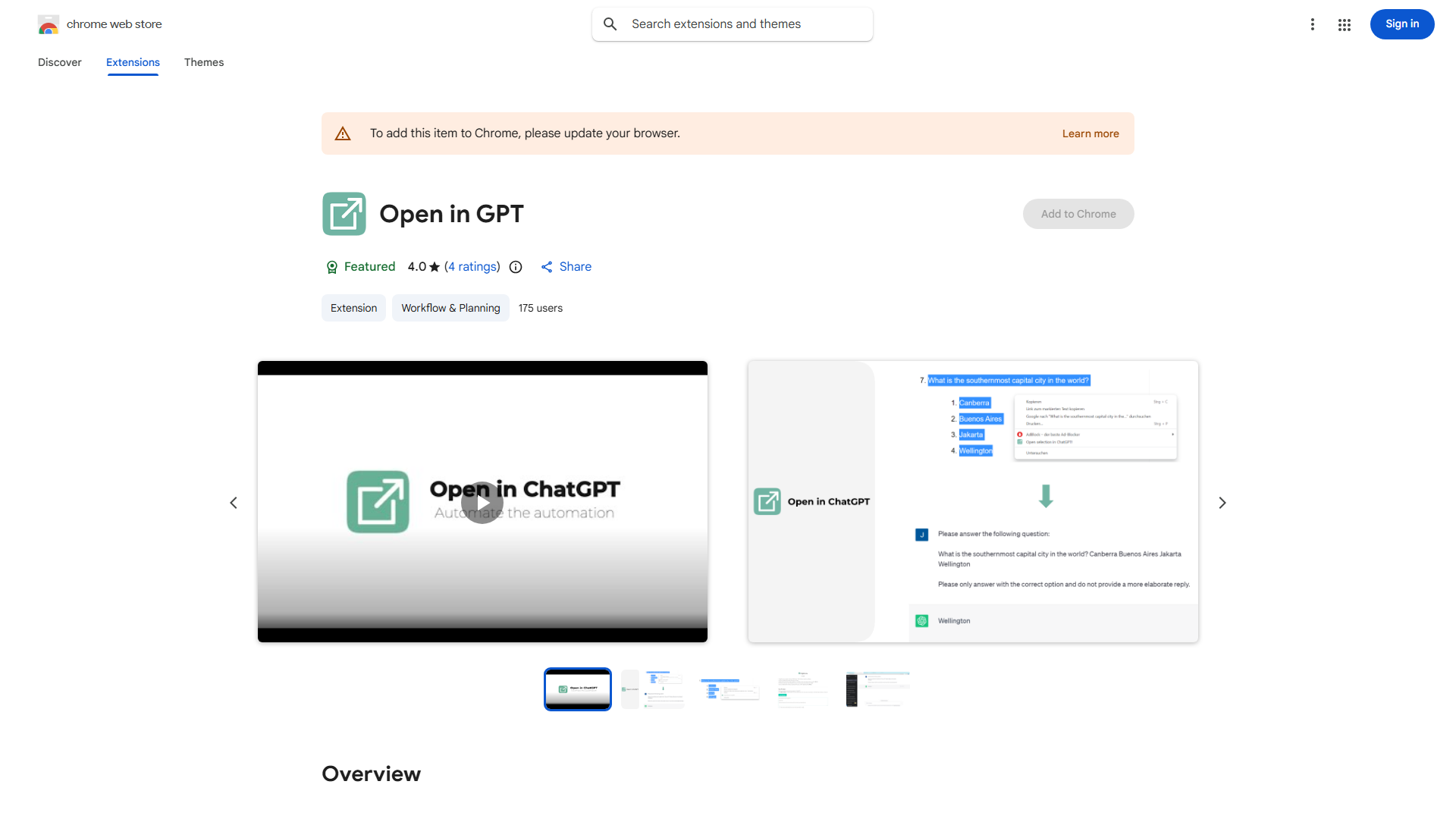
What is Open in GPT?
Open in GPT is a Chrome extension that lets you send selected text from any webpage directly to ChatGPT. It streamlines research and writing by enabling AI-powered content creation and analysis. Perfect for students, writers, and researchers.
How to use Open in GPT?
Install the extension in Chrome. Select any text on a webpage, then click the Open in GPT icon. Your selection instantly opens in ChatGPT, where you can craft custom prompts to generate insights or create content.
Core features of Open in GPT?
Text analysis for sentiment and context, content generation, summarization capabilities, seamless browser integration, and customizable prompts. This versatile tool adapts to your specific research and writing needs.