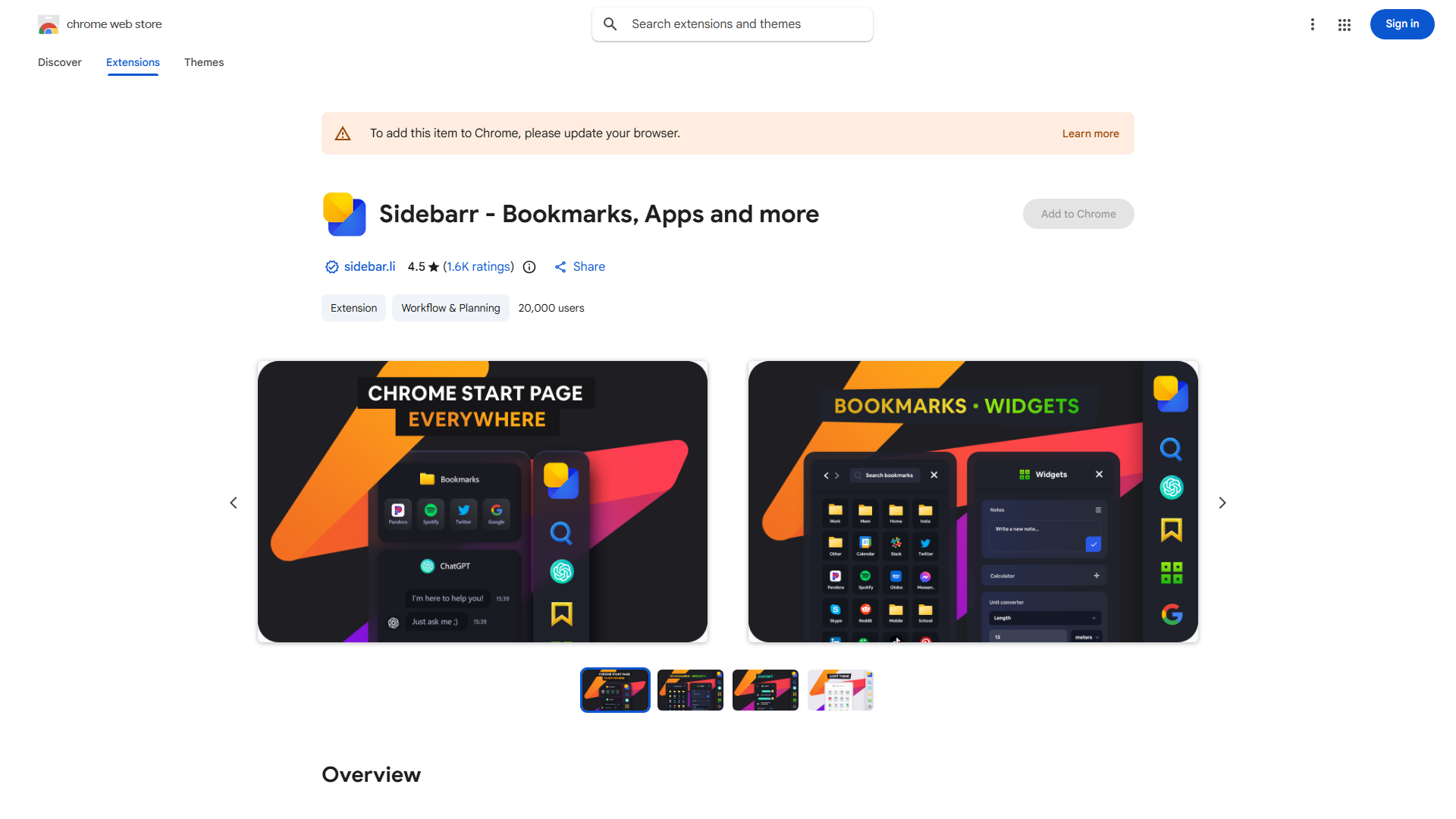
What is Sidebar?
Sidebar is a powerful Chrome extension designed to enhance your web browsing productivity by providing instant access to your favorite bookmarks, ChatGPT, and essential Google apps. This all-in-one tool consolidates your most used resources in a single, easily accessible interface, transforming how you navigate the web and saving valuable time for both professionals and casual users.
How to use Sidebar?
To use Sidebar, first install the Chrome extension from the Chrome Web Store. Once installed, click the Sidebar icon in your Chrome toolbar to reveal the sidebar panel. From there, you can access your bookmarks, launch ChatGPT for AI conversations, and quickly navigate to Google services like Gmail and Google Drive. Customize your sidebar by adding your favorite websites, adjusting the layout, and selecting from various themes to create a personalized browsing experience that matches your workflow.
Core features of Sidebar?
- Quick Access: Instantly launch your most visited websites and applications with a single click
- ChatGPT Integration: Engage in real-time AI-driven conversations directly from your sidebar without switching tabs
- Google Apps at Your Fingertips: Seamlessly access Gmail, Google Drive, Google Calendar, and other Google services
- Customizable Layout: Tailor your sidebar with various themes, widget arrangements, and settings to match your preferences
- Bookmark Management: Organize and access your bookmarks efficiently with an intuitive interface