What is Voice-to-ChatGPT?
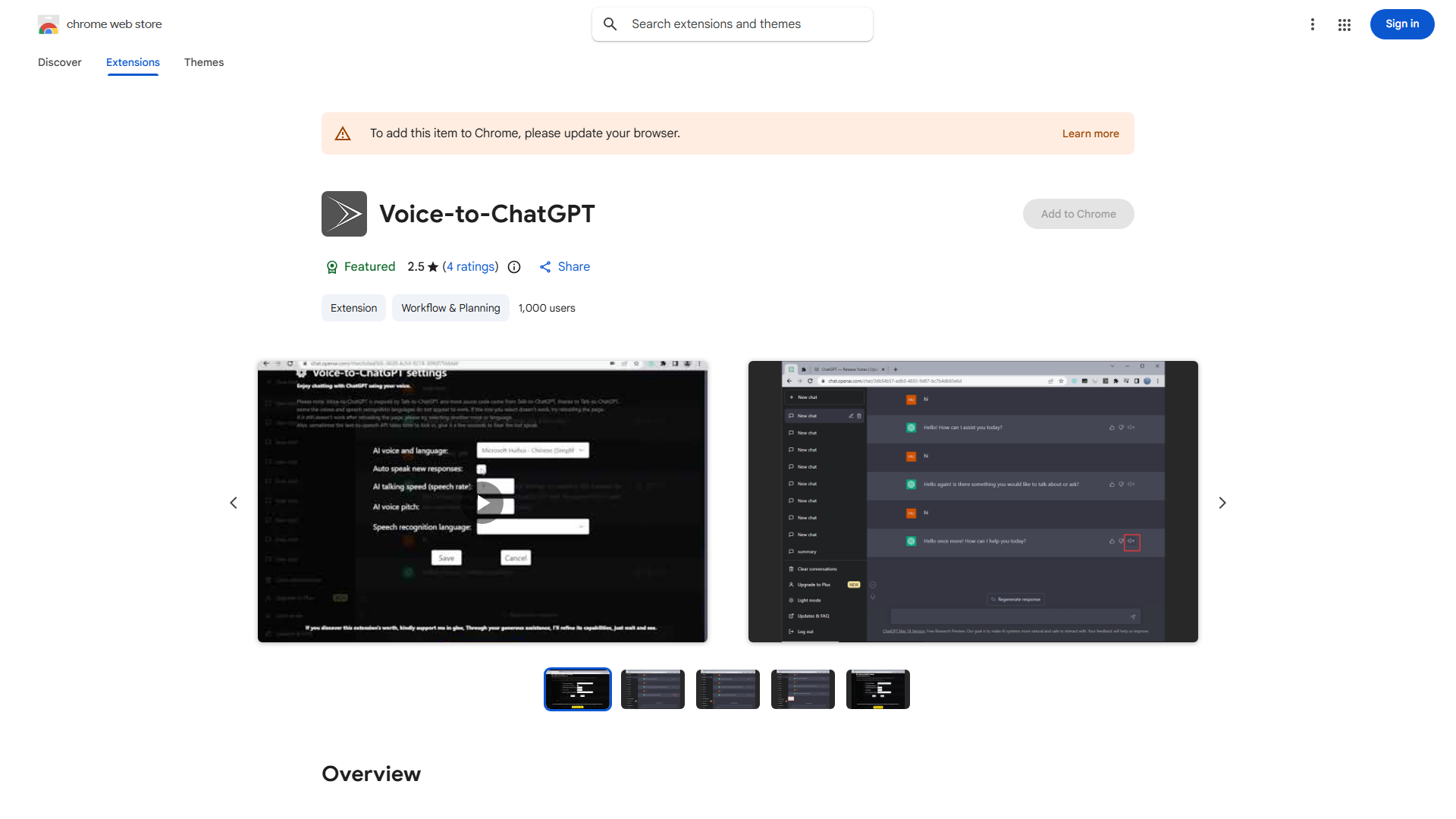
Voice-to-ChatGPT is a browser extension that enables voice-controlled interaction with ChatGPT. This innovative tool transforms text-based conversations into intuitive, hands-free experiences by converting spoken words into text inputs and delivering AI responses audibly. Designed for efficiency, it allows users to engage with ChatGPT without typing, making it ideal for multitasking professionals, students, and anyone seeking to streamline digital communication.
How to use Voice-to-ChatGPT?
After installing the extension in your browser, open ChatGPT and click the voice activation button. Speak your query clearly into your device's microphone. The extension converts your speech to text, sends it to ChatGPT, and plays back the AI's response. You can manage conversations, ask follow-up questions, and control the interaction entirely through voice commands. The interface provides visual feedback for active listening and response processing.
Core features of Voice-to-ChatGPT?
- Advanced voice recognition technology for accurate speech-to-text conversion
- Real-time audio responses with natural language processing
- Hands-free operation supporting continuous conversation flow
- Customizable voice settings including language, accent, and response speed
- Seamless integration with existing ChatGPT accounts and conversation history
- Privacy-focused design with local processing options for sensitive queries