
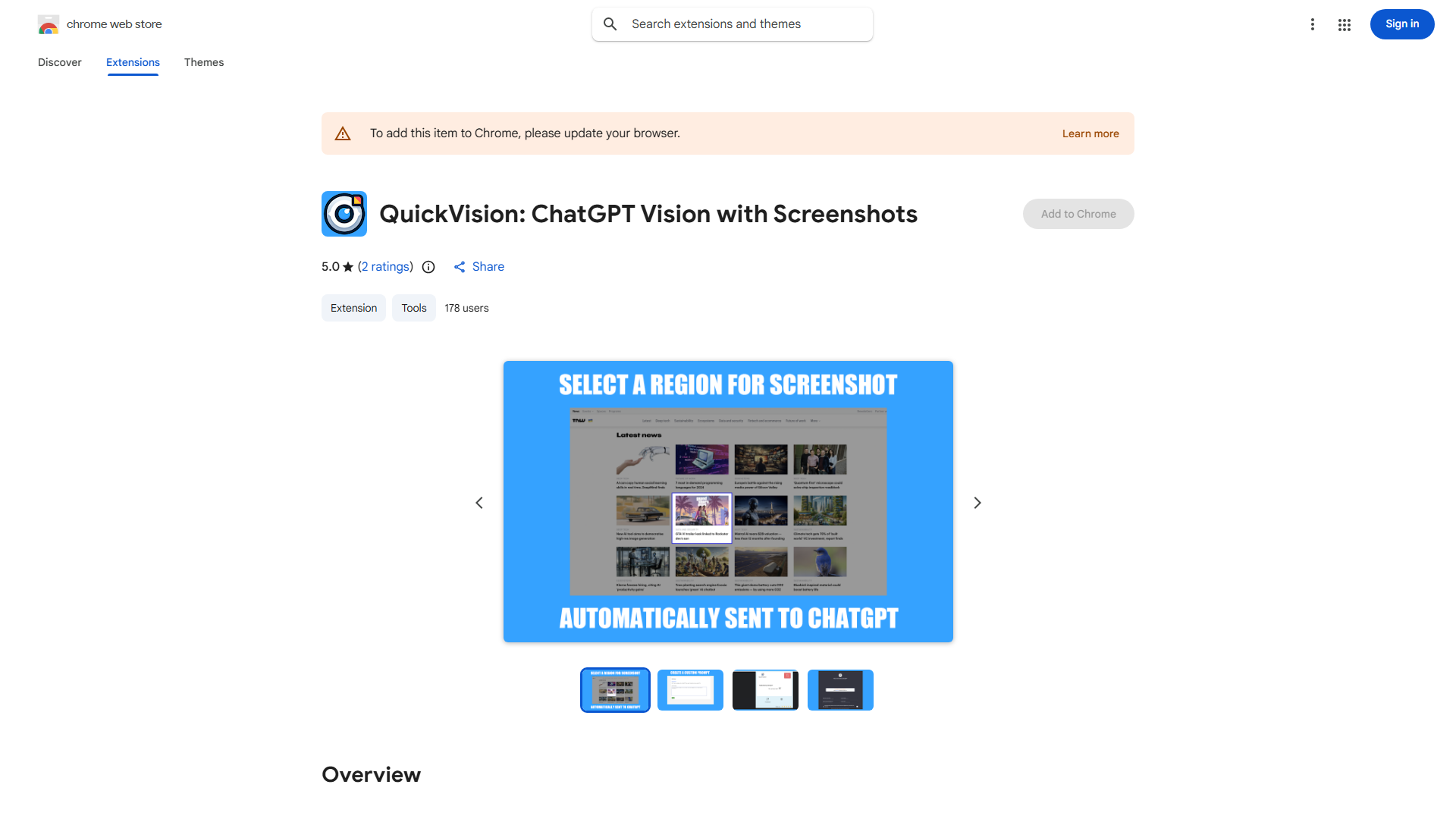
What is QuickVision?
QuickVision is a Chrome extension revolutionizing visual communication in ChatGPT. It enables seamless screenshot capture, annotation, and sharing directly within conversations, enhancing collaboration.
How to use QuickVision?
Install the extension from Chrome Web Store. Click the toolbar icon to capture webpage areas. Add annotations with text, arrows, or shapes. Share directly in ChatGPT with a single click.
Core features of QuickVision?
- Precise screenshot capture of any webpage area
- Comprehensive annotation tools for highlighting key points
- One-click direct sharing to ChatGPT
- Custom prompts to guide discussions
- Intuitive interface accessible to all users