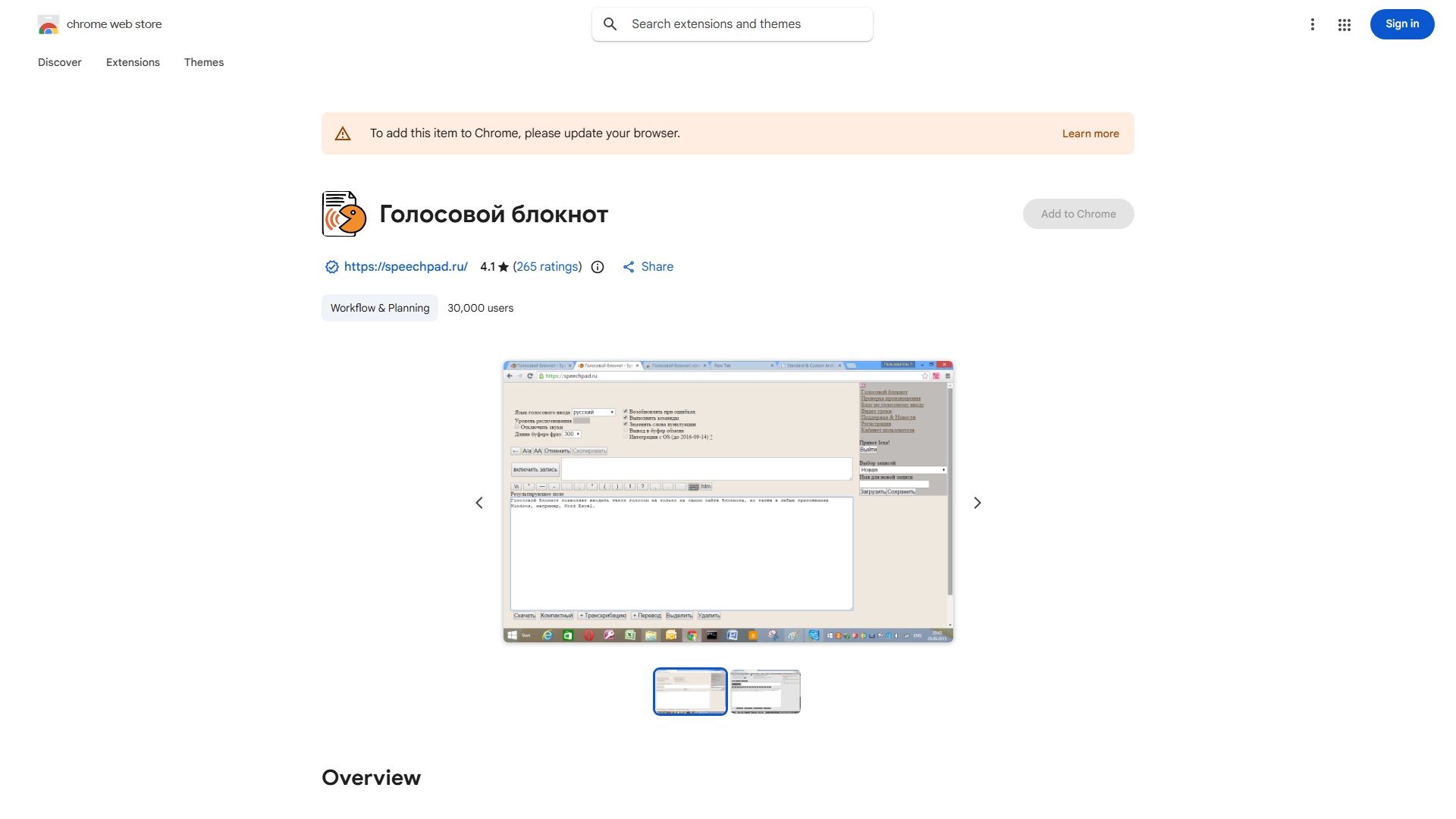
What is Voice Notebook?
Voice Notebook is an AI-powered audio processing application designed to convert voice to text, transform audio files into written documents, and provide real-time translation services. It serves as an essential productivity tool for professionals, students, and travelers, enabling seamless capture of ideas, transcription of meetings, and cross-language communication. The intuitive interface and powerful features make it the ideal solution for maximizing efficiency and overcoming language barriers in various contexts.
How to use Voice Notebook?
Using Voice Notebook is straightforward. First, launch the app and select the recording or file upload option. For voice input, speak clearly into your device's microphone while the app records and simultaneously transcribes your speech. For existing audio files, upload them through the interface. The app processes the audio using advanced AI algorithms to generate accurate text transcripts. For translation, select your target language before or during recording, and the app will provide real-time translated text. All processed content can be edited, saved, exported, or shared directly from the application.
Core features of Voice Notebook?
- Voice-to-Text Conversion: Accurately transcribes spoken words into editable text with high precision
- Multi-language Translation: Provides real-time translation in over 50 languages during recording
- Audio File Processing: Converts existing audio files (MP3, WAV, M4A) into searchable text documents
- Smart Formatting: Automatically structures transcripts with speaker identification and timestamping
- Cloud Sync: Saves and synchronizes your recordings and transcripts across all your devices