What is ChatGPT SVG Creator?
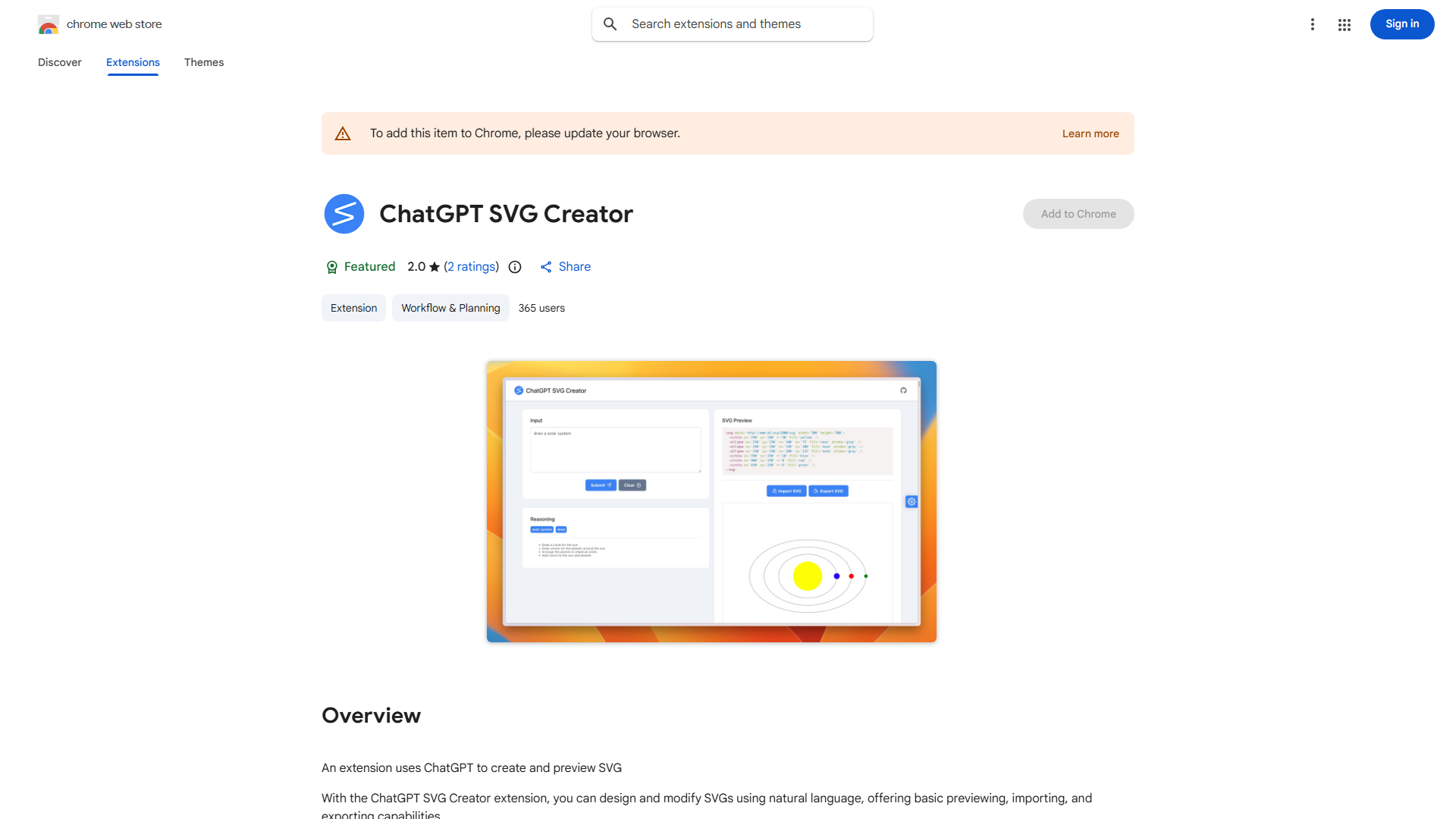
ChatGPT SVG Creator is an AI-powered design platform that enables users to create and modify SVG graphics through natural language commands. It serves as a bridge between complex design software and user-friendly interfaces, allowing graphic designers, web developers, and beginners to generate professional-quality vector graphics without technical expertise. The application transforms simple text descriptions into scalable vector graphics, making it ideal for web design, icon creation, and digital illustration projects.
How to use ChatGPT SVG Creator?
Begin by opening the application and entering a text description of your desired SVG design. The AI will generate an initial vector graphic based on your input. Review the real-time preview and refine your design using additional natural language commands. You can specify colors, shapes, dimensions, and details through conversational prompts. Once satisfied, export your SVG file in various formats for immediate use in websites, applications, or print materials. The workflow supports both creation from scratch and modification of existing SVG files.
Core features of ChatGPT SVG Creator?
- Natural Language Design: Create SVG graphics using simple, conversational commands without coding knowledge
- Real-time Visualization: See your design evolve instantly as you provide feedback and make adjustments
- Comprehensive SVG Support: Generate, edit, and optimize SVG files with full compatibility for web and print
- AI-powered Enhancement: Receive intelligent suggestions for design improvements and alternative styles
- Multi-format Export: Save your creations in SVG, PNG, and other formats for versatile use across platforms