
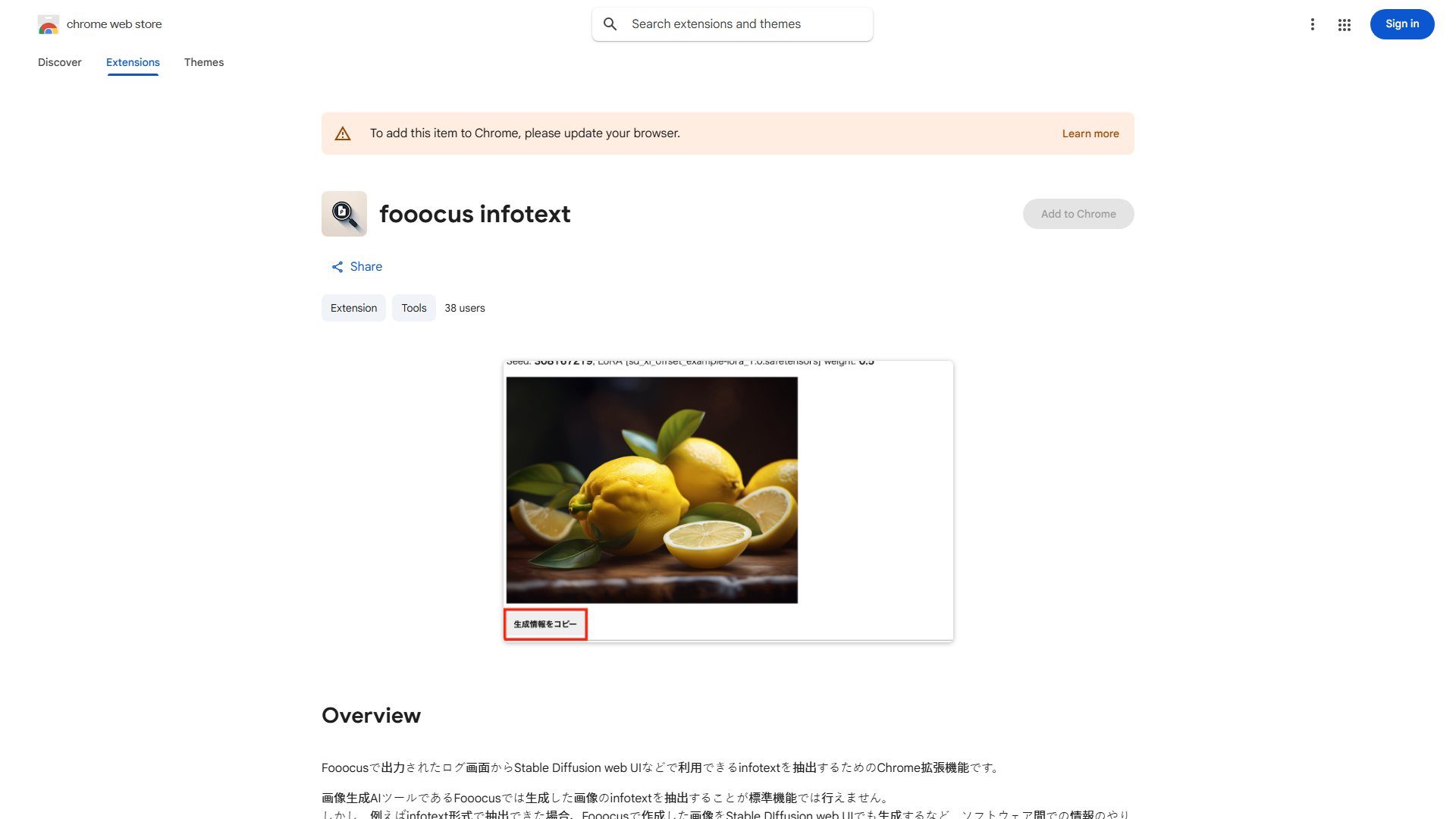
What is Fooocus Infotext Chrome Extension?
A powerful Chrome extension designed to revolutionize online research by extracting text from images directly to your clipboard. It streamlines information gathering for students, professionals, and content creators.
How to use Fooocus Infotext Chrome Extension?
Install the extension in Chrome browser. Navigate to a webpage with an image containing text. Click on the image to activate the extension. Select the text you want to extract and copy it to your clipboard with a single click.
Core features of Fooocus Infotext Chrome Extension?
- One-click text extraction from images
- Seamless clipboard integration
- User-friendly interface
- Time-saving research tool
- Compatible with most image formats