What is YouTube Auto Skipper?
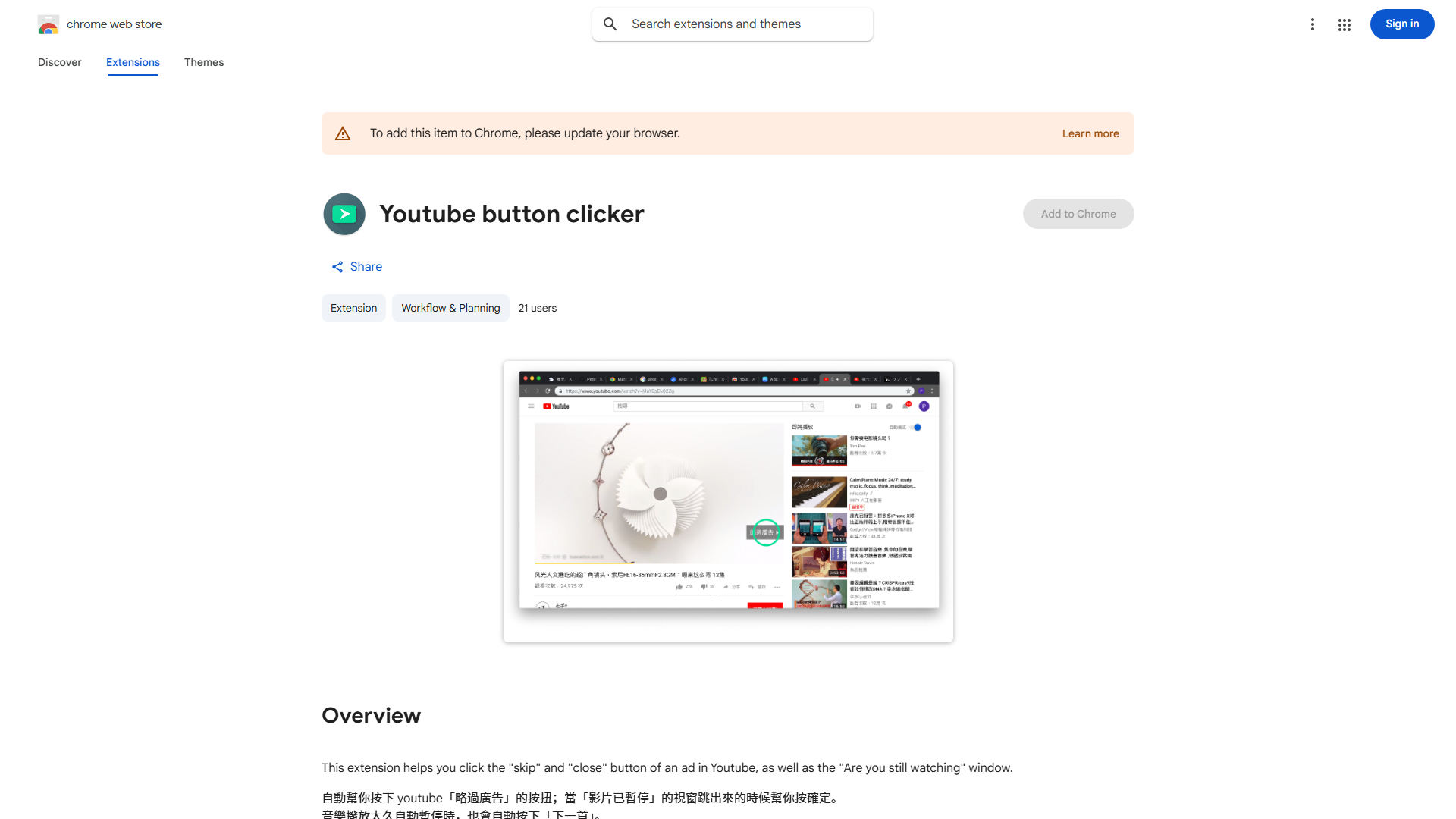
YouTube Auto Skipper is an intelligent browser extension designed to eliminate ad interruptions during YouTube video playback. This tool automatically detects and skips pre-roll and mid-roll advertisements, allowing users to enjoy uninterrupted content. By confirming the "Continue Watching" prompt automatically, it maintains seamless video playback without requiring manual intervention, transforming your viewing experience into a more efficient and enjoyable process.
How to use YouTube Auto Skipper?
Installation requires adding the extension to your browser through the official store. Once activated, the tool works automatically in the background. When you play any YouTube video, it detects ad content and skips them instantly. For videos that require user confirmation after ads, it automatically clicks the "Continue Watching" button to proceed to the main content or next video in your queue. No additional setup or configuration is needed for basic functionality.
Core features of YouTube Auto Skipper?
- Automatic Ad Detection and Skipping: Instantly identifies and bypasses both pre-roll and mid-roll advertisements on YouTube
- Seamless Video Continuation: Automatically confirms "Continue Watching" prompts to maintain uninterrupted playback
- Time-Saving Efficiency: Eliminates waiting periods, saving users valuable time during video consumption
- User-Friendly Interface: Simple one-click installation with no complex configurations required
- Background Operation: Works silently in the background without disrupting your regular browsing experience