What is AutoDraw?
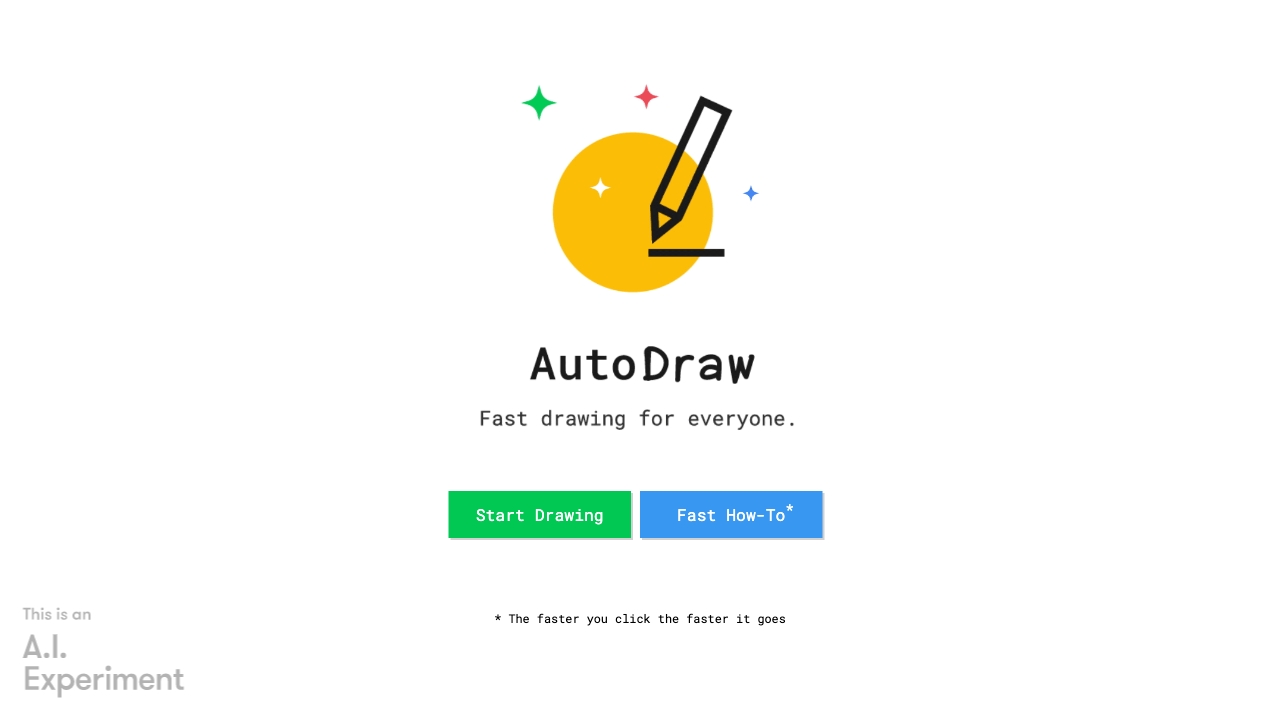
AutoDraw is an innovative AI-powered drawing tool designed to transform your drawing experience. With its intuitive interface and smart recognition technology, AutoDraw guesses what you're trying to draw, significantly speeding up the process. Whether you're an artist looking to refine your sketches or a beginner eager to unleash your creativity, AutoDraw is here to assist. This tool boasts a vast library of shapes and symbols, offering a wide range of styles and themes. Whether you're drawing a house, a cat, or even a complex machine, AutoDraw simplifies the drawing process, making it accessible and enjoyable for users of all skill levels.
How to use AutoDraw?
Using AutoDraw is straightforward. Start by opening the tool on your computer or mobile device. Begin drawing with your mouse, stylus, or finger, and as you draw, AutoDraw will offer suggestions that match your strokes. Simply select the best match, and AutoDraw will fill in the rest, creating a detailed image from your simple lines. This intuitive workflow allows you to focus on your concept, rather than the technical details of drawing. You can also customize colors, add text, and export your finished artwork in various formats.
Core features of AutoDraw?
- AI Recognition: AutoDraw's core feature is its ability to recognize and interpret your drawing, providing a seamless drawing experience.
- Vast Library: With a vast collection of shapes, symbols, and styles, AutoDraw offers endless possibilities for creativity.
- Intuitive Interface: The user-friendly interface makes it easy for users of all skill levels to get started and enjoy the drawing process.
- Real-time Suggestions: As you draw, AutoDraw provides instant suggestions that match your strokes, helping you complete your artwork faster.
- Cross-Platform Compatibility: Access AutoDraw from any device, ensuring that your creativity is never limited by your location.