What is Code Screenshot?
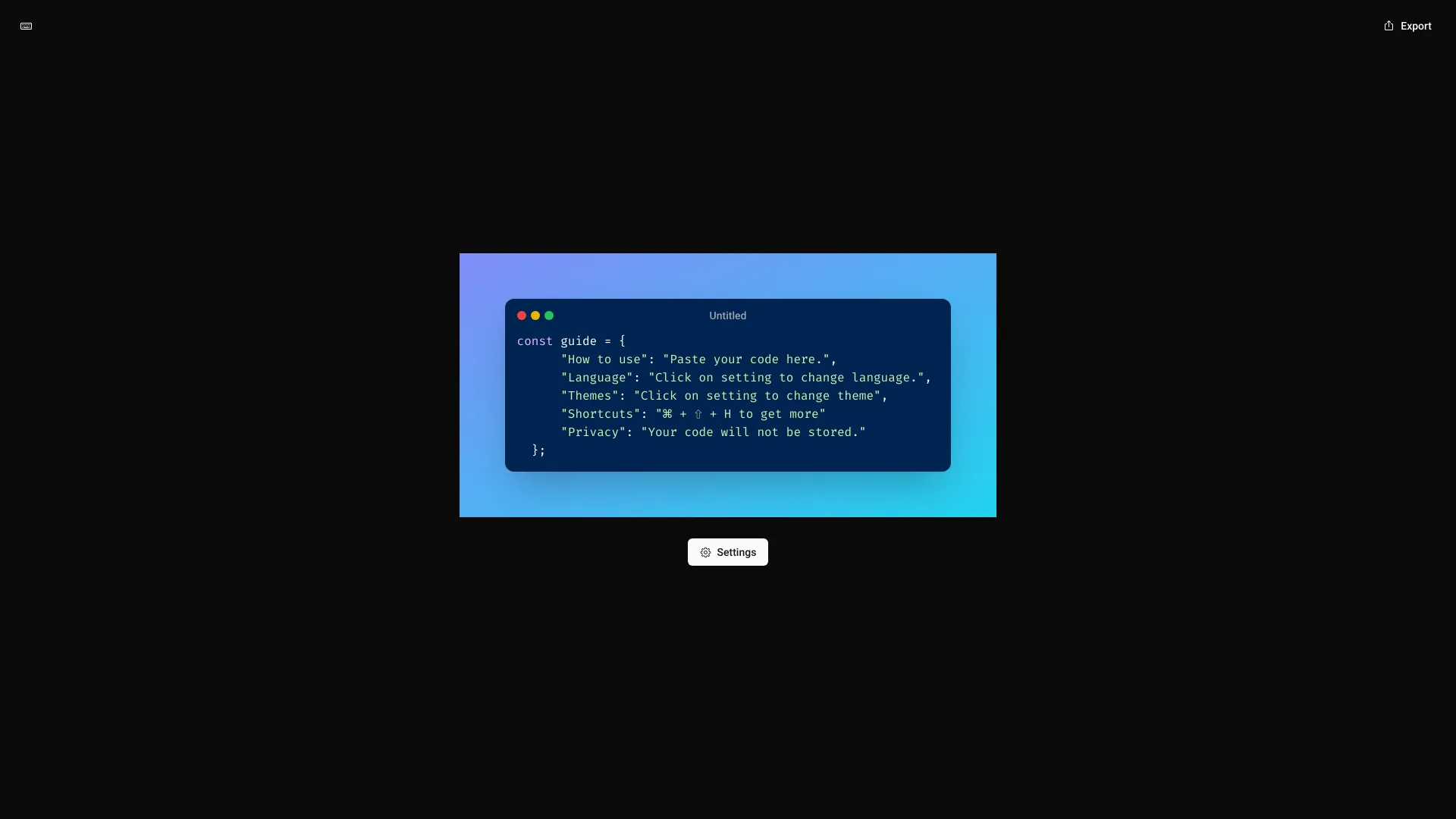
Code Screenshot is a specialized application designed for developers and tech enthusiasts to create professional, high-quality code screenshots with enhanced privacy features. This tool simplifies the process of visualizing code snippets, making it ideal for documentation, sharing on social media, or including in presentations. It combines an intuitive interface with advanced security measures to protect your code while showcasing its structure and syntax beautifully.
How to use Code Screenshot?
Using Code Screenshot is straightforward. First, copy the code snippet you want to capture. Open the application and paste the code into the main editor. Customize your screenshot by selecting from various themes, adjusting syntax highlighting colors, and adding annotations or comments. Use the preview feature to see real-time changes. Once satisfied, export your screenshot in multiple formats including PNG, JPEG, or SVG. You can also share directly to platforms like GitHub, Twitter, or save to your device for later use.
Core features of Code Screenshot?
- Advanced Privacy Protection: End-to-end encryption ensures your code remains secure during capture and sharing processes.
- Comprehensive Customization: Choose from dozens of syntax highlighting themes, adjust font sizes, and add custom annotations to emphasize important code sections.
- Seamless Integration: Works directly with popular code editors like VS Code, Sublime Text, and IntelliJ, allowing you to capture screenshots without leaving your workflow.
- Multi-format Export: Export screenshots in various resolutions and formats suitable for web, print, or mobile applications.
- Cloud Sync: Save your custom themes and settings across devices with automatic cloud synchronization.