
What is Read Aloud?
Read Aloud is a browser extension that transforms text into natural speech, enhancing accessibility and productivity. Perfect for professionals, students, and visually impaired users, it revolutionizes how you consume online content by converting any webpage text into audio.
How to use Read Aloud?
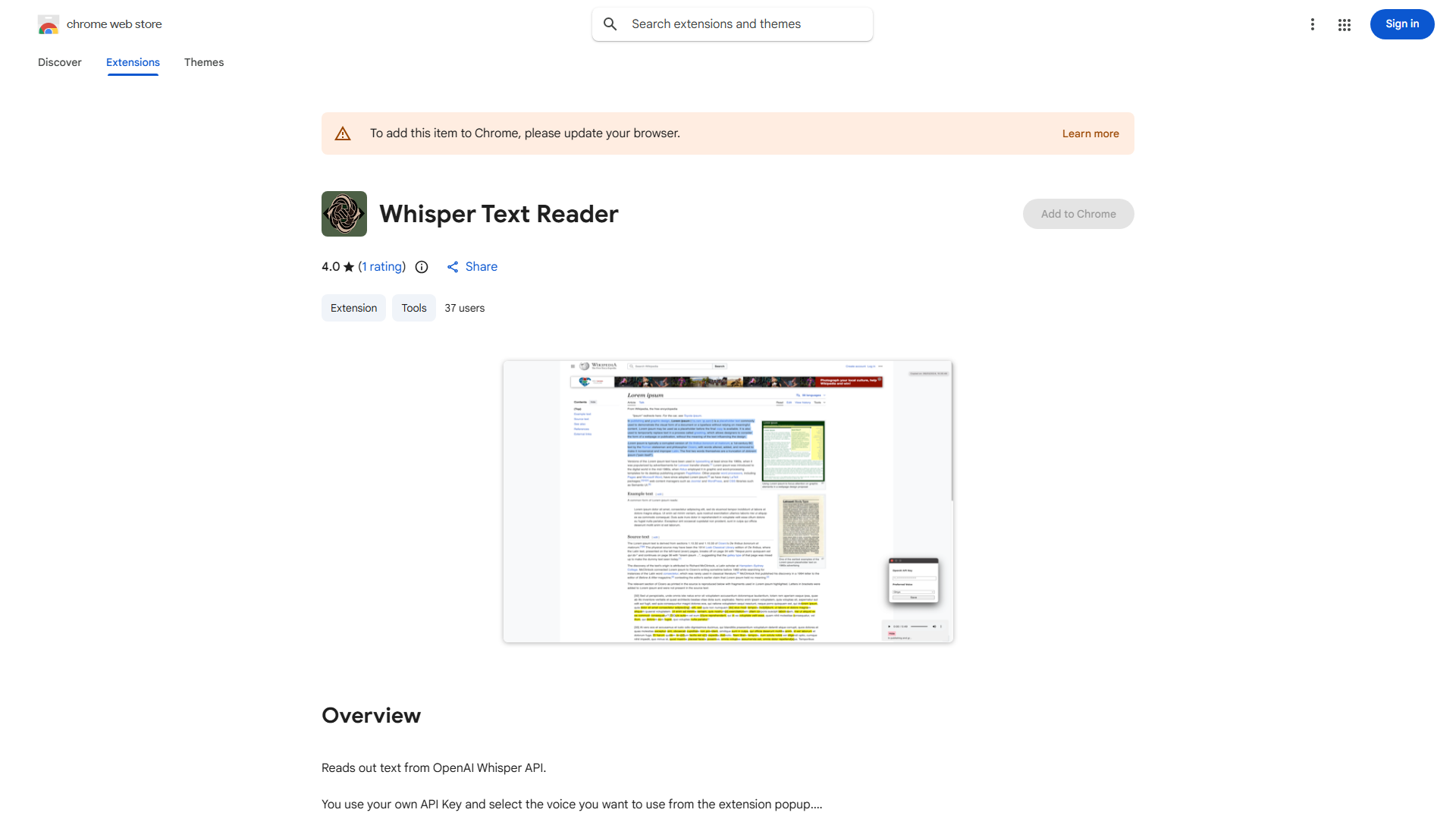
Install the extension, then highlight any text on a webpage. Click the Read Aloud icon in your browser toolbar to start listening. Adjust speed, pitch, and volume via settings. Pause, resume, or stop playback with simple controls. Listen while multitasking for hands-free reading.
Core features of Read Aloud?
- Text-to-Speech: Converts webpage text to natural-sounding audio
- Customizable Voice Settings: Adjust speed, pitch, and volume
- Multi-language Support: Read content in various languages
- Hands-Free Operation: Multitask while listening
- Accessibility Mode: Optimized for visually impaired users