
What is Readefine?
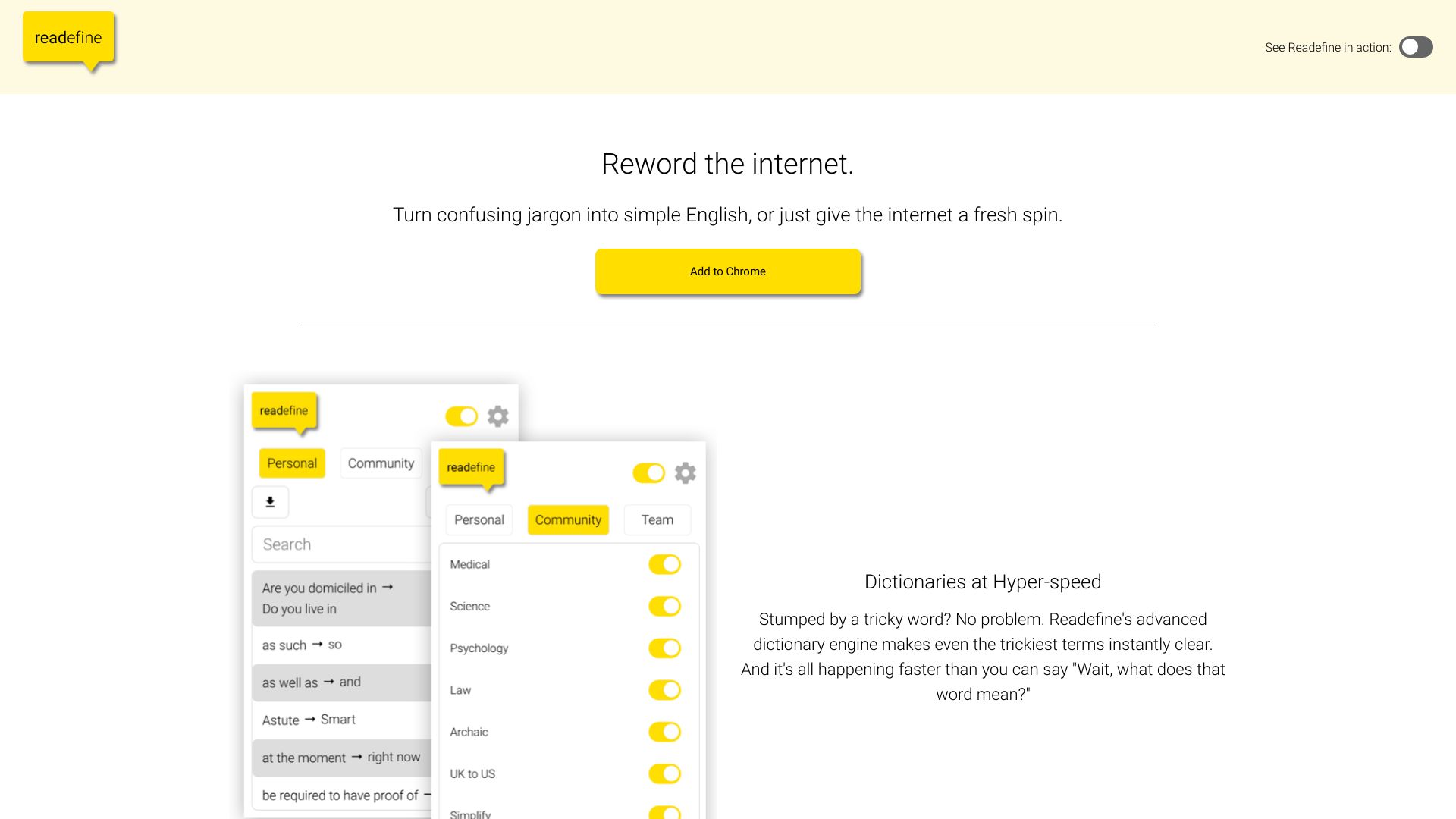
Readefine is a powerful browser extension designed to transform your online reading experience. It empowers users to customize and simplify web content with a few clicks, making complex articles, documents, and web pages more accessible and easier to understand. With its intuitive interface and robust features, Readefine is perfect for students, professionals, and anyone looking to enhance their reading experience by quickly grasping the essence of any online content.
How to use Readefine?
The process is straightforward. First, install the extension from your browser's store. Once installed, activate it with a simple click on the toolbar icon. As you browse, Readefine automatically identifies text on pages and applies its features. You can select specific text or use the toolbar to access summarization, translation, and readability options. The extension works seamlessly across websites, allowing you to customize your reading experience in real-time.
Core features of Readefine?
Readefine offers a comprehensive suite of reading enhancement tools. The text summarization feature extracts key points from lengthy articles, saving you time. The language translation option supports multiple languages, enabling you to read content in your preferred language. Readability adjustments modify text formatting, spacing, and contrast to reduce eye strain. Additionally, the vocabulary highlighter identifies and defines difficult words, while the focus mode helps eliminate distractions by highlighting only the text you're currently reading.