What is Vidix?
Vidix is an AI-powered productivity application designed specifically for macOS users to automate repetitive tasks and streamline workflows. This innovative tool leverages advanced artificial intelligence to handle mundane activities, allowing professionals, content creators, and students to focus on high-value work. By integrating seamlessly with macOS, Vidix transforms how you manage daily tasks through intelligent automation that adapts to your specific needs and work patterns.
How to use Vidix?
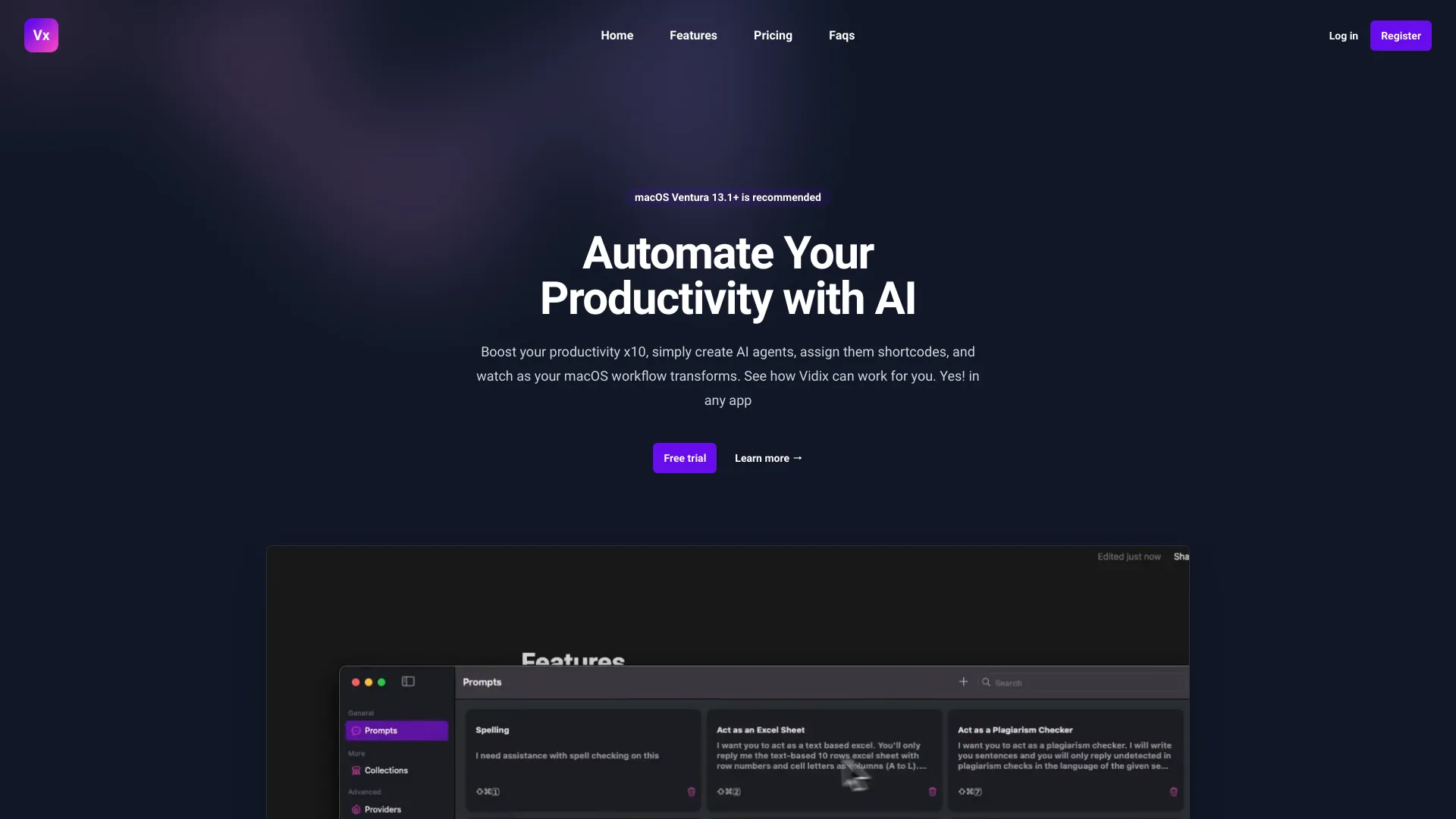
Getting started with Vidix is straightforward. After installation, launch the application and begin by creating your first automation workflow. Navigate to the "Prompts" section to set up AI-powered commands for specific tasks. For example, create a prompt to automatically sort incoming emails into designated folders based on sender or content. Next, configure shortcodes in the "Shortcuts" tab for quick access to frequently used automations. Simply assign a keyboard shortcut or click the generated button to execute complex tasks with minimal effort. The intuitive dashboard provides real-time monitoring of your automated processes, allowing you to adjust settings or pause operations as needed.
Core features of Vidix?
Vidix offers several powerful features to enhance your productivity:
- AI-Powered Task Automation: Utilize machine learning algorithms to automate file organization, email management, and web browsing activities
- Custom Shortcode System: Create personalized keyboard shortcuts for instant execution of complex workflows
- Smart Integration Hub: Seamlessly connect with native macOS applications including Mail, Finder, and Safari
- Adaptive Learning: The AI engine learns from your usage patterns to suggest and optimize automations over time
- Visual Workflow Builder: Design complex automation sequences using a drag-and-drop interface without coding knowledge