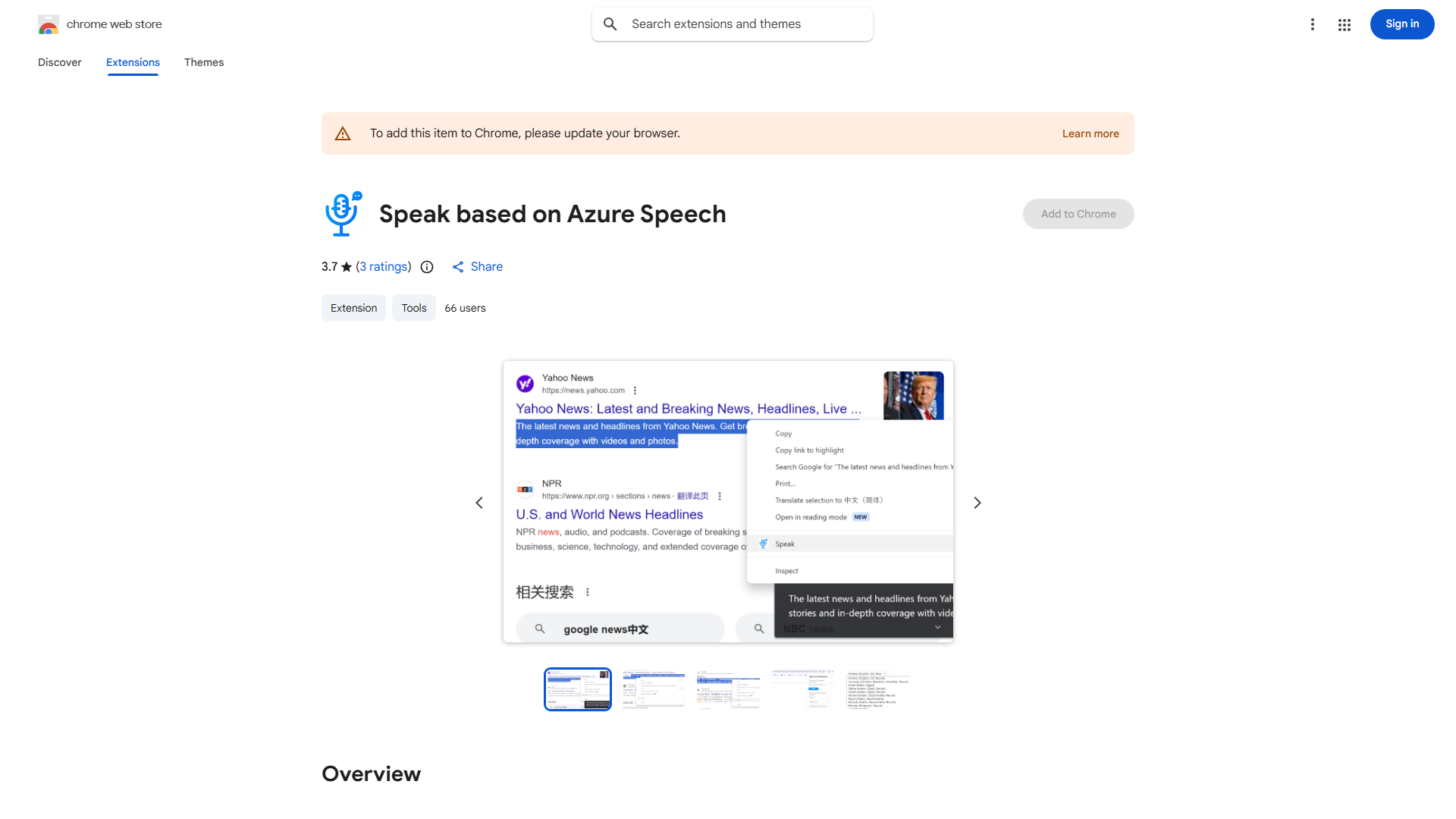
What is Azure Speech TTS Extension?
Azure Speech TTS Extension converts text into lifelike speech using Azure Speech Services. Ideal for content creators, educators, and professionals, it enhances accessibility and convenience. With multilingual support and Chrome Live Caption integration, it enables users to listen to content while multitasking.
How to use Azure Speech TTS Extension?
Install in Chrome, copy text, paste into interface, select language and voice, then click to convert. Generated audio can be listened to or downloaded. Chrome Live Caption integration provides real-time transcription.
Core features of Azure Speech TTS Extension?
- 70+ languages and dialects support
- Natural-sounding voices with advanced TTS
- Seamless Chrome Live Caption integration
- Intuitive interface for all skill levels
- Customization options including voice, pitch, speed