
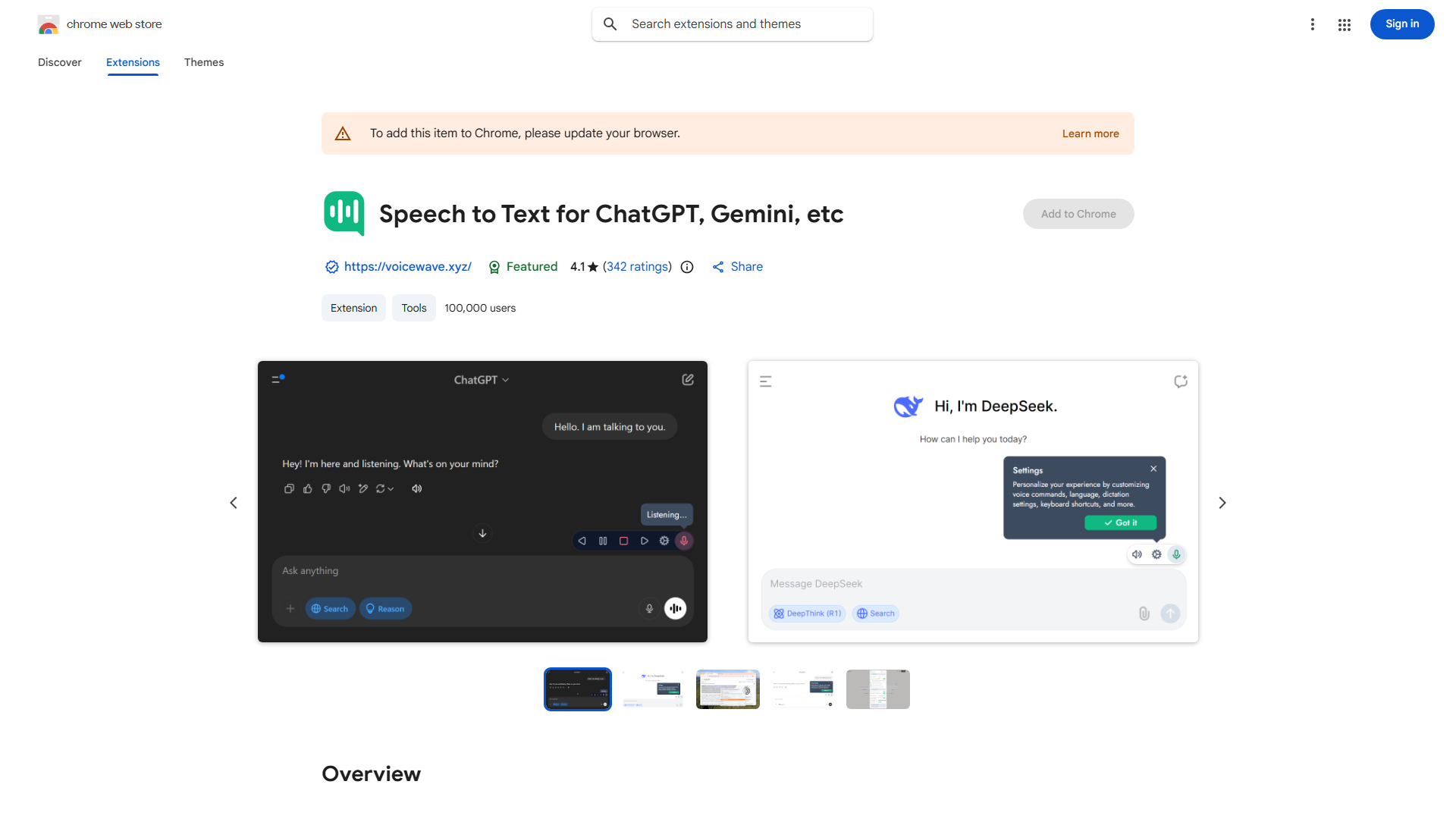
What is ChatGPT Voice Control Extension?
This browser extension enables voice interaction with ChatGPT, offering hands-free operation, read-aloud features, and multi-language support to make AI communication more accessible and efficient.
How to use ChatGPT Voice Control Extension?
Install the extension from your browser's store, then click its icon to activate voice mode. Speak your questions naturally, and the extension converts speech to text. Enable read-aloud to hear responses. Use voice commands to navigate features seamlessly.
Core features of ChatGPT Voice Control Extension?
- Voice-to-text conversion for natural interaction
- Read-aloud functionality for response playback
- Multi-language support with accent recognition
- Customizable voice commands for personalized control
- Hands-free operation enhanced by noise cancellation