What is NoteGPT: YouTube Summary with ChatGPT & Notes?
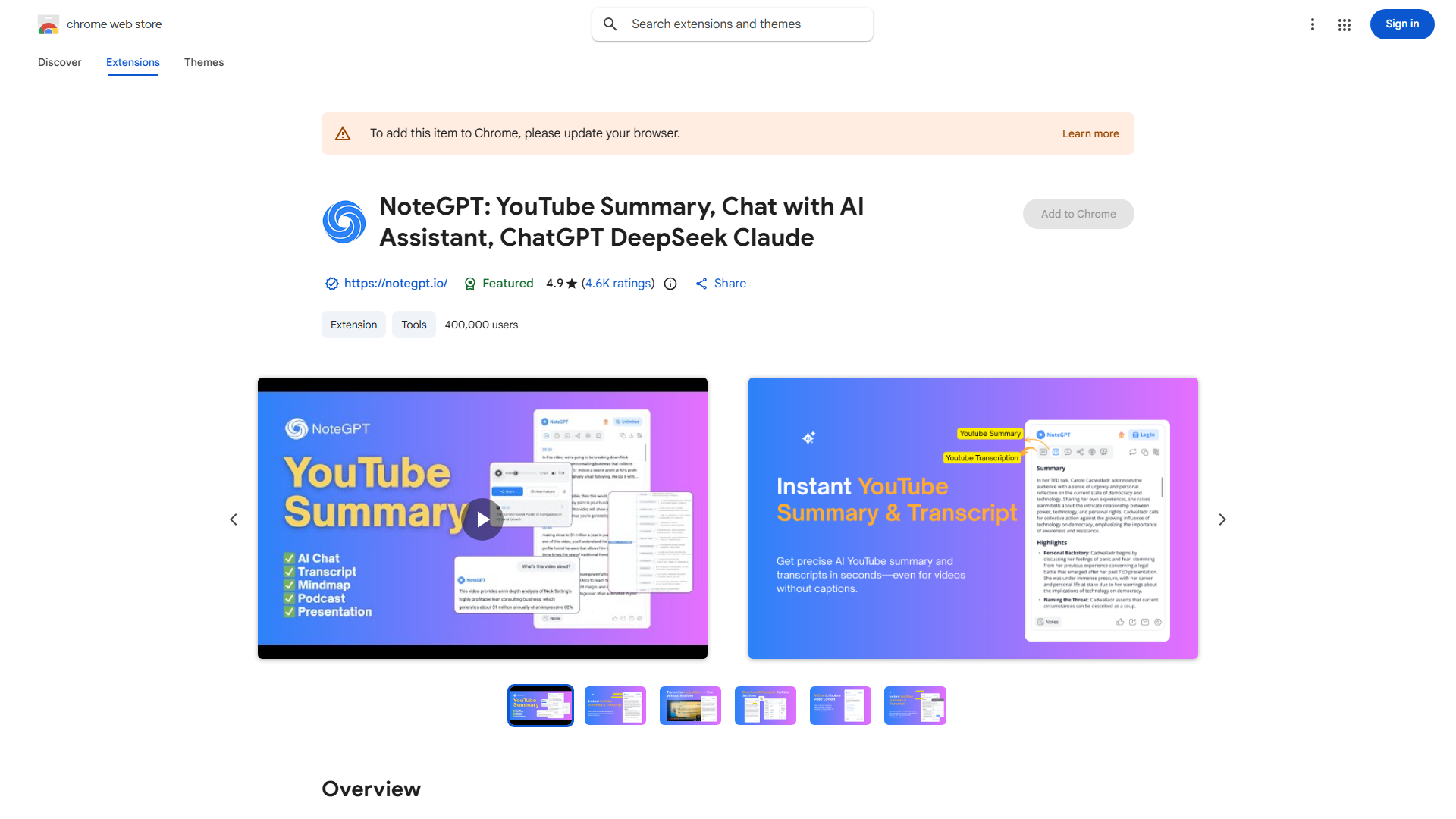
NoteGPT is a powerful Chrome extension designed to revolutionize your YouTube viewing experience. This innovative tool seamlessly generates detailed video summaries, allows you to take comprehensive notes, and capture screenshots directly from YouTube videos. By leveraging the capabilities of ChatGPT, NoteGPT ensures that you get the most out of every video you watch. It serves as an essential tool for researchers, students, and anyone looking to enhance their content consumption efficiency.
How to use NoteGPT: YouTube Summary with ChatGPT & Notes?
Using NoteGPT is straightforward. First, install the Chrome extension from the Chrome Web Store. Once installed, navigate to any YouTube video and click the NoteGPT icon in your browser toolbar. The extension will automatically generate a summary of the video content. As you watch, you can take notes directly within the extension interface, capturing key points and insights. Additionally, you can capture screenshots of important moments by clicking the screenshot button. All your notes and summaries are saved and organized for easy access later.
Core features of NoteGPT: YouTube Summary with ChatGPT & Notes?
- Automatic Summary Generation: Instantly get concise summaries of any YouTube video with just a few clicks
- Real-time Note-Taking: Capture detailed notes as you watch, ensuring you don't miss important information
- Screenshot Capture: Save screenshots of key moments for future reference or to include in your work
- AI-Driven Insights: Leverage ChatGPT to gain deeper understanding and additional context about video content
- Organized Library: All your notes and summaries are stored in an easily accessible library for future reference