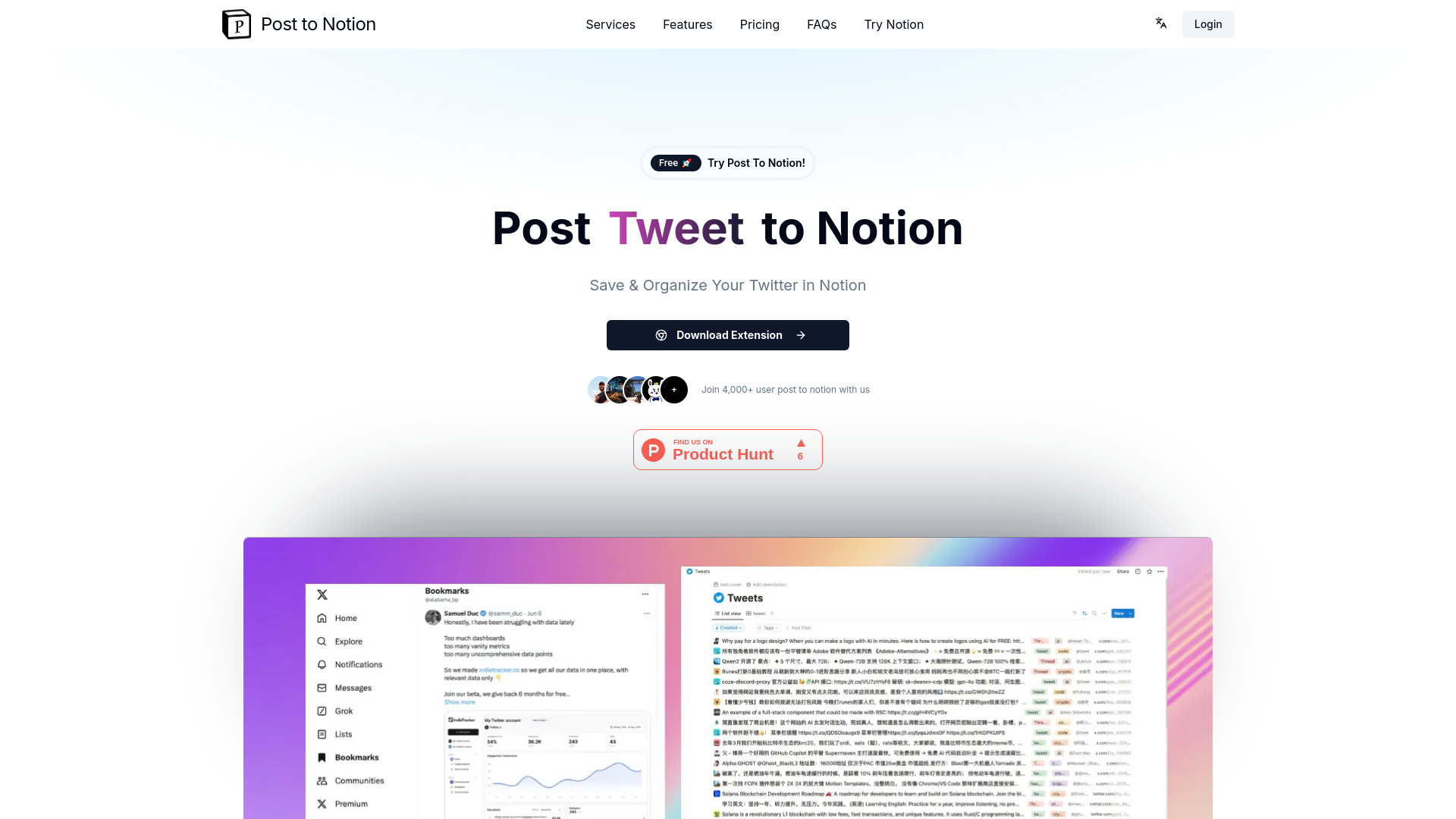
What is Post to Notion?
Post to Notion is an AI-powered content organization tool that seamlessly integrates with x.com to save and categorize your favorite content directly into your Notion workspace. Designed for researchers, students, and professionals, this application transforms your browsing experience into a well-organized digital library, ensuring valuable information never gets lost and streamlining your workflow for maximum productivity.
How to use Post to Notion?
First, install the Post to Notion browser extension. As you browse x.com, simply click the Post to Notion button when you find content worth saving. The tool automatically captures the article, video, or document and saves it to your designated Notion workspace. You can add custom tags during or after saving to categorize content according to your preferences. The saved items appear instantly in your Notion database, ready for future reference and organization.
Core features of Post to Notion?
- Seamless x.com and Notion integration for effortless content transfer
- AI-powered automatic categorization that learns your preferences over time
- Custom tagging system allowing personalized organization of saved content
- One-click saving functionality for quick content capture during browsing
- Instant synchronization ensuring your Notion workspace always has the latest saved items