
What is Smart Keys?
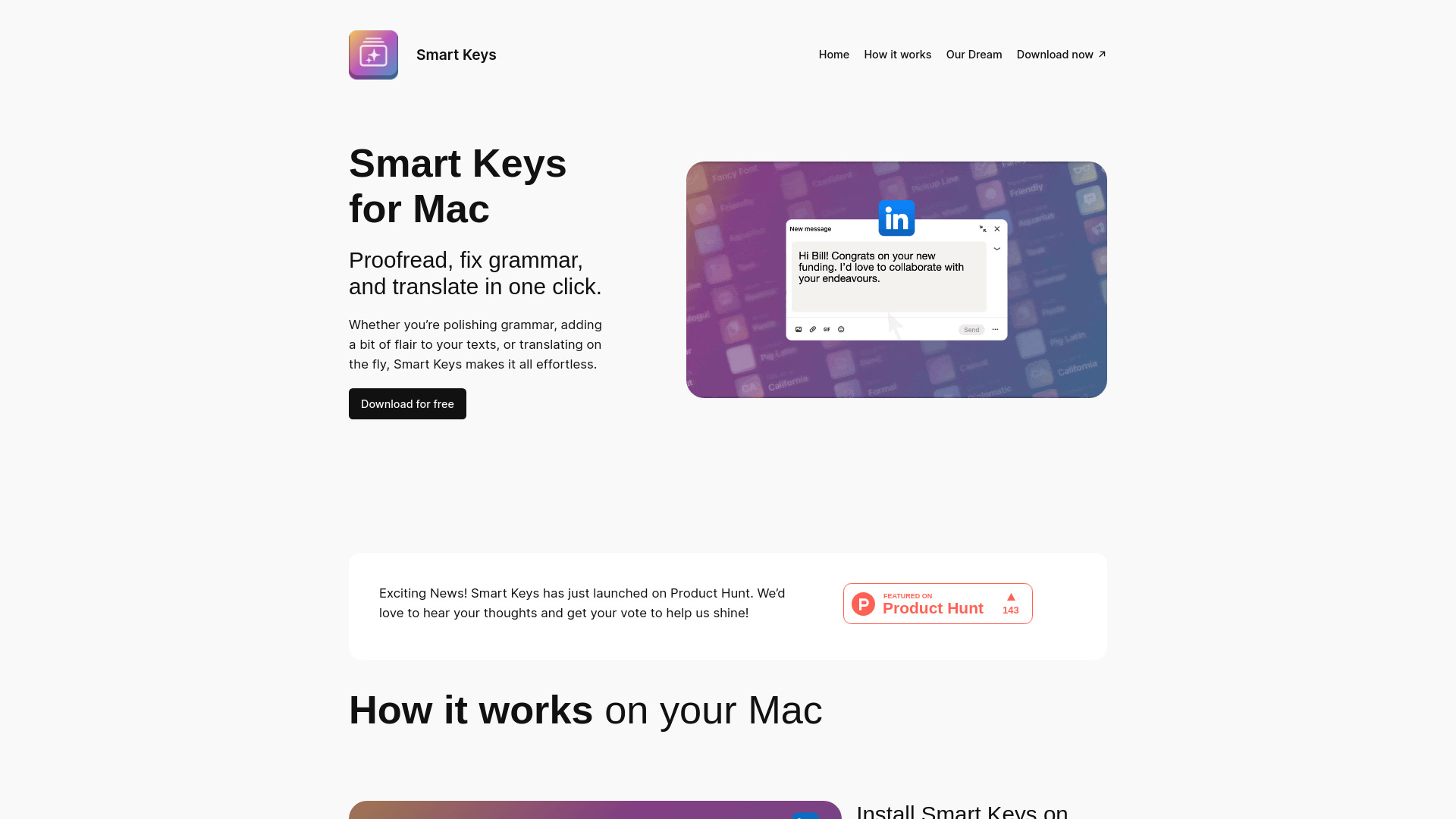
Smart Keys is an AI-powered keyboard shortcut tool designed to streamline writing, coding, and translation processes. This revolutionary application provides intuitive shortcuts for grammar checks, real-time translation, and coding functions, making it an essential productivity tool for writers, developers, and digital professionals. By integrating seamlessly with your workflow, Smart Keys eliminates the need for manual navigation through menus, allowing you to focus on content creation while maintaining high-quality standards across multiple languages and technical disciplines.
How to use Smart Keys?
Using Smart Keys is straightforward and efficient. After installation, the application automatically integrates with your system and displays available keyboard shortcuts. For grammar checks, simply select text and press the designated shortcut to receive real-time feedback on grammatical errors. For translation, highlight the text and use the translation shortcut to instantly convert between languages. Coders can access specialized shortcuts for common programming tasks, speeding up development without interrupting workflow. The intuitive interface requires no extensive training, making it accessible for users of all technical levels.
Core features of Smart Keys?
- AI-Powered Grammar Assistant: Provides real-time grammatical analysis and suggestions as you type, ensuring error-free content across all writing tasks.
- Multilingual Translation: Instantly translates text between multiple languages with a single keystroke, supporting over 50 languages for seamless global communication.
- Coding Shortcuts: Offers specialized keyboard shortcuts for common programming functions, including code completion, debugging, and syntax highlighting for popular languages.
- Customizable Shortcuts: Allows users to create personalized keyboard combinations for frequently used functions, adapting to individual workflow preferences.
- Cross-Application Integration: Works seamlessly across various platforms including word processors, email clients, code editors, and web browsers.