
What is SponsorBlock?:
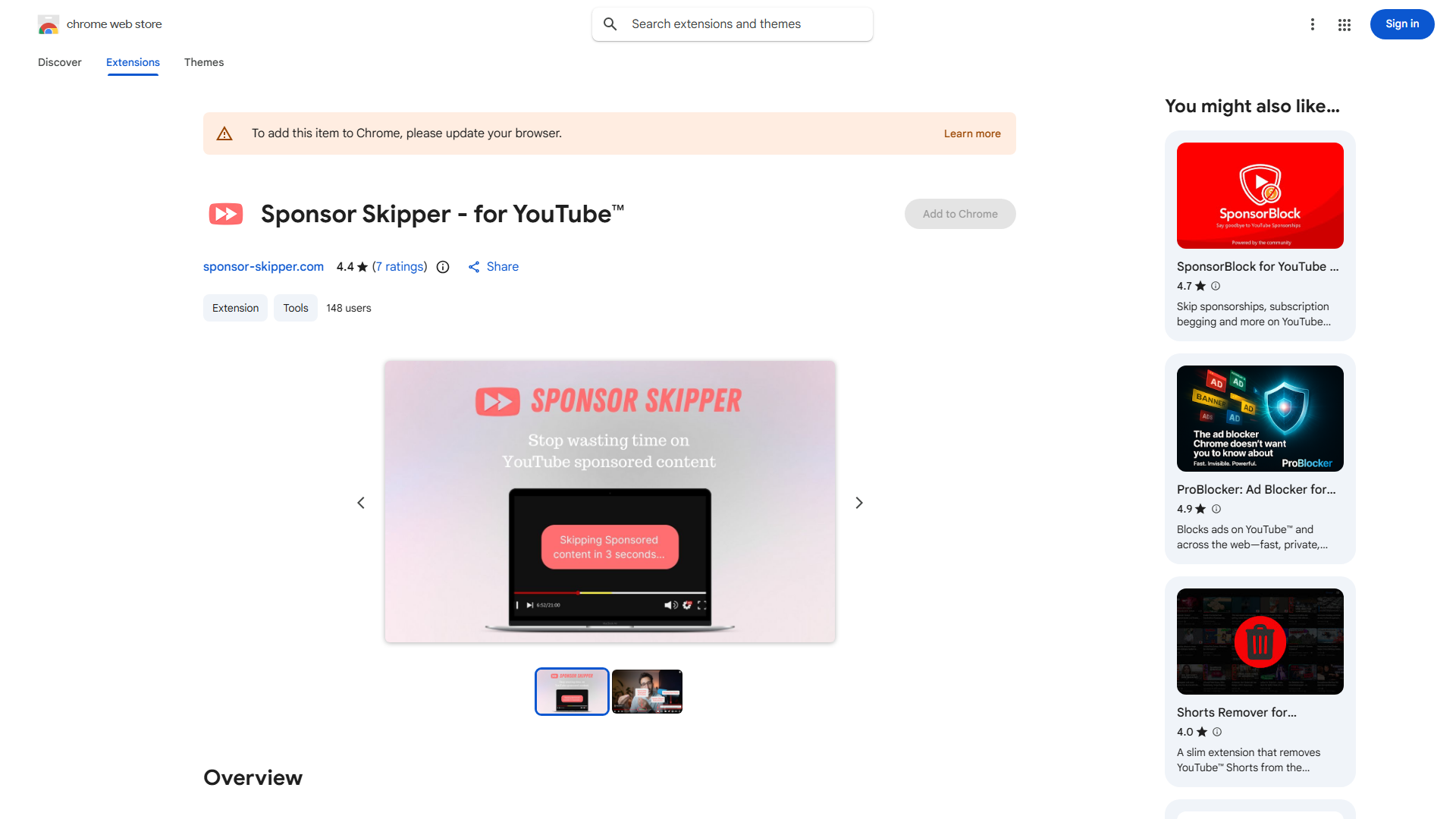
SponsorBlock is a browser extension that enhances your YouTube experience by automatically skipping sponsored segments, self-promos, and other interruptions. It uses a crowdsourced database to automatically skip these parts for a seamless, uninterrupted viewing session.
How to use SponsorBlock?:
Install the extension for your browser. Watch videos on YouTube as you normally would. The extension automatically detects and skips submitted segments without any action required from you.
Core features of SponsorBlock?:
- Automatically skips sponsorships, self-promos, previews, and other interruptions.
- Crowdsourced database for high accuracy through community submissions.
- Customizable categories to control which segments are skipped.
- Submit segments to videos to help the community.