What is SponsorSkip?
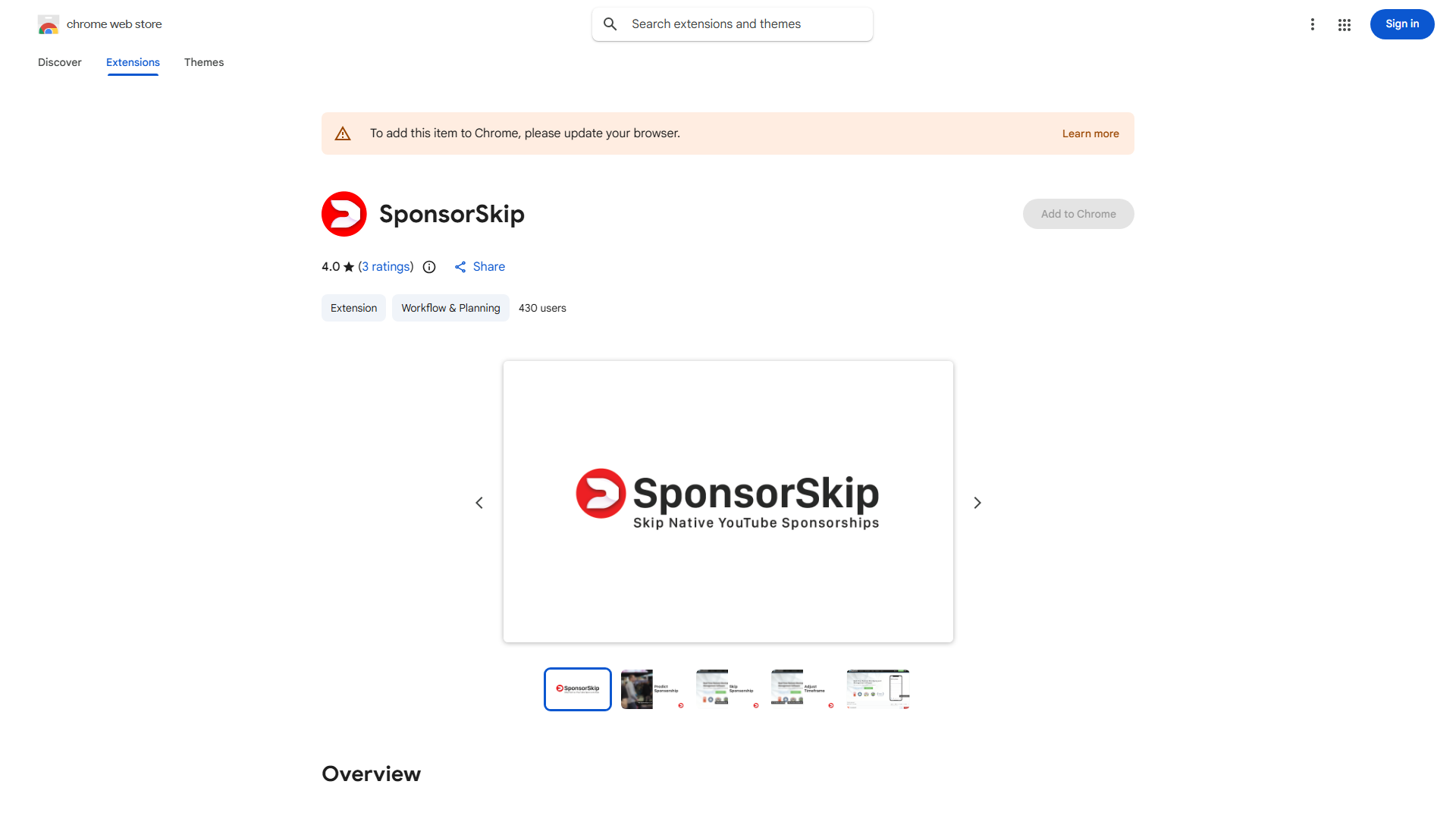
SponsorSkip is a Chrome extension designed to automatically skip native sponsorships in YouTube videos, saving viewers time and enhancing their video consumption experience. This innovative tool works seamlessly with YouTube to eliminate interruptions caused by sponsored segments, allowing users to focus on the content they truly care about. Whether you're a casual viewer or a dedicated YouTuber, SponsorSkip provides a more efficient and enjoyable way to consume video content without the annoyance of sponsor messages.
How to use SponsorSkip?
- Install the extension from the Chrome Web Store
- Pin the extension to your browser toolbar for easy access
- Visit YouTube and play any video containing sponsorships
- The extension will automatically detect and skip sponsor segments as they appear
- Adjust settings in the extension options if needed for optimal performance
Core features of SponsorSkip?
- Intelligent Sponsor Detection: Advanced algorithms identify and skip native sponsorships with high accuracy
- Seamless Integration: Works automatically with YouTube without requiring manual activation
- Customizable Settings: Adjust skip timing and sensitivity to match your preferences
- Real-time Processing: Skips sponsorships instantly as they appear in videos
- Lightweight Performance: Minimal impact on browser speed and video playback