
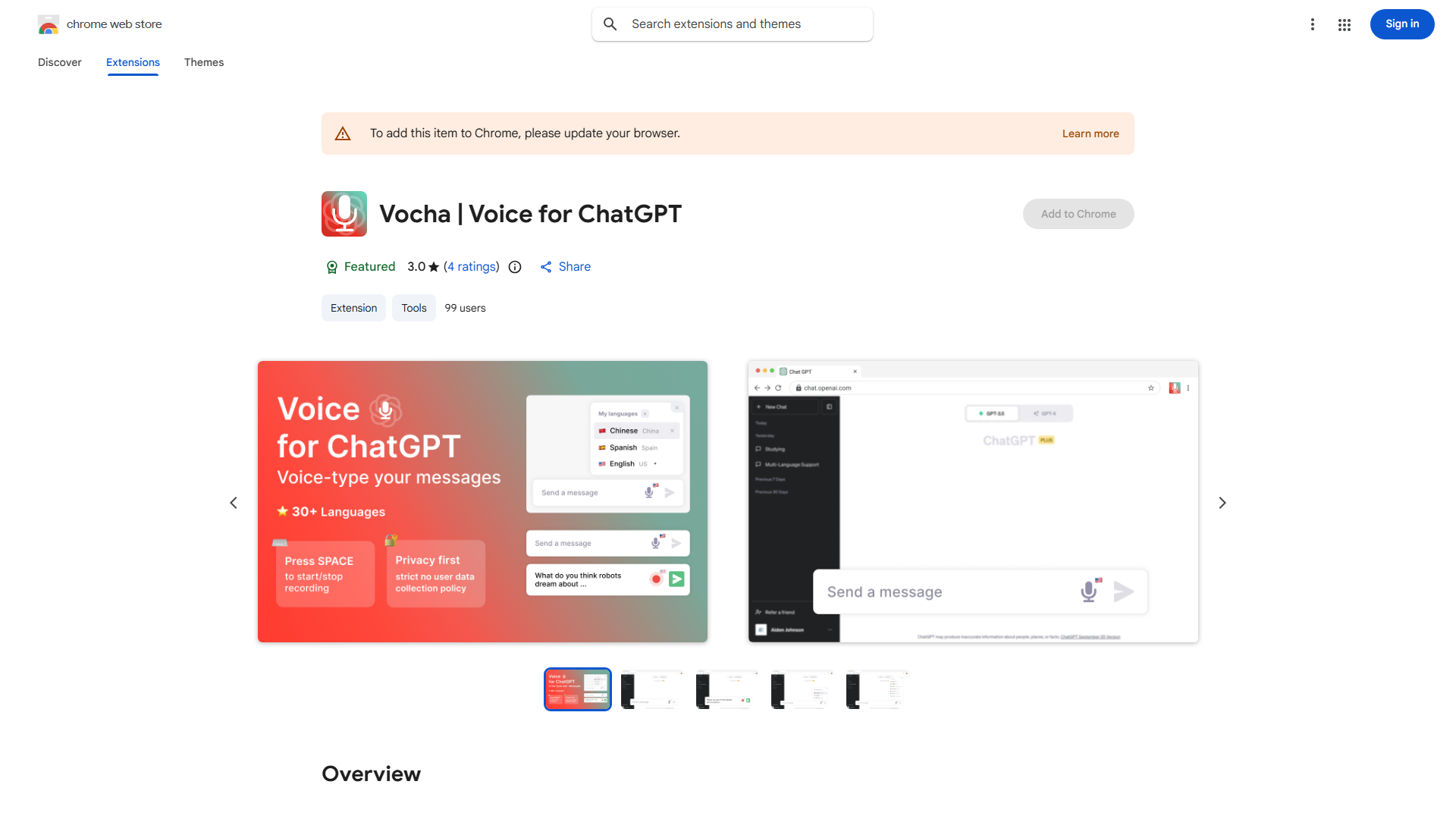
What is Vocha?
Vocha is a cutting-edge voice-typing extension designed exclusively for ChatGPT users, offering a seamless and private typing experience. This innovative tool leverages advanced speech recognition technology to convert spoken words into text with unparalleled accuracy. Designed with user privacy in mind, Vocha ensures that your voice data remains secure and confidential. Its intuitive interface makes it easy to integrate into your workflow, whether you're a professional writer, a student, or simply someone who wants to streamline their communication with ChatGPT.
How to use Vocha?
The process is straightforward. First, install the Vocha extension in your browser. Once activated, click the Vocha icon to enable voice input. Speak clearly into your microphone, and Vocha will instantly convert your words into text, which automatically appears in your ChatGPT input field. You can pause or stop recording at any time, and the extension provides real-time transcription. The text is ready to send with a single click, making your interaction with ChatGPT faster and more efficient.
Core features of Vocha?
Advanced speech recognition technology provides highly accurate text conversion with minimal errors. End-to-end encryption ensures your voice data remains private and secure, with no storage of your recordings. The user-friendly interface integrates seamlessly with ChatGPT, requiring no additional setup or configuration. Real-time transcription allows you to see your words appear as you speak, enhancing your workflow efficiency. Multi-language support enables voice input in various languages, making it accessible to a global user base.