
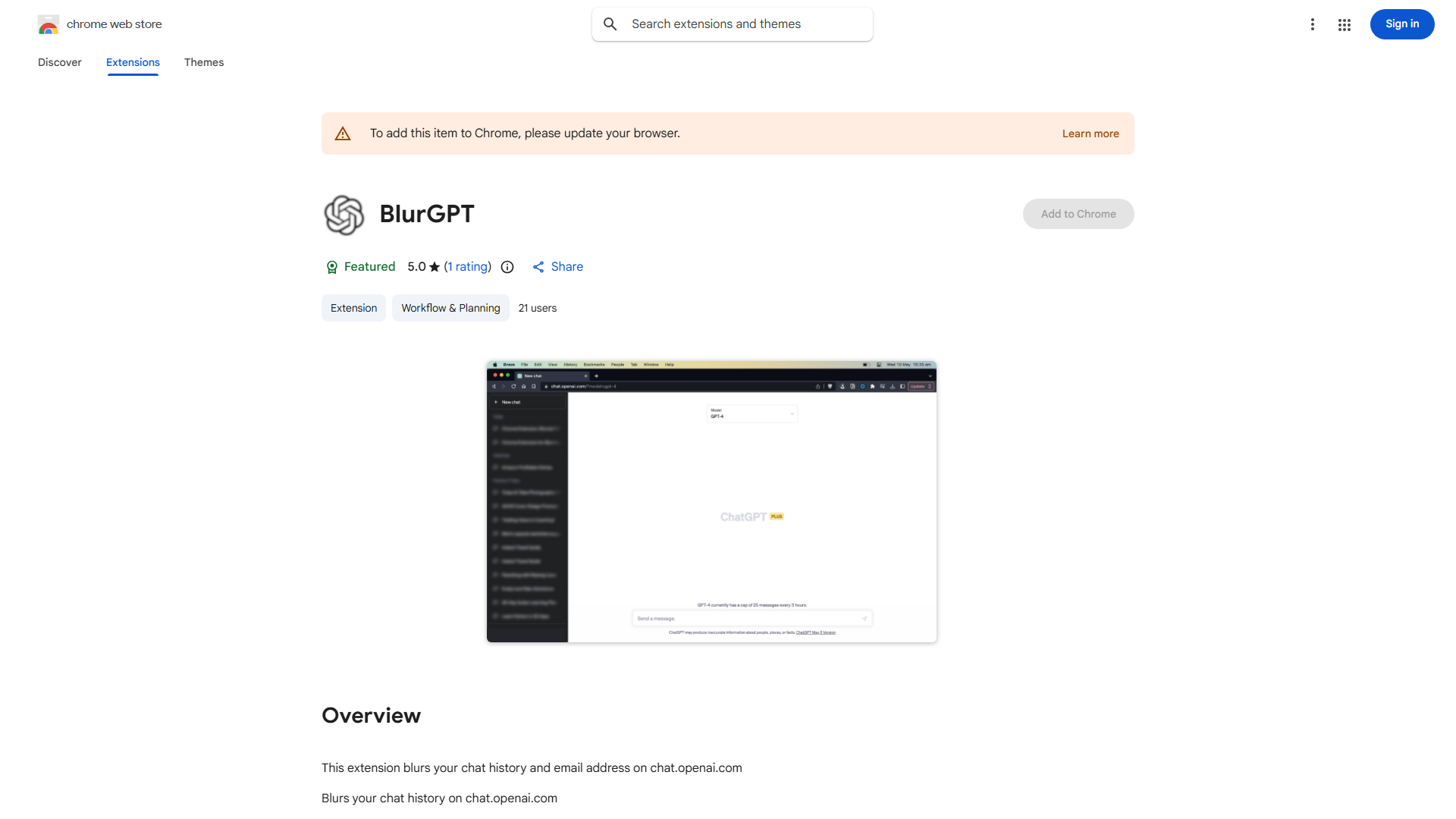
What is Blur Chat History?
Blur Chat History is a privacy-focused browser extension designed for chat.openai.com users. It automatically blurs sensitive information in chat histories and email content, ensuring confidential conversations remain private and secure.
How to use Blur Chat History?
Install the extension from your browser's extension store, then activate it when visiting chat.openai.com. The tool will automatically detect and blur sensitive information. Toggle the blurring effect on/off using the extension's icon in your browser toolbar.
Core features of Blur Chat History?
- Automatic detection and blurring of sensitive personal information
- Customizable blurring intensity for different data types
- One-click activation/deactivation for convenience
- Compatible with all modern browsers
- Lightweight design that doesn't affect chat performance
























