
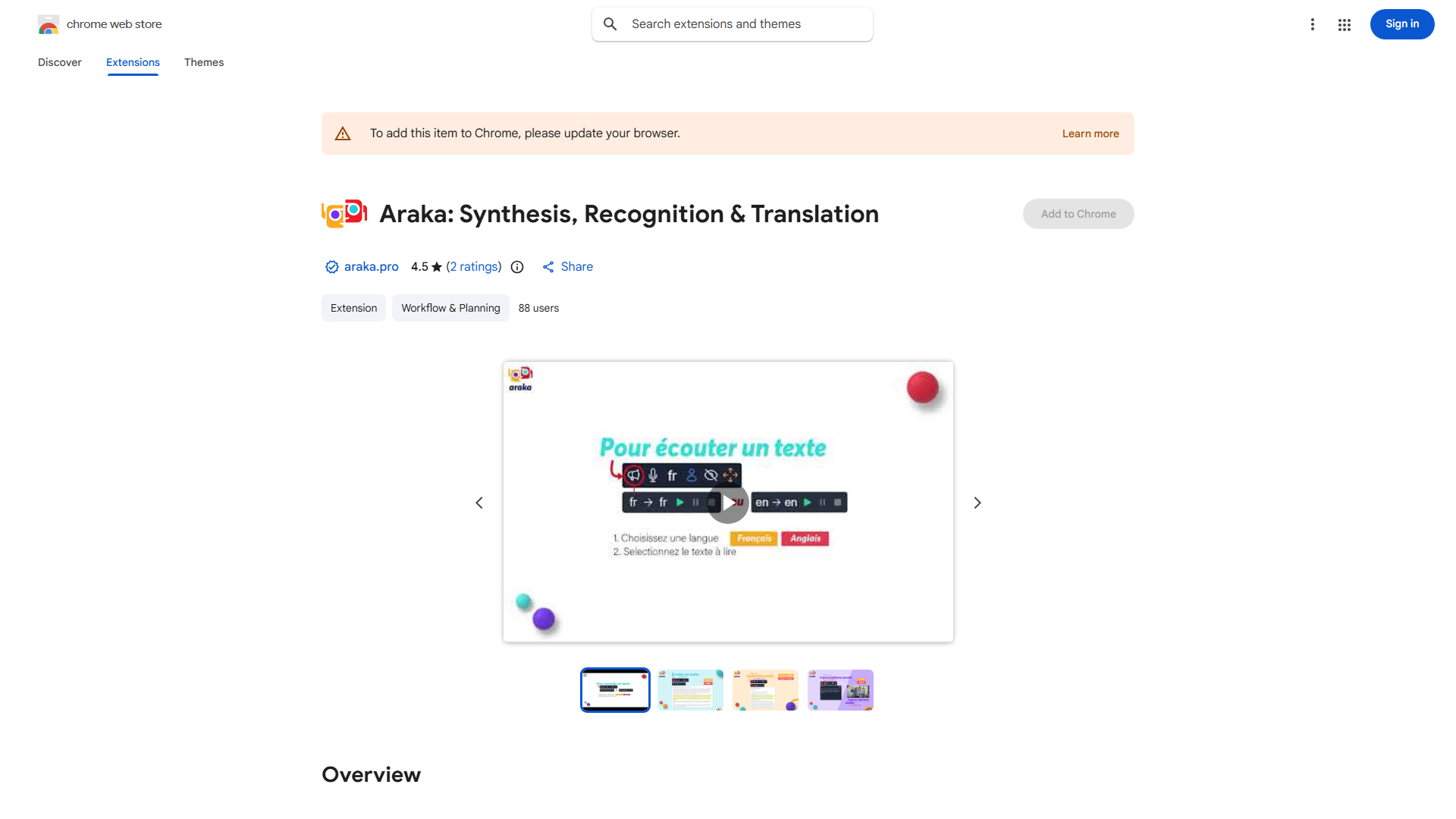
What is Chrome Extension: Speech Recognition & Text-to-Speech?
Chrome Extension: Speech Recognition & Text-to-Speech is a powerful browser tool enhancing productivity and accessibility. It transforms your browser into a dynamic assistant by converting speech to text, text to natural-sounding audio, and providing real-time translation. Perfect for dictating documents, listening to content, and breaking language barriers.
How to use Chrome Extension: Speech Recognition & Text-to-Speech?
Install the extension from Chrome Web Store and pin it to your toolbar. Click the extension icon to access three options: microphone for speech recognition, speaker for text-to-speech, and globe for translation. For dictation, activate the microphone and speak. To listen to content, select text or activate page reading. For translation, highlight foreign text for instant translation.
Core features of Chrome Extension: Speech Recognition & Text-to-Speech?
- Advanced Speech Recognition: Accurately converts voice to text in multiple languages for dictating documents and emails.
- Natural-Sounding Text-to-Speech: Transforms any text into clear audio with customizable voices and reading speeds.
- Instant Real-Time Translation: Breaks language barriers by providing immediate translations of foreign text.
- Seamless Browser Integration: Works across all websites and platforms for consistent functionality.
























