What is CodeAir?
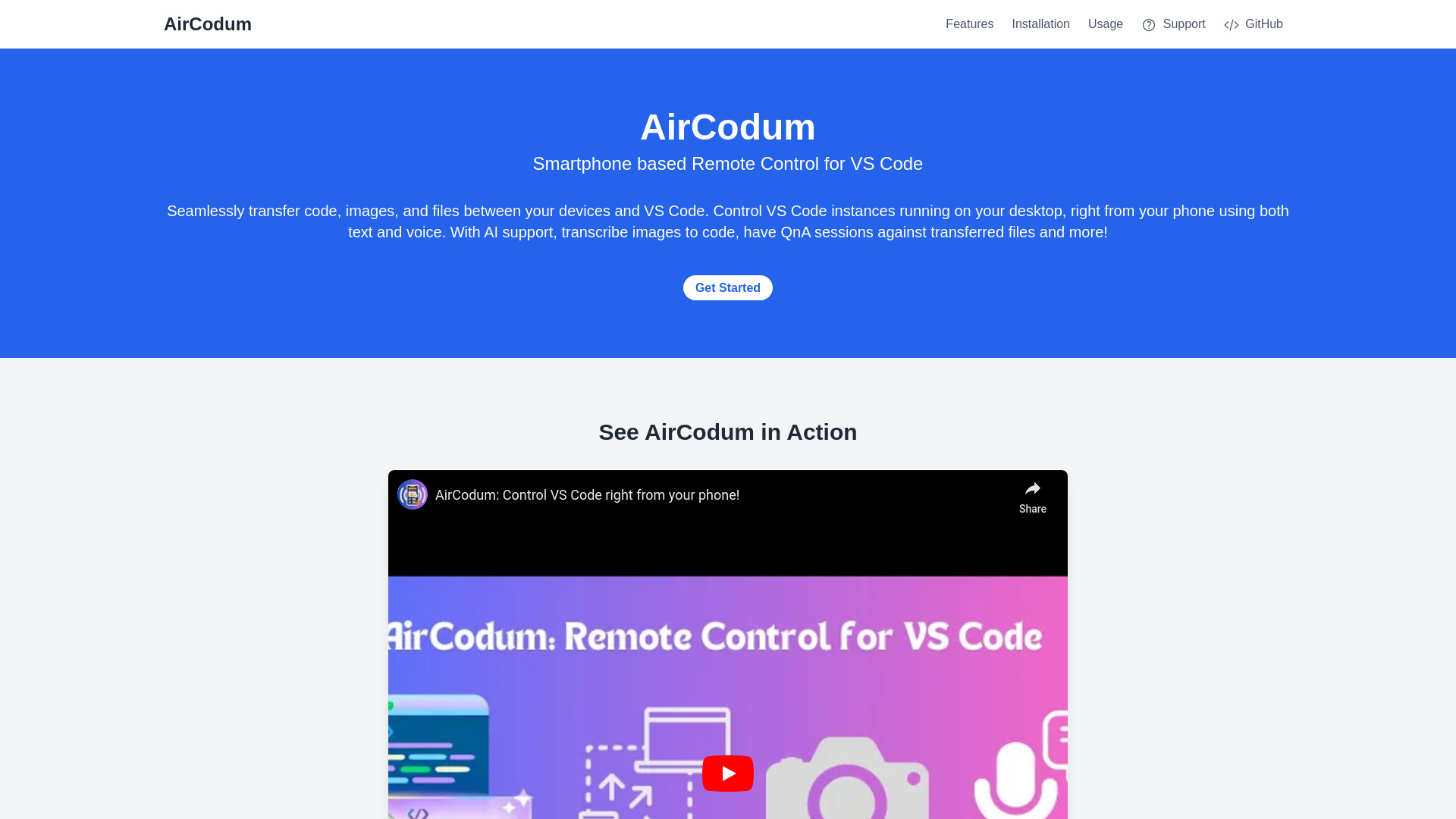
CodeAir is a revolutionary mobile app that provides remote control over Visual Studio Code (VS Code), allowing developers to manage coding projects from anywhere. It offers seamless file transfer and AI-powered assistance, ensuring full control over your codebase at your fingertips.
How to use CodeAir?
Download CodeAir on your mobile device and log in with your VS Code credentials. Access your projects, transfer files between local machine and VS Code, and utilize AI-powered suggestions for enhanced coding efficiency. The intuitive interface ensures seamless integration with your existing workflow.
Core features of CodeAir?
- Remote VS Code Access: Control your VS Code environment from any device, anytime
- File Transfer: Easily transfer files between your local machine and VS Code
- AI Support: Leverage AI-driven suggestions to enhance coding productivity
- Cross-Platform Compatibility: Use CodeAir on iOS and Android without issues
- Real-Time Collaboration: Share VS Code sessions with team members
























