
What is DocLegal.AI?
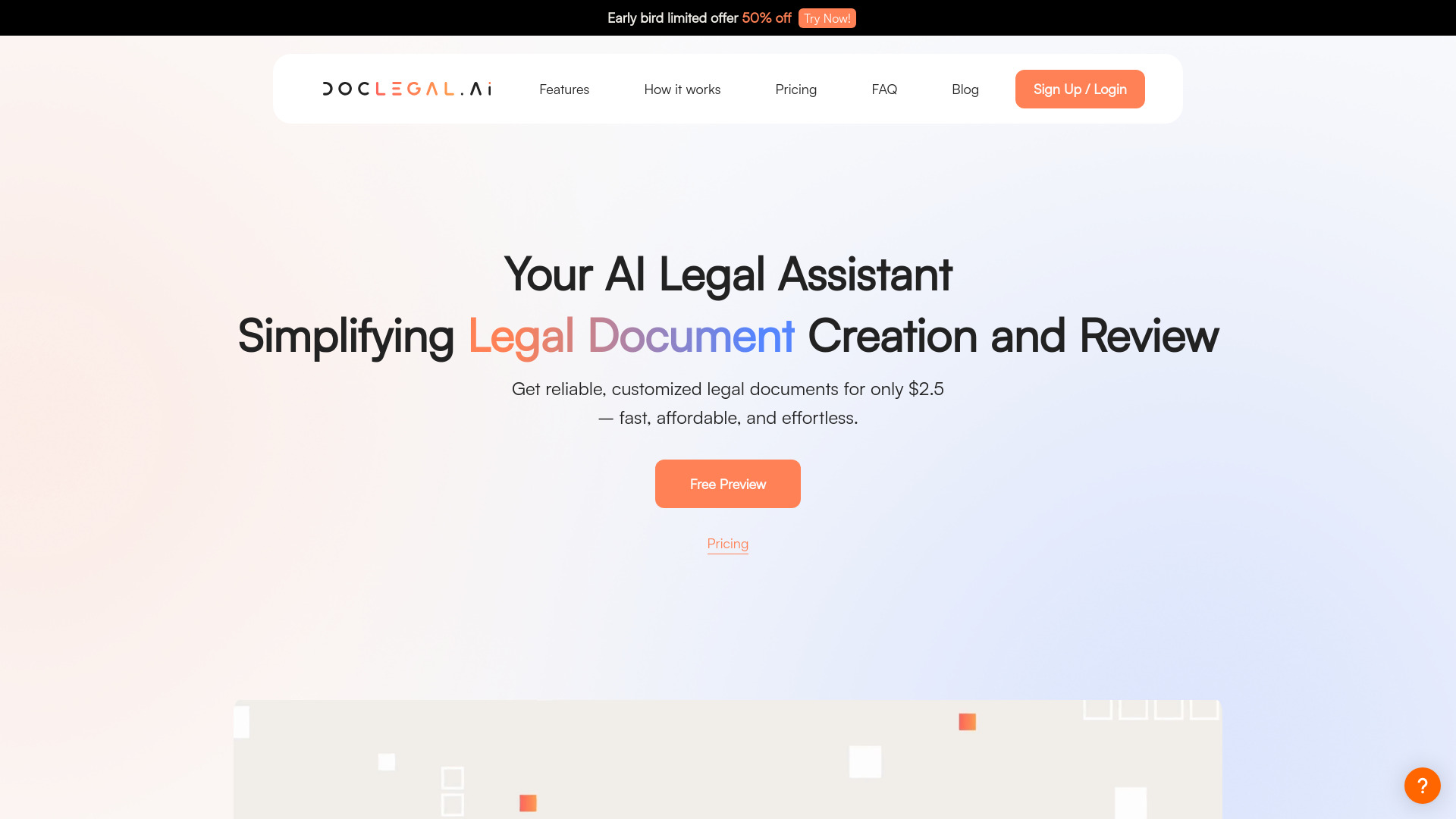
DocLegal.AI is an AI-powered legal assistant designed to streamline the creation, review, and management of legal documents online. It serves as a comprehensive solution for professionals including lawyers, paralegals, and business professionals who need to draft contracts, agreements, and other legal documents with precision and efficiency. The application leverages advanced AI algorithms and an intuitive interface to enhance productivity, accuracy, and compliance in legal documentation processes.
How to use DocLegal.AI?
Using DocLegal.AI is straightforward and user-friendly. First, create an account on the platform. Then, select the type of legal document you need to create from the extensive library of templates. The AI will guide you through the document creation process, offering intelligent suggestions and auto-populating relevant clauses based on your input. During the drafting phase, you can access real-time legal advice to ensure compliance. Once your document is ready, you can share it with team members or clients for collaborative review and editing. All documents are securely stored in the cloud for easy access and management.
Core features of DocLegal.AI?
DocLegal.AI offers several powerful features that distinguish it as a leading legal document management solution:
- Intelligent Document Creation: AI-driven templates and suggestions help users create legally sound documents quickly and accurately, reducing drafting time by up to 70%.
- Real-Time Legal Analysis: The application provides instant feedback on your documents, highlighting potential legal issues and suggesting improvements to ensure compliance with current regulations.
- Collaborative Workspace: Multiple users can work on the same document simultaneously, with version control and commenting features that facilitate efficient teamwork.
- Secure Document Management: All legal documents are encrypted and stored in a secure cloud environment, accessible from any device with an internet connection.
- Custom Template Library: Users can create and save custom templates for frequently used documents, further streamlining their workflow.
























