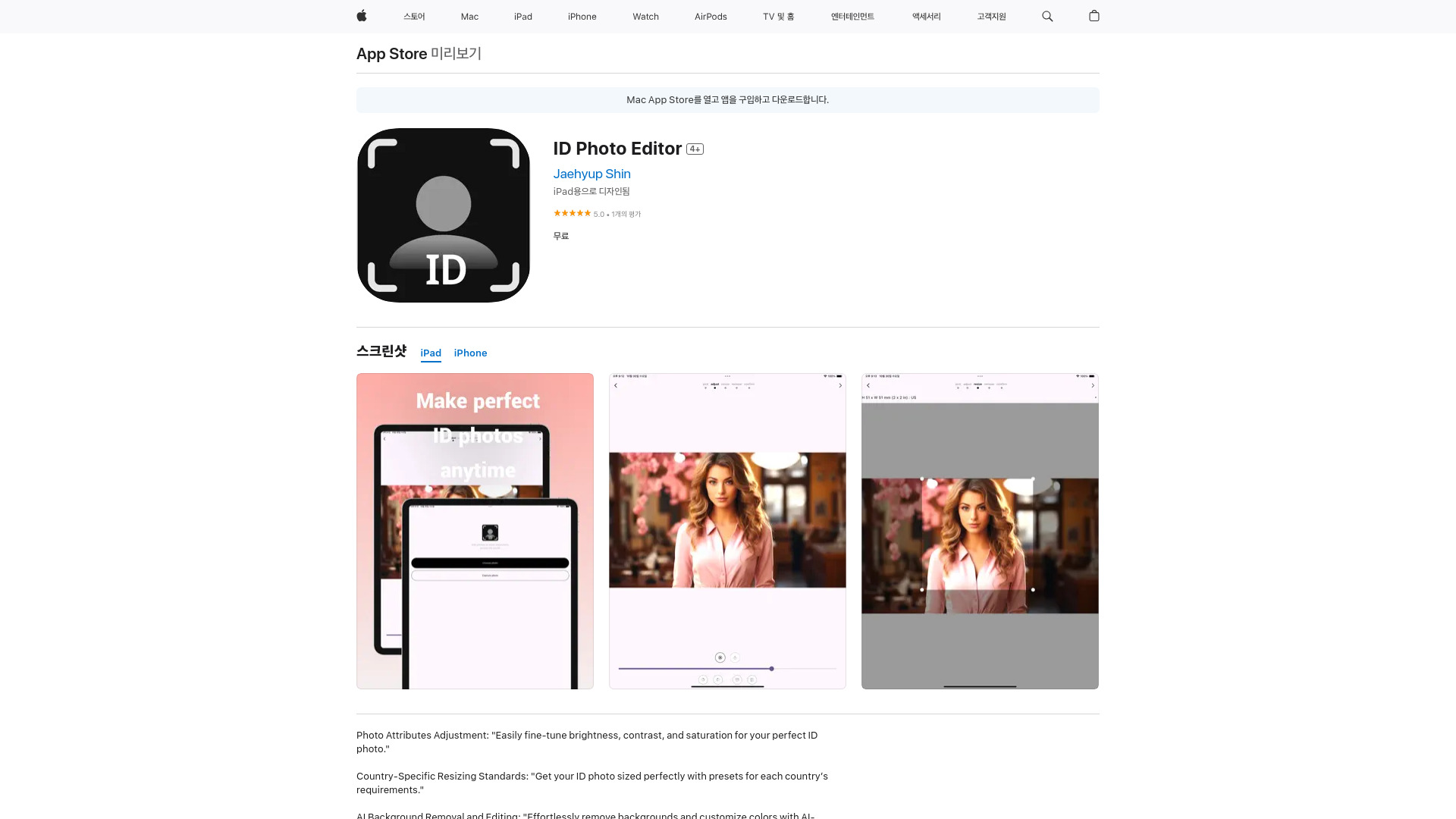
Welcome to ID Photo Editor, the all-in-one solution for creating and editing ID photos on your iOS device. In this brief introduction, we'll explore what ID Photo Editor is, how to use it, and the core features that make it stand out.
What is ID Photo Editor?
ID Photo Editor is a specialized iOS app designed to help users create and edit ID photos with ease. Whether you need a photo for a passport, visa, driver's license, or any other official document, this app is your ultimate companion. Its value proposition lies in its AI-powered technology, which ensures that your photos are not only visually appealing but also meet the specific size and format requirements of various countries.
How to use ID Photo Editor?
Using ID Photo Editor is a breeze. Start by selecting the country and document type for which you need the photo. The app will then automatically adjust the photo size and format accordingly. From there, you can upload a photo or take one using your device's camera. Use the editing tools to enhance the photo's quality, adjusting brightness, contrast, and applying filters if desired. Once you're satisfied, save or share your ID photo directly from the app.
Core features of ID Photo Editor?
ID Photo Editor boasts several core features that make it an essential tool for anyone in need of professional ID photos:
- AI-Driven Sizing: Automatically adjusts photo size to meet international requirements.
- Easy Editing Tools: Intuitive controls for brightness, contrast, and filters.
- Country-Specific Templates: Pre-set sizes and formats for over 200 countries.
- Camera Integration: Take new photos or upload existing ones directly within the app.
- Direct Sharing: Share your ID photo directly via email, messaging apps, or social media.
Ready to say goodbye to the hassle of creating ID photos? Download ID Photo Editor today and experience the convenience of AI-powered photo editing. Get your professional ID photo in minutes, no matter where you are in the world.