
Apa itu Ekstensi Fooocus Infotext Chrome?
A powerful Chrome extension designed to revolutionize online research by extracting text from images directly to your clipboard. It streamlines information gathering for students, professionals, and content creators.
Bagaimana cara menggunakan Ekstensi Fooocus Infotext Chrome?
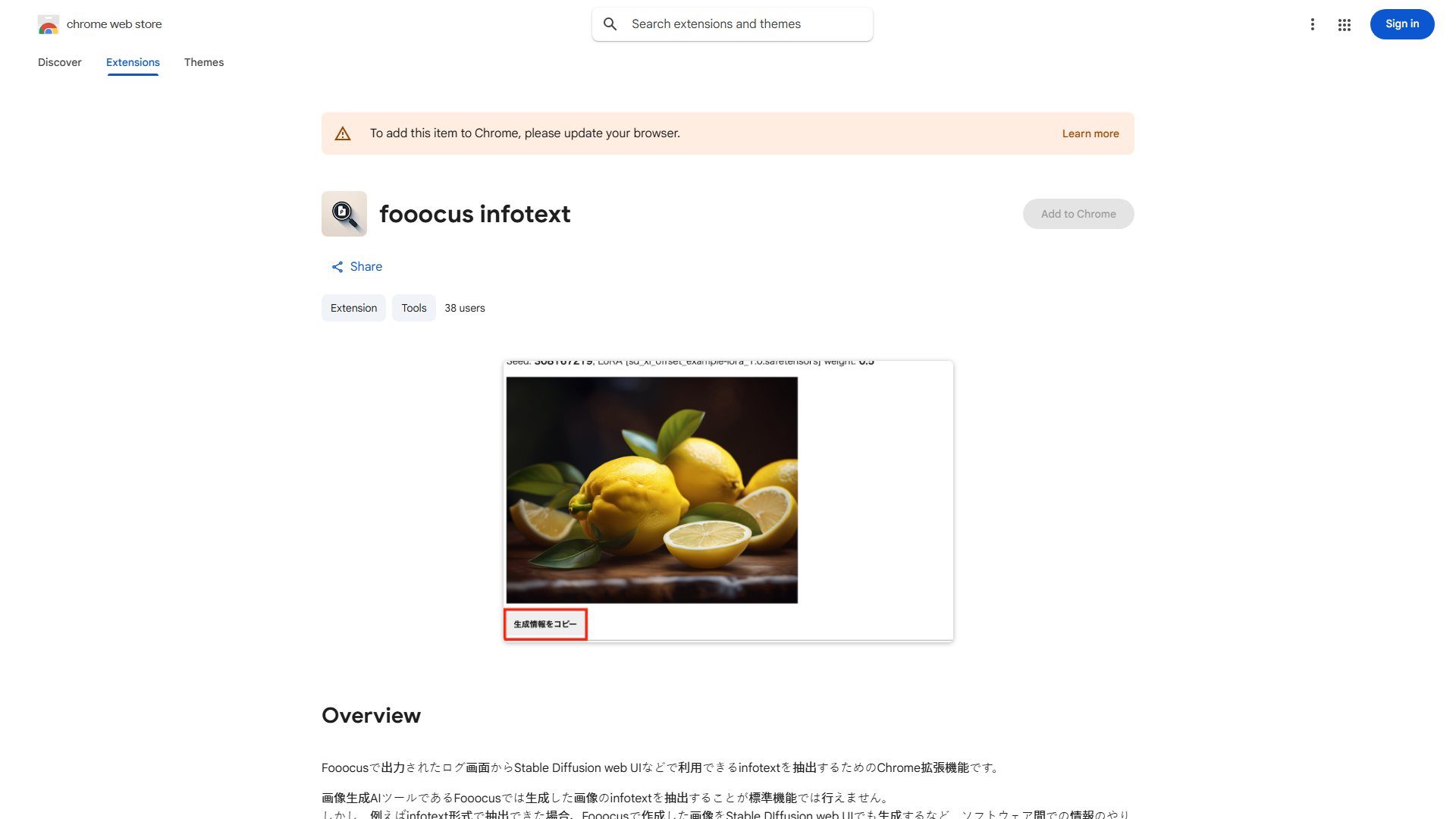
Install the extension in Chrome browser. Navigate to a webpage with an image containing text. Click on the image to activate the extension. Select the text you want to extract and copy it to your clipboard with a single click.
Fitur utama Ekstensi Fooocus Infotext Chrome?
- Ekstraksi teks dari gambar dengan sekali klik
- Integrasi papan klip yang lancar
- Antarmuka yang mudah digunakan
- Alat penelitian yang menghemat waktu
- Kompatibel dengan sebagian besar format gambar