
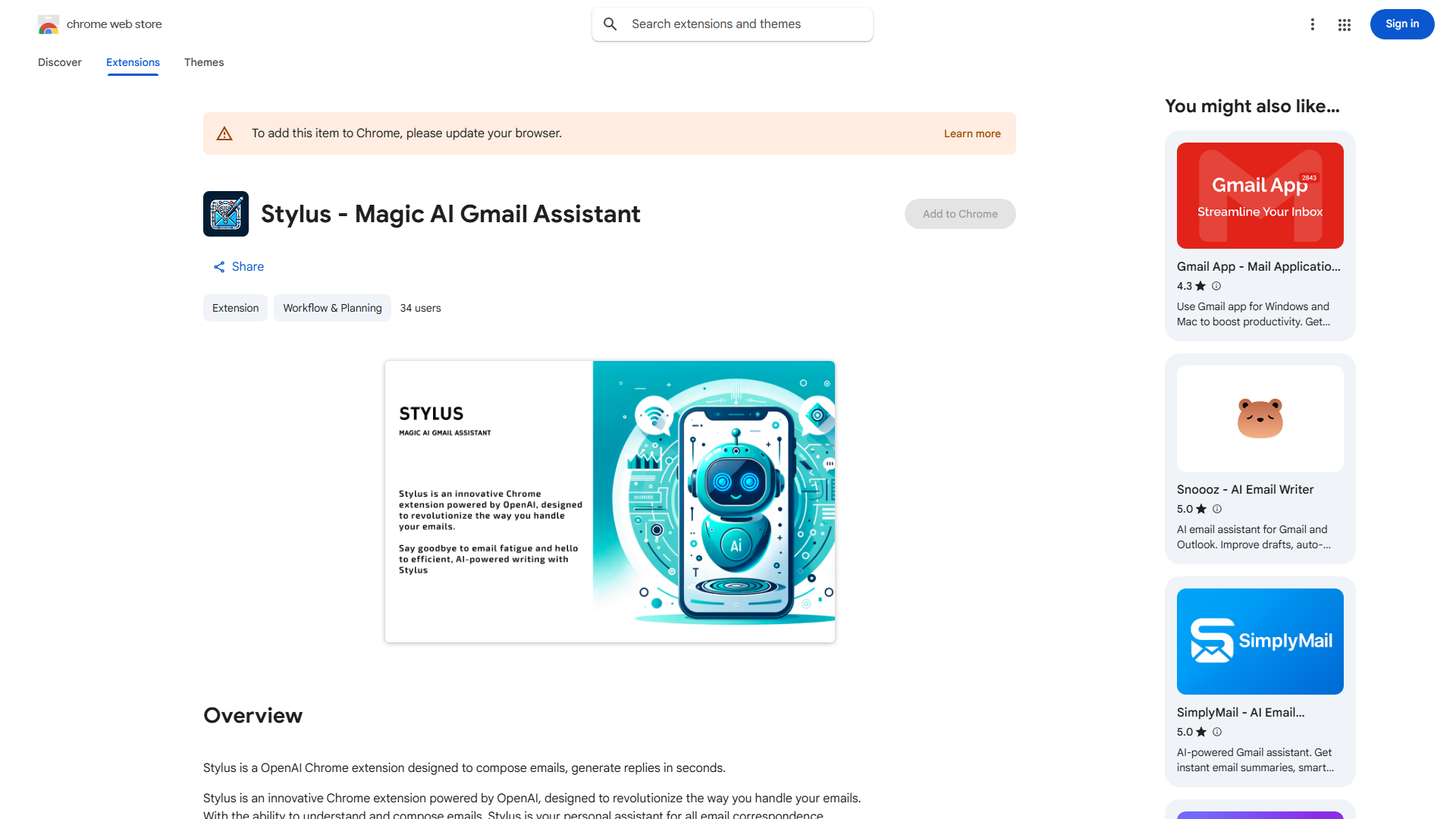
What is Stylus?
Stylusは、メールコミュニケーションを革新するためのAI駆動のChrome拡張機能です。OpenAIの高度な言語モデルを活用して、ユーザーが前例のない速さと効率でメールを作成し、返信するよう支援します。多忙なプロフェッショナルが複数のインボックスを管理している場合でも、学生が学術的な対応を処理している場合でも、Stylusは洗練された草案を提案することでメールの作成プロセスを単純化し、あなたのメッセージが常に明確で簡潔、プロフェッショナルであることを保証します。直感的なインターフェースと既存のメールアカウントとのシームレスな統合により、メール生産性とコミュニケーションスキルを向上させるために不可欠なツールです。
How to use Stylus?
The process is straightforward and user-friendly. First, install the Stylus extension from the Chrome Web Store. Once installed, it automatically integrates with your email account. When composing a new email or replying to an existing message, Stylus analyzes your content and provides intelligent suggestions in real-time. You can accept these suggestions as-is, modify them to better match your tone, or ignore them completely. The extension works across popular email platforms, ensuring a consistent experience regardless of your preferred service.
Core features of Stylus?
- AI-driven email suggestions: Utilizes OpenAI's advanced language models to generate tailored email drafts based on context and intent.
- Seamless email integration: Works with popular email platforms including Gmail, Outlook, and others without requiring additional setup.
- Customizable writing assistance: Maintains your unique voice while offering suggestions that can be easily accepted, modified, or rejected.
- Time-saving automation: Reduces email composition time by up to 50% through intelligent drafting capabilities.
- Professional quality assurance: Ensures emails are grammatically correct, well-structured, and appropriate for professional or academic contexts.