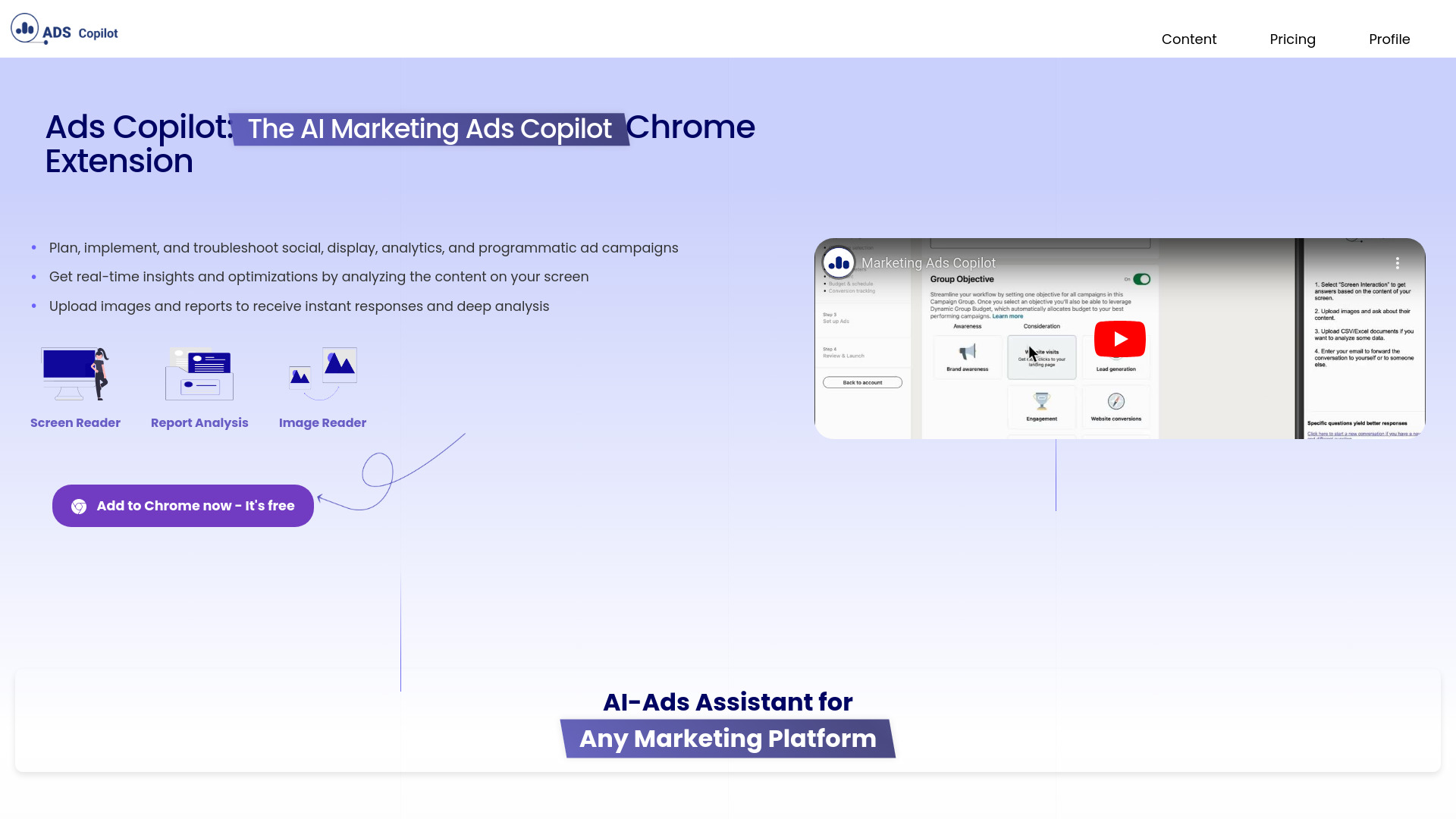
What is Ads Copilot?
Ads Copilot은 광고 캠페인 관리 경험을 혁신하는 comprehensive Chrome 확장 프로그램입니다. 이 강력한 도구는 브라우저와 원활하게 통합되어 실시간 통찰력을 제공하고, 캠페인 계획을 간소화하고 문제를 효율적으로 해결할 수 있게 합니다. 디지털 마케터로서 경력을 쌓았든 초보자든, Ads Copilot은 광고 노력을 향상시키기 위한 complete suite of features를 제공합니다. 직관적인 인터페이스와 고급 분석을 통해 캠페인을 최적화하고 대상 인구를 효과적으로 타겟팅하여 더 높은 ROI를 달성할 수 있습니다. 매력적인 광고 본문을 만들고 성과를 모니터링하는 데 있어 Ads Copilot은 디지털 광고 성공을 위한 all-in-one 솔루션입니다.
How to use Ads Copilot?
Using Ads Copilot is straightforward and intuitive. First, install the Chrome extension from the web store. Once installed, the extension icon appears in your browser toolbar. Click the icon to access the dashboard where you can create new campaigns or manage existing ones. Use the campaign builder to define objectives, set budgets, and establish timelines. The tool provides real-time suggestions as you craft ad copy and select targeting options. Monitor performance metrics directly within the extension and make adjustments on the fly. For troubleshooting, access the diagnostic tools to identify and resolve issues quickly, ensuring your campaigns run smoothly.
Core features of Ads Copilot?
- Real-Time Analytics Dashboard: Gain instant insights into campaign performance with comprehensive metrics including click-through rates, conversion rates, and engagement data.
- Intelligent Ad Copy Generator: Receive AI-powered suggestions to optimize your ad content for better engagement and higher conversion rates.
- Advanced Audience Targeting: Utilize sophisticated targeting options to reach your ideal customers based on demographics, interests, and behavior patterns.
- Campaign Optimization Recommendations: Get data-driven suggestions to improve campaign performance and maximize your advertising budget.
- Issue Detection and Resolution: Identify potential problems before they impact performance with automated troubleshooting tools.