
ChatGPT Delete All Chats는 무엇인가요?
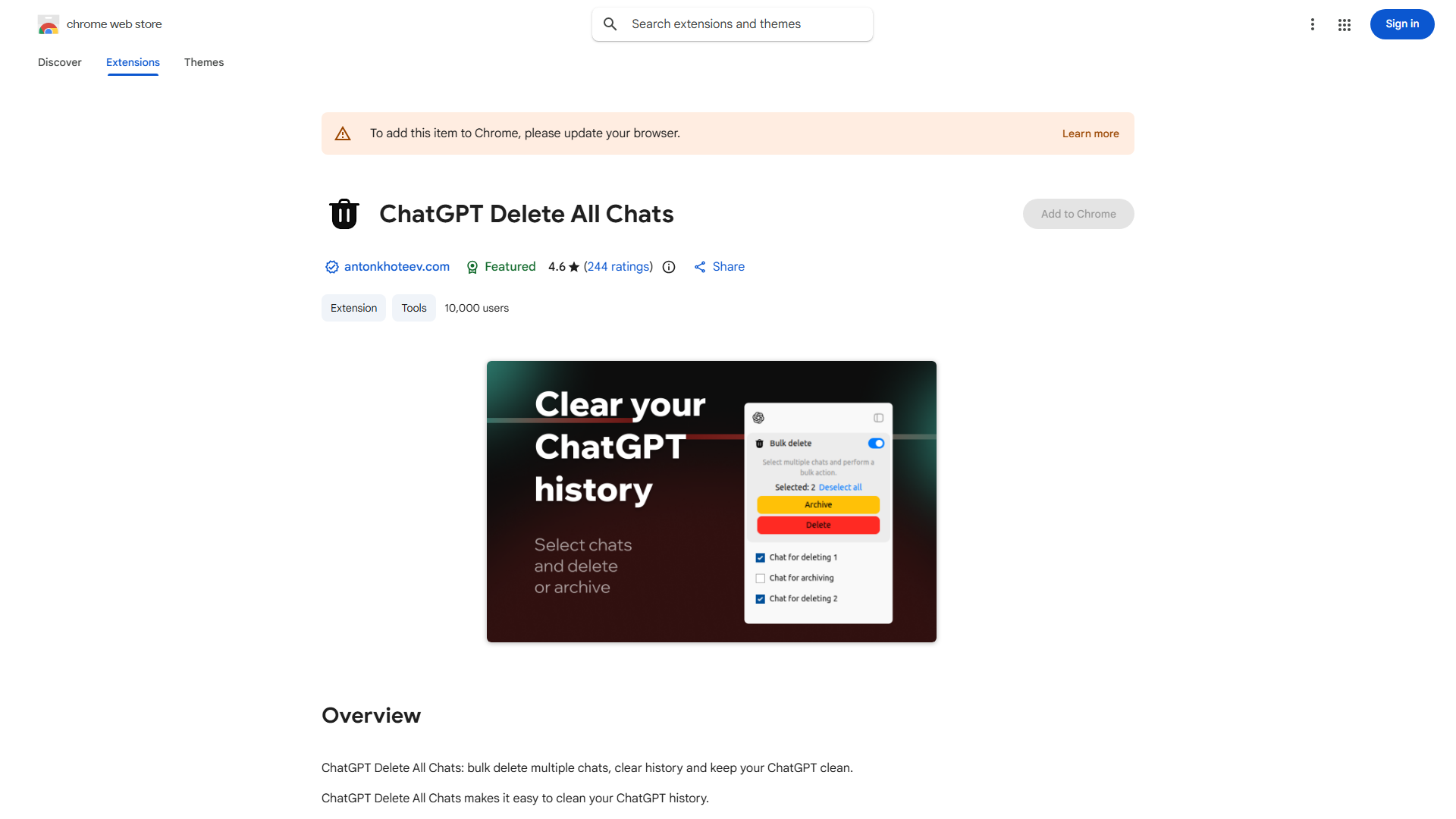
This Chrome extension efficiently manages your ChatGPT history by enabling bulk deletion and archiving of conversations. It enhances privacy and organization, providing a streamlined experience for users seeking a clean chat environment.
ChatGPT Delete All Chats를 사용하는 방법은 무엇인가요?
Install the extension from Chrome Web Store. Navigate to ChatGPT, click the extension icon, and select "Delete All Chats" or choose specific conversations to archive. Confirm your selection to complete the process instantly.
ChatGPT Delete All Chats의 주요 기능은 무엇인가요?
- 한 번의 클릭으로 모든 대화를 대량 지우기
- 선택적 아카이브 저장
- 개인 정보 중심 데이터 관리
- 사용자 친화적인 인터페이스와 직관적인 제어