What is Code Screenshot?
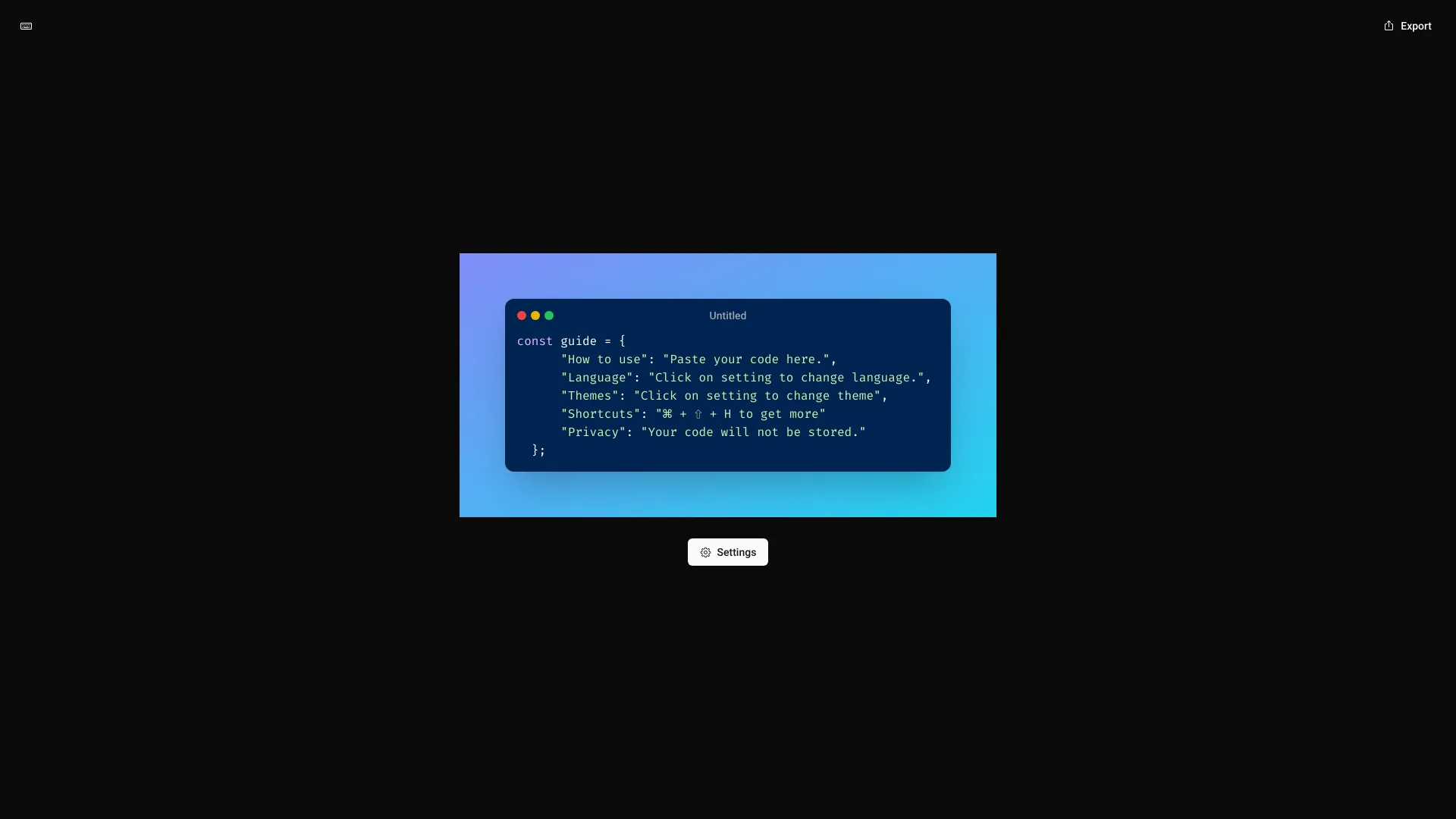
Code Screenshot은 개발자와 기술 애호가들이 고급 프라이버시 기능을 갖춘 프로페셔널, 고품질 코드 스크린샷을 만들기 위해 설계된 전문 애플리케이션입니다. 이 도구는 코드 스니펫의 시각화 과정을 간소화하여 문서화, 소셜 미디어 공유, 발표에 포함하는 데 이상적입니다. 직관적인 인터페이스와 고급 보안 조치를 결합하여 코드를 보호하면서 구조와 문법을 아름다게 보여줍니다.
How to use Code Screenshot?
Code Screenshot을 사용하는 것은 간단합니다. 먼저, 캡처하고 싶은 코드 스니펫을 복사합니다. 애플리케이션을 엽니다. 주요 편집기에 코드를 붙여넣습니다. 다양한 테마 중에서 선택하고, 문법 강조 색상을 조정하고, 주요 코드 섹션을 강조하는 주석이나注释를 추가하여 스크린샷을 맞춤화합니다. 미리보기 기능을 사용하여 실시간 변경을 확인합니다. 만족하면 PNG, JPEG, SVG 등 다양한 형식으로 스크린샷을 내보내세요. 또한 GitHub, Twitter 등의 플랫폼으로 직접 공유하거나 장치에 저장하여 나중에 사용할 수 있습니다.
Core features of Code Screenshot?
- Advanced Privacy Protection: Capture and sharing processes are end-to-end encrypted to ensure your code remains secure.
- Comprehensive Customization: Choose from dozens of syntax highlighting themes, adjust font sizes, and add custom annotations to emphasize important code sections.
- Seamless Integration: Works directly with popular code editors like VS Code, Sublime Text, and IntelliJ, allowing you to capture screenshots without leaving your workflow.
- Multi-format Export: Export screenshots in various resolutions and formats suitable for web, print, or mobile applications.
- Cloud Sync: Save your custom themes and settings across devices with automatic cloud synchronization.