
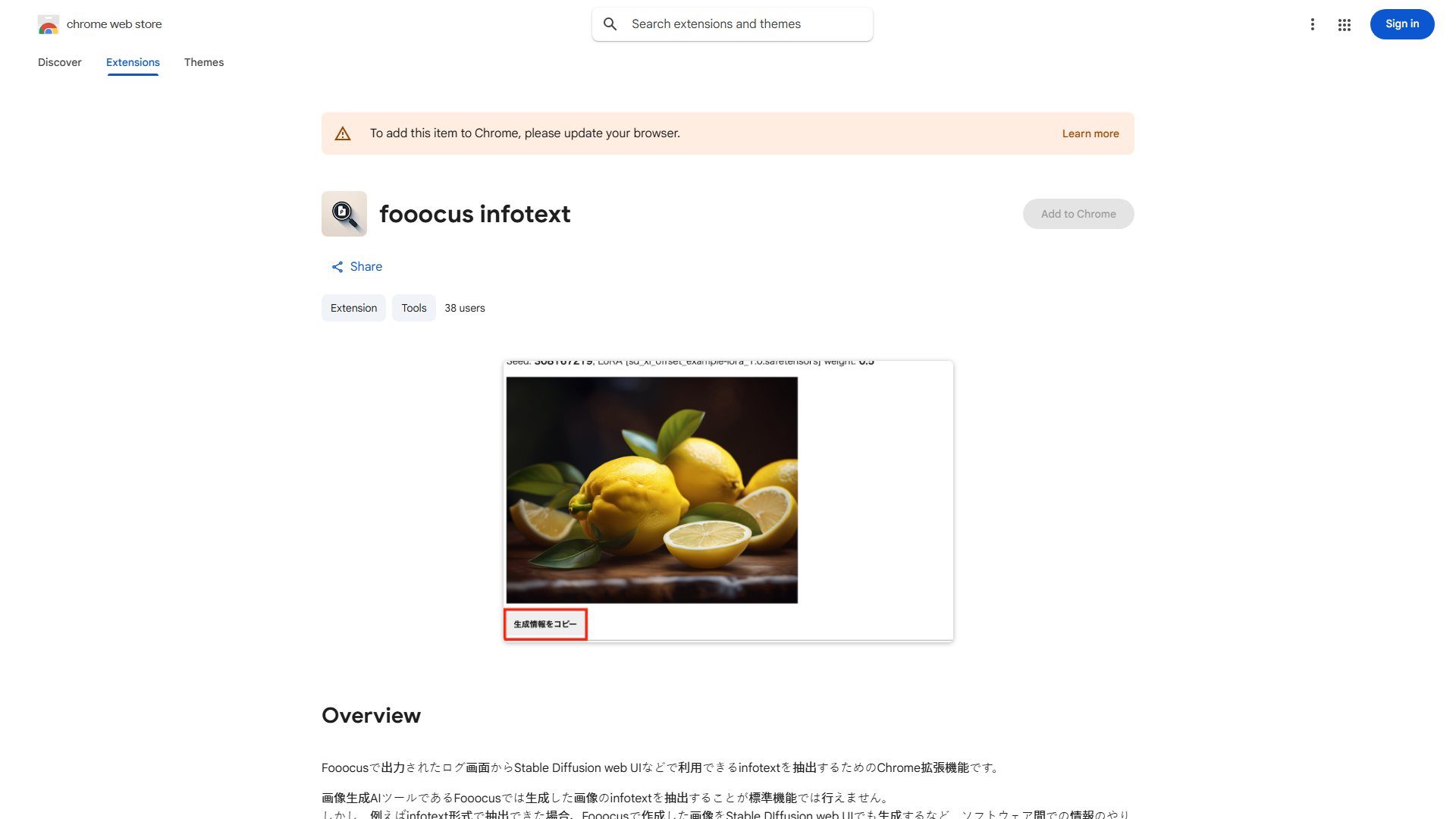
Fooocus Infotext Chrome 확장 프로그램이 무엇인가요?
A powerful Chrome extension designed to revolutionize online research by extracting text from images directly to your clipboard. It streamlines information gathering for students, professionals, and content creators.
Fooocus Infotext Chrome 확장 프로그램을 어떻게 사용하나요?
Install the extension in Chrome browser. Navigate to a webpage with an image containing text. Click on the image to activate the extension. Select the text you want to extract and copy it to your clipboard with a single click.
Fooocus Infotext Chrome 확장 프로그램의 핵심 기능은 무엇인가요?
- 이미지에서 한 번의 클릭으로 텍스트 추출
- 원활한 클립보드 통합
- 사용자 친화적인 인터페이스
- 시간 절약 연구 도구
- 대부분의 이미지 형식과 호환 가능