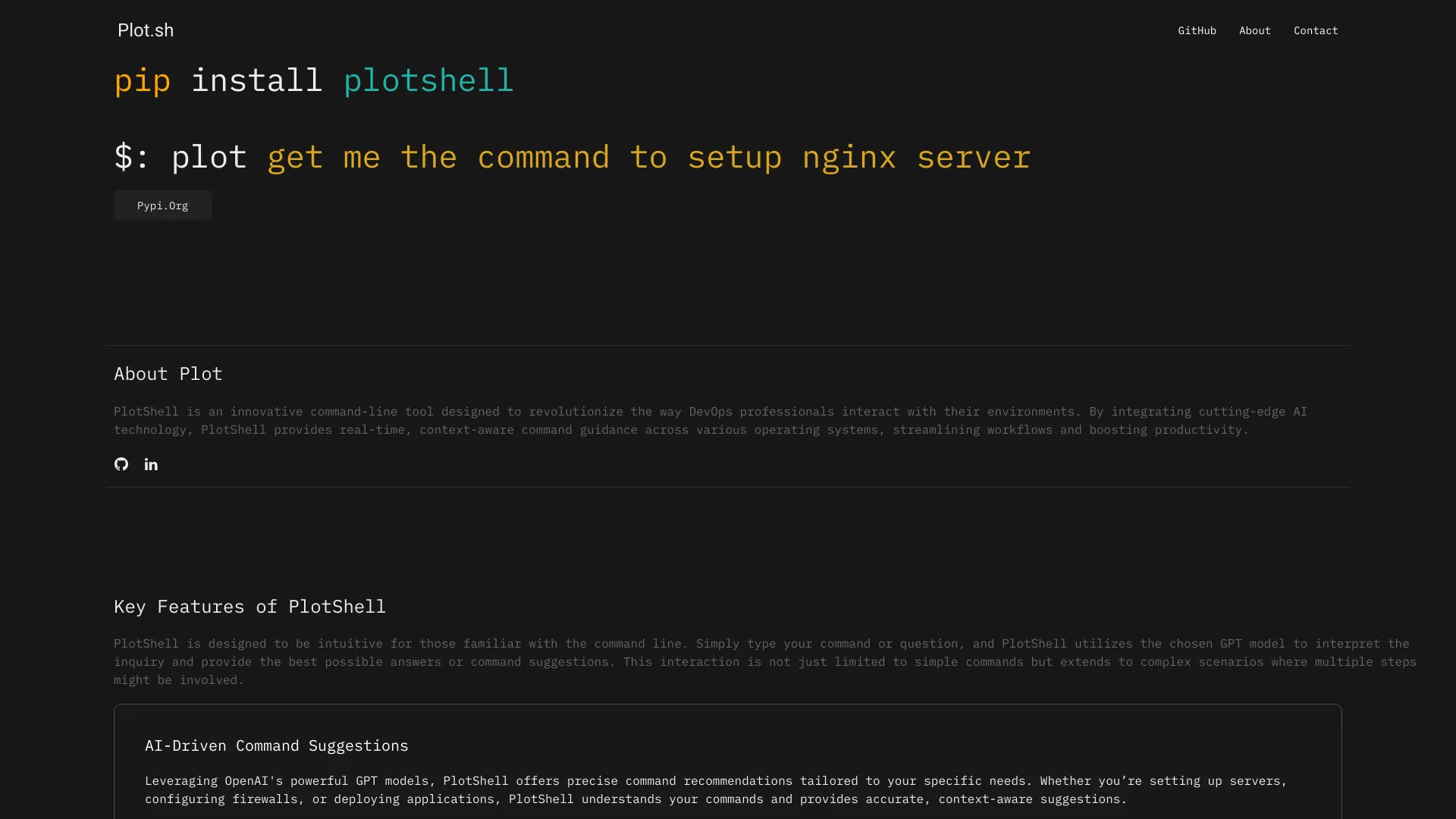
What is Plot.sh?
Plot.sh is an AI-powered command-line tool revolutionizing DevOps workflows. It automates complex tasks, enhances productivity, and provides real-time insights for developers and sysadmins.
How to use Plot.sh?
Install Plot.sh on your system. Access its intuitive CLI to execute DevOps tasks including deployments, server management, and monitoring. The tool adapts to your needs with minimal learning curve.
Core features of Plot.sh?
- AI-Driven Automation: Automates repetitive tasks to save time and reduce errors.
- Streamlined Task Execution: Efficient CLI for quick DevOps operations.
- Comprehensive Monitoring: Real-time infrastructure monitoring to identify and address issues proactively.
- Versatile Use Cases: Handles CI/CD pipelines, server management, and troubleshooting.
Plot.sh는 무엇인가요?
Plot.sh는 DevOps 작업 흐름을 혁신하는 AI를 활용한 명령행 도구입니다. 복잡한 작업을 자동화하고 생산성을 높이며 개발자와 시스템 관리자에게 실시간 통찰을 제공합니다.
Plot.sh를 사용하는 방법?
Plot.sh를 시스템에 설치하세요. 직관적인 CLI에 접속하여 배포, 서버 관리, 모니터링 등 DevOps 작업을 실행합니다. 도구는 최소한의 학습-curve로 필요한 기능에 적응합니다.
Plot.sh의 주요 기능?
- AI 주도 자동화: 반복적인 작업을 자동화하여 시간을 절약하고 오류를 줄입니다.
- 작업 실행 간소화: 효율적인 CLI로 빠른 DevOps 운영.
- 전문적인 모니터링: 실시간 인프라 모니터링을 통해 문제를 적극적으로 식별하고 해결합니다.
- 다재다능한 사용 사례: CI/CD 파이프라인, 서버 관리, 문제 해결을 처리합니다.