What is Shotva?
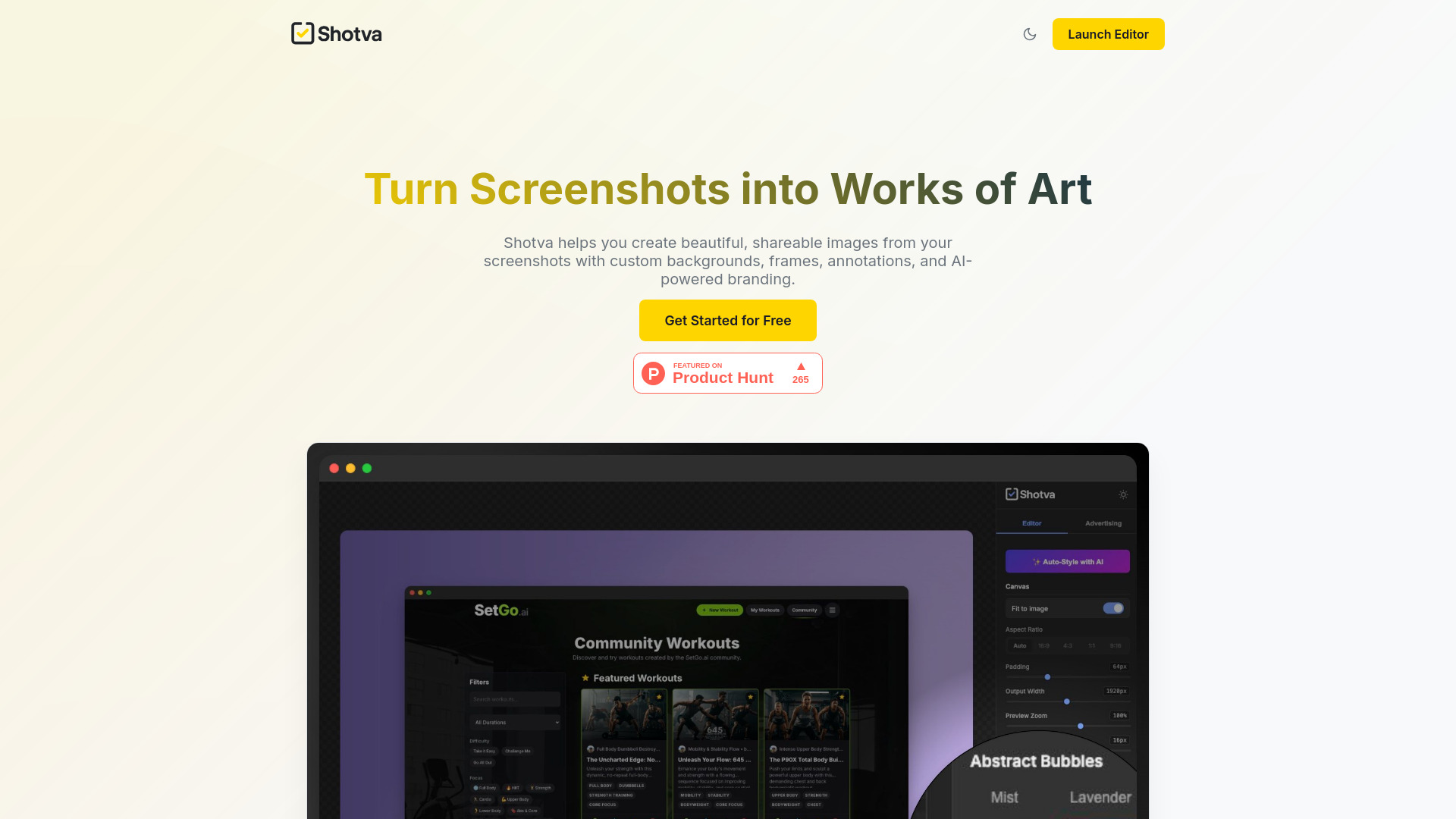
Shotva는 AI를 활용하여 캡처 화면을 고품질로 변환하는 도구입니다. 전문가, 콘텐츠 제작자, 소셜 미디어 인플루언서를 위해 즉시 이미지를 강화할 수 있는 원활한 솔루션을 제공합니다. 직관적인 인터페이스와 고급 AI 알고리즘을 통해 Shotva는 몇 초 만에 기본 캡처 화면을 시각적으로 매력적인 그래픽으로 변환할 수 있습니다. 매력적인 소셜 미디어 게시물, 정보적인 프레젠테이션, 매력적인 마케팅 자료를 만들기에 적합합니다.
How to use Shotva?
The process is simple and efficient. First, upload your screenshot through the app's interface. Shotva's AI automatically analyzes and enhances the image with features like cropping, color correction, and quality improvements. The tool provides real-time previews so you can adjust settings before finalizing. Once satisfied, download your enhanced image in various formats suitable for different platforms. The entire workflow takes mere seconds, making it accessible for users of all skill levels.
Core features of Shotva?
- AI-Driven Enhancements: Utilizes cutting-edge artificial intelligence to automatically improve screenshot quality, enhancing clarity and visual appeal.
- Smart Cropping: Automatically detects and crops images to optimal dimensions for different platforms like Instagram, Twitter, or LinkedIn.
- Color Correction & Enhancement: Advanced algorithms adjust colors, contrast, and brightness to create visually striking images.
- Batch Processing: Enhance multiple screenshots simultaneously, saving valuable time for content creators.
- One-Click Sharing: Directly share enhanced images to social media platforms or save them to cloud storage with a single tap.