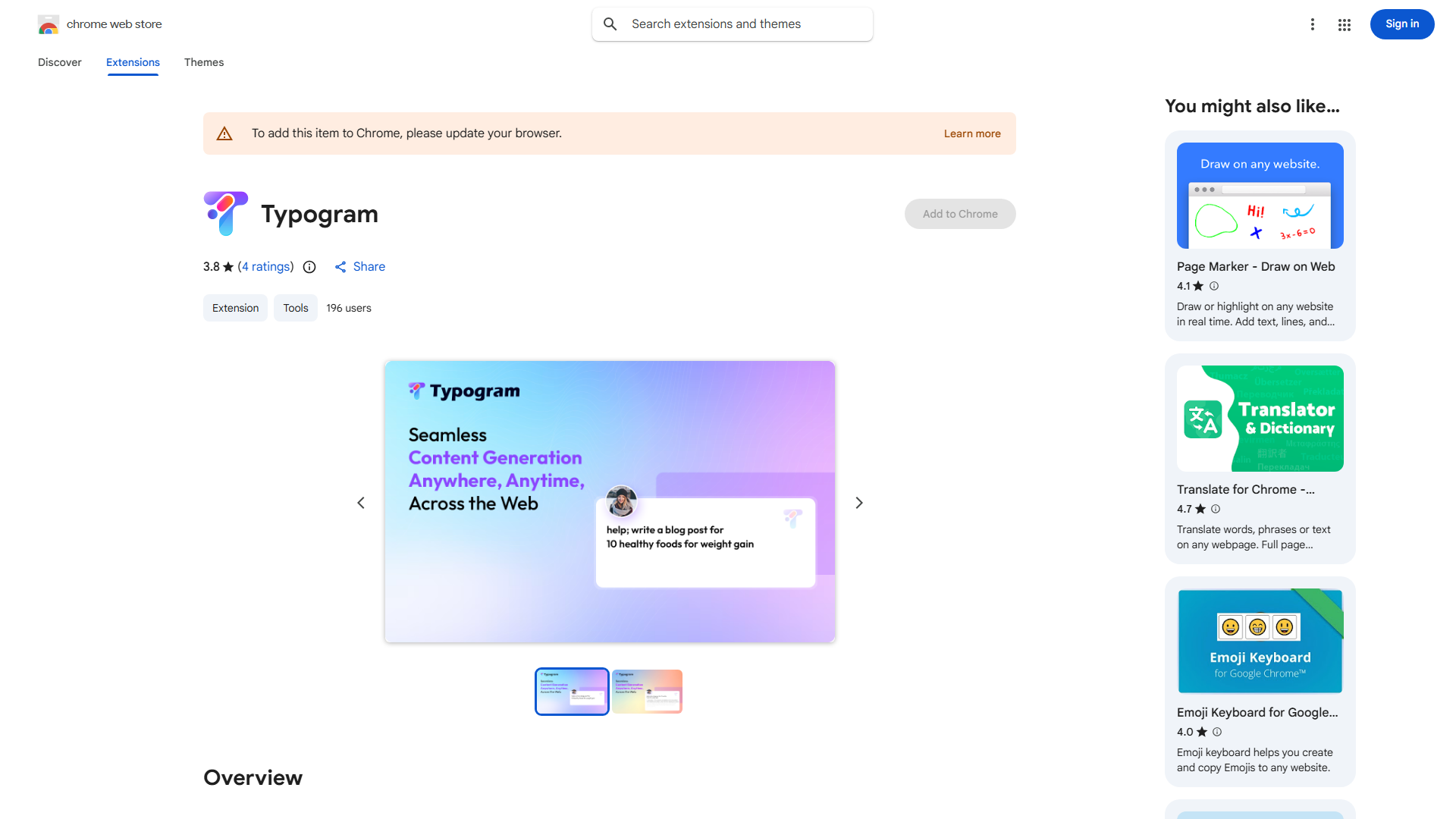
What is Typogram?
Typogram is a browser extension that automates typing across websites, saving time and reducing errors. It detects text fields and populates them with predefined content, perfect for developers, marketers, and anyone who repeats typing.
How to use Typogram?
Install from your browser's extension store, click the toolbar icon to access the dashboard. Create templates, visit websites with text fields, activate Typogram, and select templates to populate fields automatically. Customize typing speed and use keyboard shortcuts.
Core features of Typogram?
Intelligent field detection identifies text input areas. Customizable typing speed from instant to natural simulation. Template management supports multiple entries. Conditional logic for different website inputs. Stealth mode for natural typing appearance.
타이포그램이 무엇인가요?
Typogram은 웹사이트에서 타이핑을 자동화하여 시간을 절약하고 오류를 줄이는 브라우저 확장 프로그램입니다. 텍스트 필드를 감지하고 사전 정의된 내용으로 채웁니다. 개발자, 마케터, 자주 타이핑하는 사람들에게 적합합니다.
타이포그램을 어떻게 사용하나요?
브라우저의 확장 프로그램 저장소에서 설치하고 도구 표시줄 아이콘을 클릭하여 대시보드에 접근하세요. 템플릿을 만들고 텍스트 필드가 있는 웹사이트에 방문하여 타이포그램을 활성화하고 템플릿을 선택하여 필드를 자동으로 채웁니다. 타이핑 속도를 사용자 정의하고 키보드 단축키를 사용하세요.
타이포그램의 주요 기능?
지능형 필드 감지가 텍스트 입력 영역을 식별합니다. 즉시부터 자연스러운 시뮬레이션까지 사용자 정의 가능한 타이핑 속도. 여러 입력을 지원하는 템플릿 관리. 다른 웹사이트 입력을 위한 조건부 논리. 자연스러운 타이핑 모습을 위한 스틸스 모드.