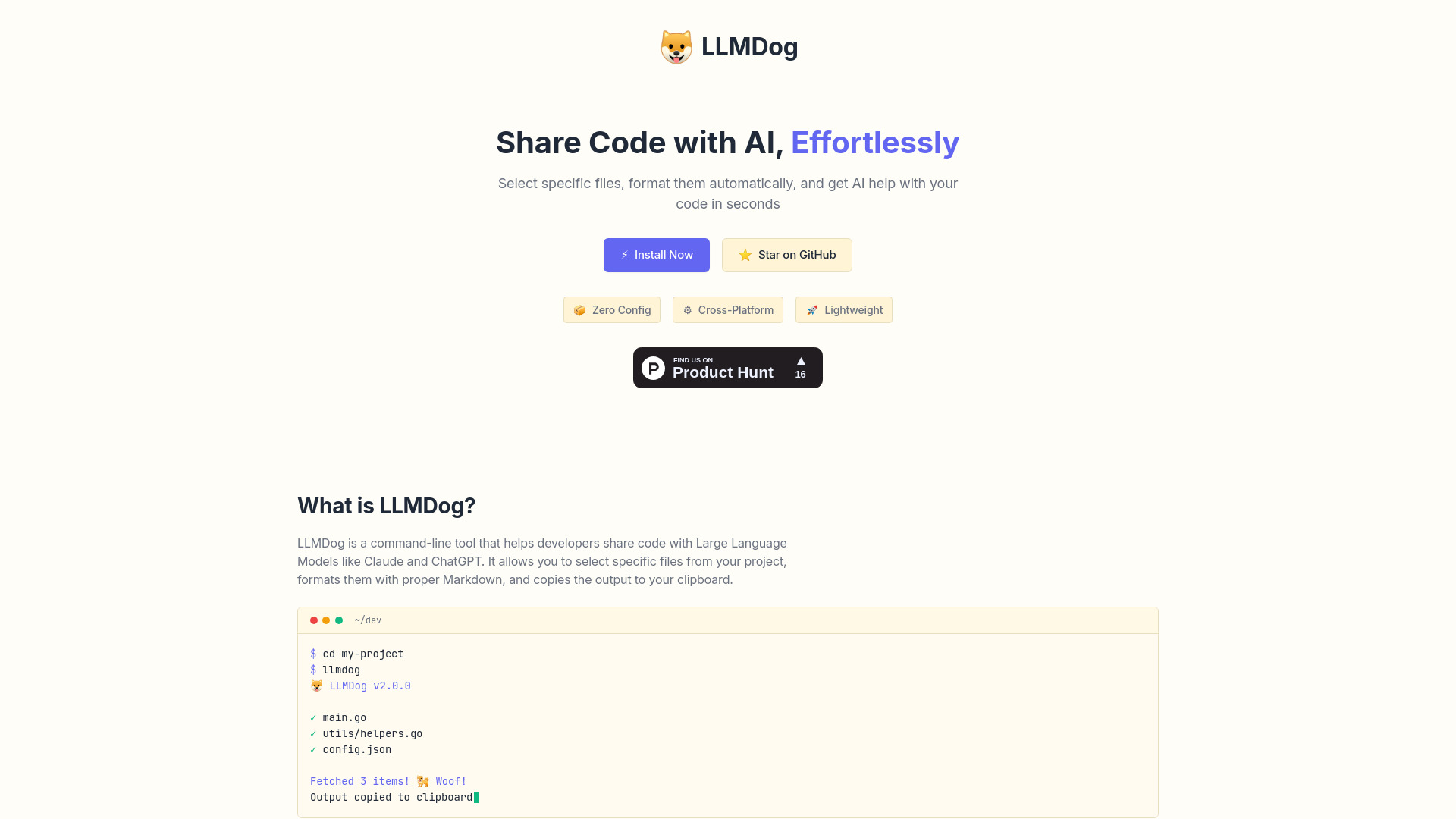
What is LLMDog?
LLMDog is a powerful command-line tool designed for developers and researchers to seamlessly share code with AI models such as ChatGPT and Claude. This innovative tool simplifies the process of integrating code snippets into AI applications, allowing for more efficient collaboration and enhanced AI capabilities.
How to use LLMDog?
Using LLMDog is straightforward. First, install the tool on your system. Next, connect to your preferred AI model like ChatGPT or Claude. Then, upload your code snippet for analysis. Finally, review the AI model's feedback and iterate on your code as needed.
Core features of LLMDog?
LLMDog offers several key features that make it a valuable asset for anyone working with AI and code:
- Efficient code sharing for instant AI feedback
- Intuitive command-line interface for seamless integration
- Cross-platform compatibility for various operating systems
- Support for multiple AI models including ChatGPT and Claude
- Secure code handling with privacy-focused architecture