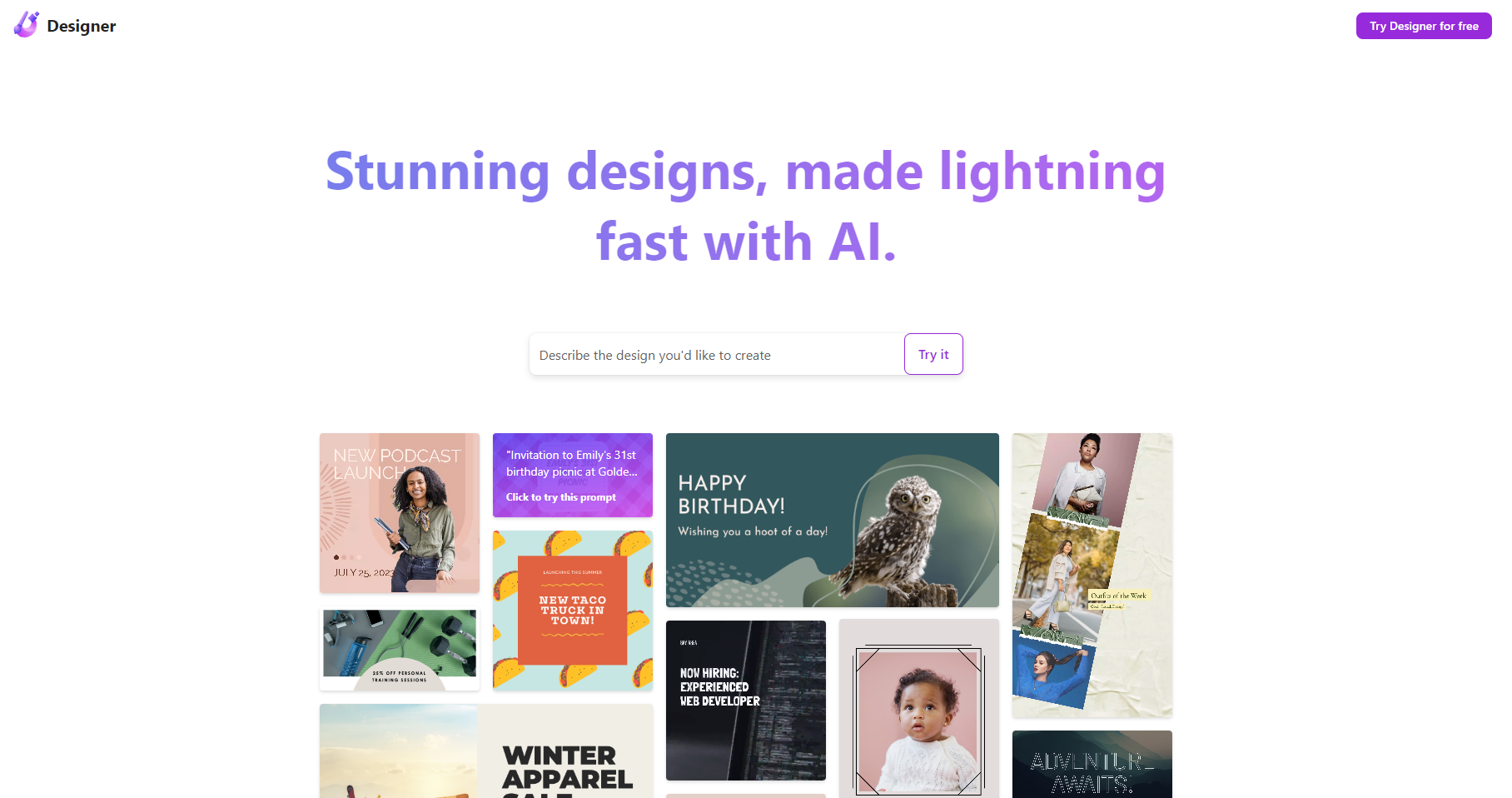
Welcome to the world of effortless and professional graphic design with Microsoft Designer. This innovative AI-powered app is your ultimate tool for crafting eye-catching social media posts, invitations, and more. In this introduction, we'll explore what Microsoft Designer is, how you can use it to create stunning visuals, and delve into its core features that make it a game-changer in the graphic design landscape.
What is Microsoft Designer?
Microsoft Designer is an AI-powered graphic design app designed to simplify the process of creating visually appealing content. It's a powerful tool that caters to a wide range of users, from small business owners and social media influencers to event planners and graphic design novices. With Microsoft Designer, you can transform your ideas into professional-looking graphics with ease, leveraging the power of AI-driven customization and a vast library of templates.
How to use Microsoft Designer?
Using Microsoft Designer is straightforward. Start by selecting a template that aligns with your design needs. Whether you're creating a social media post, an event invitation, or a presentation, there's a template for every occasion. Once you've chosen a template, customize it with your text, images, and colors. The AI-driven features allow you to easily adjust elements like fonts, layouts, and color schemes to match your brand or personal style. With Microsoft Designer, the design process is intuitive and efficient, ensuring that your content stands out.
Core features of Microsoft Designer
Microsoft Designer boasts several key features that set it apart from other design tools:
- AI-Driven Customization: Leverage AI to automatically adjust fonts, layouts, and color schemes for a cohesive and professional look.
- Extensive Template Library: Choose from a wide range of templates for social media, invitations, presentations, and more.
- Integration with Microsoft 365: Seamlessly integrate with other Microsoft 365 tools like Word, PowerPoint, and Excel for a unified workflow.
- User-Friendly Interface: Enjoy an intuitive design process with easy-to-use tools and a drag-and-drop interface.
- High-Quality Output: Generate high-resolution graphics that are perfect for any medium, from digital to print.
Are you ready to elevate your content creation game? Try Microsoft Designer today and experience the power of AI-driven design at your fingertips. With its comprehensive features and user-friendly approach, Microsoft Designer is the perfect tool for anyone looking to create stunning visuals with ease.















