
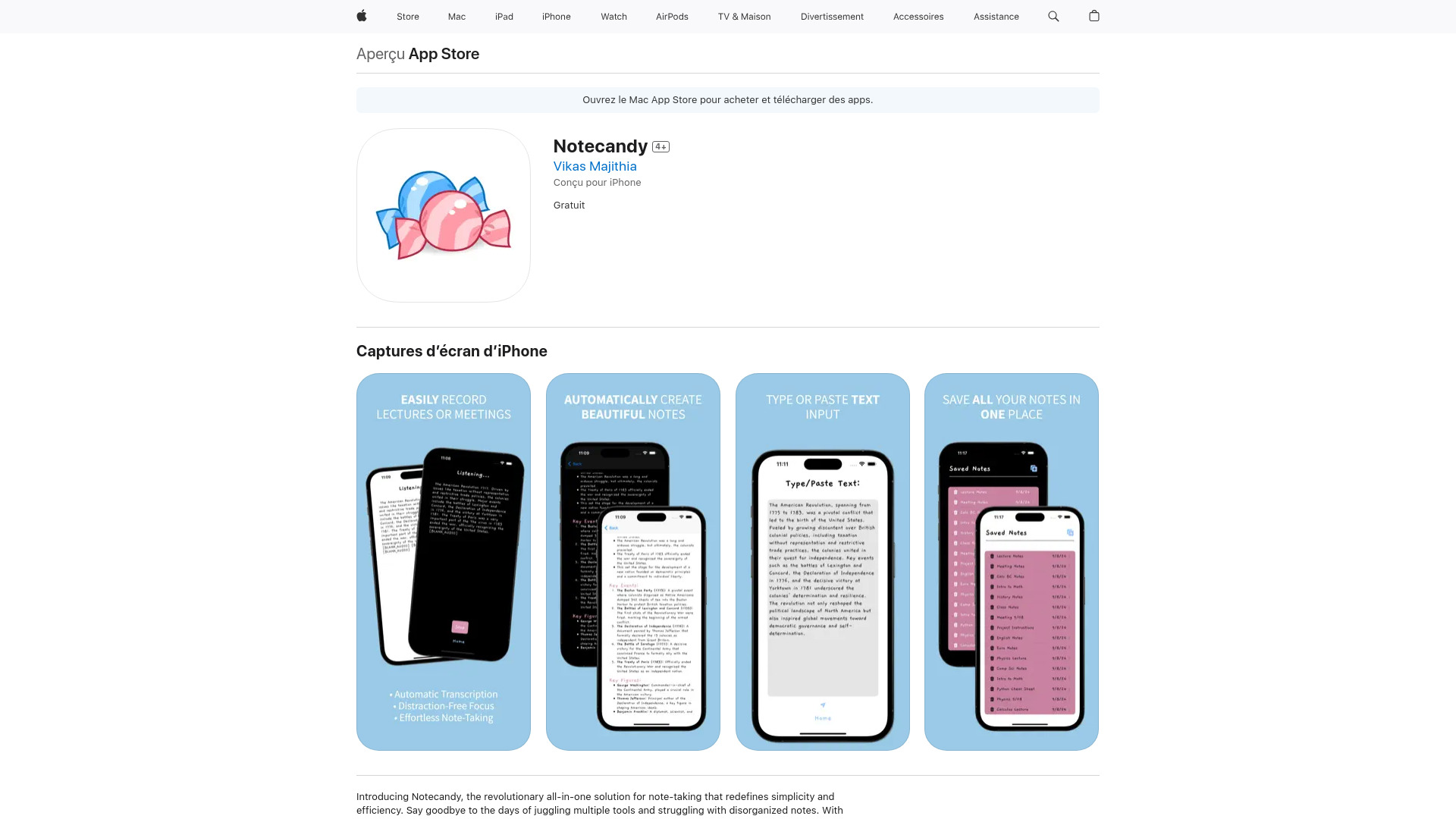
What is Notecandy?
Notecandy is a versatile note-taking application designed to streamline the process of capturing, organizing, and accessing information. It serves as a comprehensive solution for individuals seeking to simplify their information management processes, catering to students, professionals, and hobbyists alike. The app empowers users to jot down ideas, create to-do lists, and manage their digital life with ease, transforming raw data into actionable insights for enhanced productivity.
How to use Notecandy?
Using Notecandy is straightforward. Download the app and create your first note by tapping the "+" button. Organize content using intuitive folders and tags. For lists, select the checklist template and add items with due dates. To find specific information, use the search bar at the top. Enable synchronization in settings to access your notes across all devices. Customize templates by long-pressing and selecting "Edit Template" for personalized note formats.
Core features of Notecandy?
Notecandy offers several powerful features: Seamless cross-device synchronization ensures your notes are always up-to-date across smartphones, tablets, and computers. Customizable templates include meeting minutes, project plans, and research notes with pre-formatted sections. Advanced search functionality locates content using keywords, tags, or even text within images. Rich text editing supports formatting, images, and embedded files. Voice-to-text conversion allows hands-free note creation during meetings or while driving.