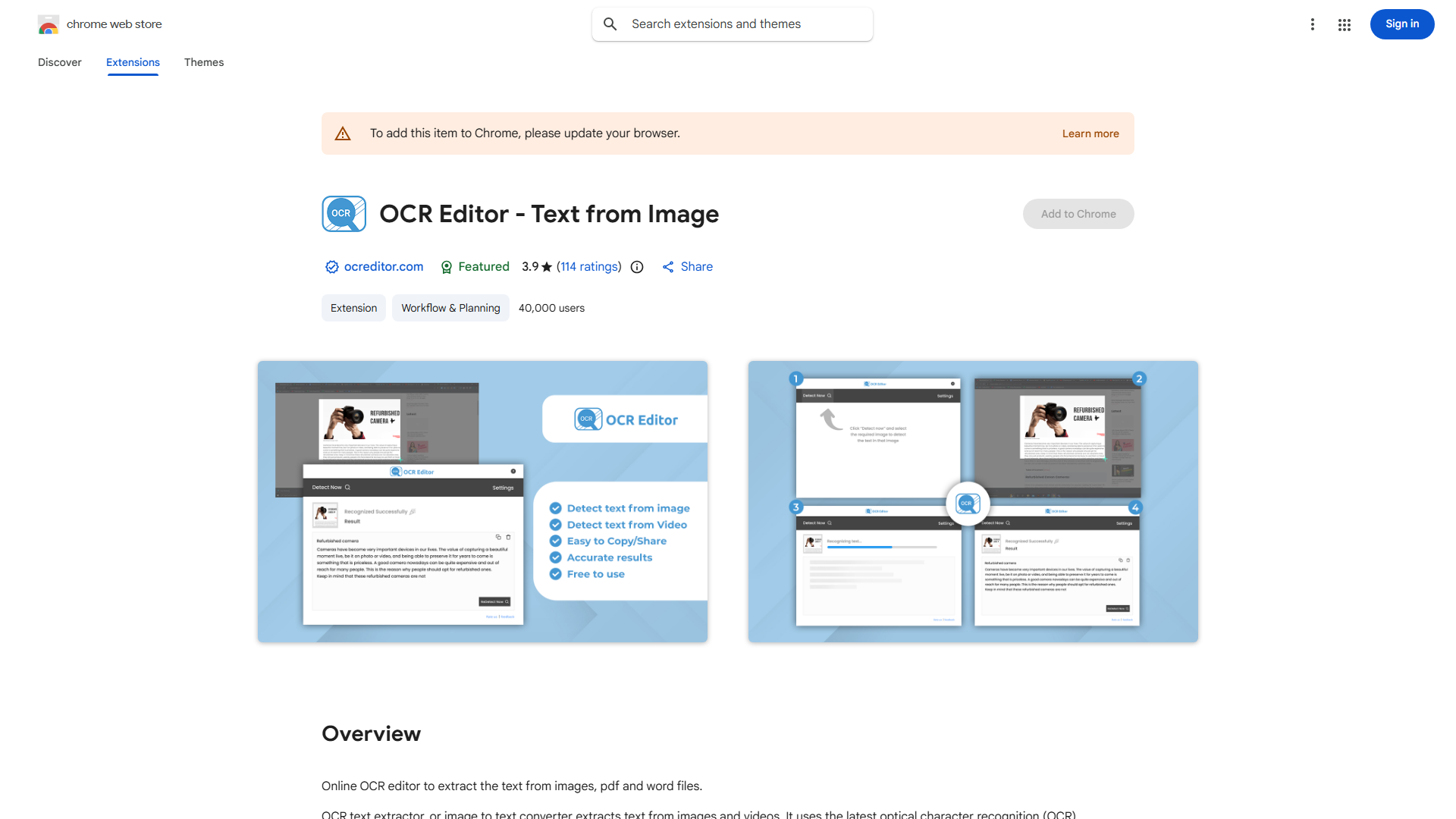
Welcome to OCR Text Extractor, your ultimate solution for converting visual content into editable text with precision and ease. What is OCR Text Extractor? It's an innovative tool that harnesses the power of OCR technology to extract text from images, scanned documents, and screenshots. Its primary purpose is to bridge the gap between the visual and textual worlds, providing users with a seamless and efficient way to convert images into readable and editable text.
How to use OCR Text Extractor? The process is straightforward. Simply upload your image, and OCR Text Extractor does the rest. The tool automatically detects and extracts text, preserving the original formatting for a seamless experience. This workflow is perfect for professionals who need to process large volumes of documents quickly or for individuals who want to convert their personal photos or scanned documents into digital text.
Core features of OCR Text Extractor include:
- Multi-Format Support: Extract text from various image formats, including JPEG, PNG, and TIFF.
- Accurate Text Recognition: Achieve high accuracy in text recognition, ensuring minimal errors in the extracted text.
- Format Retention: Maintain the original formatting of the text, making it easy to copy and paste into other applications.
- User-Friendly Interface: Enjoy a simple and intuitive interface that makes text extraction a breeze.
- Batch Processing: Process multiple images at once to save time and increase productivity.
Ready to transform your visual content into valuable text? Try OCR Text Extractor today and experience the power of efficient text conversion. Whether you're a busy professional or a casual user, this tool is designed to enhance your workflow and empower you to work with text like never before.














